幻模工坊-一键转二次元手办正式版
幻模工坊-一键转二次元手办正式版 322
322 16
16 69
69
322 16 69V2.0
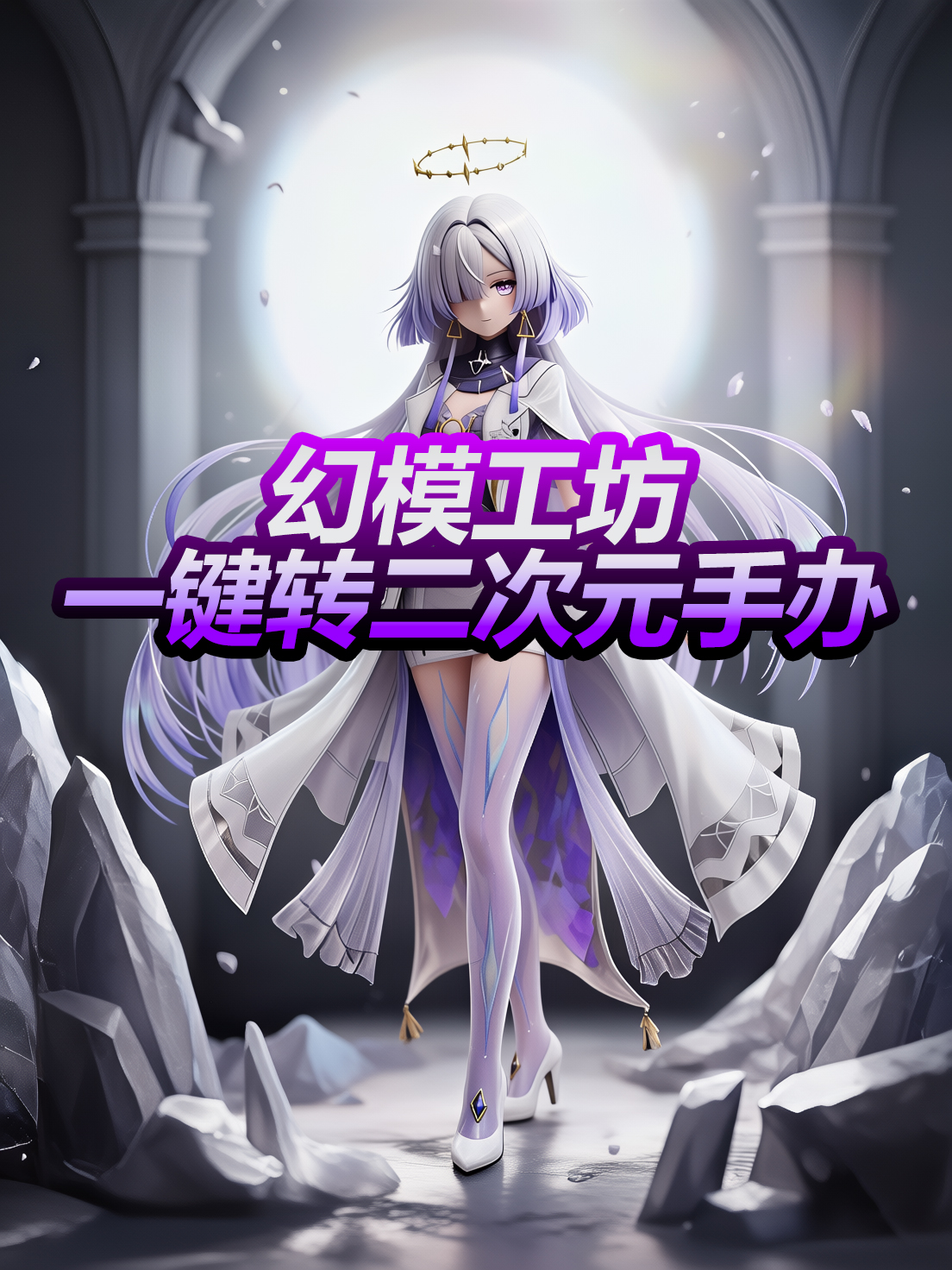
一键转二次元手办风格,此为正式版本!
关注B站:AIGC特异点
ComfyUI问题解答及Lora修改建议,都可以直接交流反馈,Q群:821194069
Youtube:https://www.youtube.com/@AIGC-Singularity
一、优化内容
1.优化的转换的质感,提升了【肤质的光泽】和【风格的稳定性】
2.增加了可编辑选项,不至于转风格,还可以将角色改为【全身照】
二、使用方法
1.将Lora加载到Qwen image Edit 2509工作流中,权重设置为1
2.提示词为transform into 3d figure style
3.让角色改为全身照请在提示词后增加【全身照】提示词
4.替换背景请在提示词后添加,替换背景为XXXXX。
Model Information
Active
Model Type:
LoRA
Basic Model:
Qwen-Edit-2509
Trigger Words:
transform into 3d figure style
'%3e%3cg%3e%3cpath d='M6.9375%2c1.875L14.8125%2c1.875C15.5374%2c1.875000858307%2c16.125%2c2.462627%2c16.125%2c3.1875L16.125%2c11.0625C16.125%2c11.78737%2c15.5374%2c12.375%2c14.8125%2c12.375L6.9375%2c12.375C6.21263%2c12.375%2c5.625%2c11.78737%2c5.625%2c11.0625L5.625%2c3.1875C5.625%2c2.462626%2c6.21263%2c1.875000343323%2c6.9375%2c1.875ZM6.9375%2c3C6.83395%2c3%2c6.75%2c3.0839499999999997%2c6.75%2c3.1875L6.75%2c11.0625C6.75%2c11.16605%2c6.83395%2c11.25%2c6.9375%2c11.25L14.8125%2c11.25C14.9161%2c11.25%2c15%2c11.16605%2c15%2c11.0625L15%2c3.1875C15%2c3.0839499999999997%2c14.9161%2c3%2c14.8125%2c3L6.9375%2c3ZM11.25%2c13.5C11.25%2c13.1893%2c11.50184%2c12.9375%2c11.8125%2c12.9375C12.1232%2c12.9375%2c12.375%2c13.1893%2c12.375%2c13.5L12.375%2c14.8125C12.375%2c15.5374%2c11.78737%2c16.125%2c11.0625%2c16.125L3.1875%2c16.125C2.462626%2c16.125%2c1.875000171661%2c15.5374%2c1.875%2c14.8125L1.875%2c6.9375C1.875%2c6.21263%2c2.462626%2c5.625%2c3.1875%2c5.625L4.5%2c5.625C4.81066%2c5.625%2c5.0625%2c5.87684%2c5.0625%2c6.1875C5.0625%2c6.49816%2c4.81066%2c6.75%2c4.5%2c6.75L3.1875%2c6.75C3.0839499999999997%2c6.75%2c3%2c6.83395%2c3%2c6.9375L3%2c14.8125C3%2c14.9161%2c3.0839499999999997%2c15%2c3.1875%2c15L11.0625%2c15C11.16605%2c15%2c11.25%2c14.9161%2c11.25%2c14.8125L11.25%2c13.5Z' fill='%239DA2A8' fill-opacity='1' style='mix-blend-mode:passthrough'/%3e%3c/g%3e%3c/g%3e%3c/svg%3e)
Resource Name:
models/loras/幻模工坊_一键转二次元手办V2.safetensors
MD5:
b5b8ef595a4c7ab79138412adec77c35
一键转二次元手办风格,此为正式版本!
关注B站:AIGC特异点
ComfyUI问题解答及Lora修改建议,都可以直接交流反馈,Q群:821194069
Youtube:https://www.youtube.com/@AIGC-Singularity
一、优化内容
1.优化的转换的质感,提升了【肤质的光泽】和【风格的稳定性】
2.增加了可编辑选项,不至于转风格,还可以将角色改为【全身照】
二、使用方法
1.将Lora加载到Qwen image Edit 2509工作流中,权重设置为1
2.提示词为transform into 3d figure style
3.让角色改为全身照请在提示词后增加【全身照】提示词
4.替换背景请在提示词后添加,替换背景为XXXXX。