


Z-image Turbo_Photorealistic Highlight Enhancement
Model Information
Z-image Turbo LoRA_Photorealism Highlight Enhancement
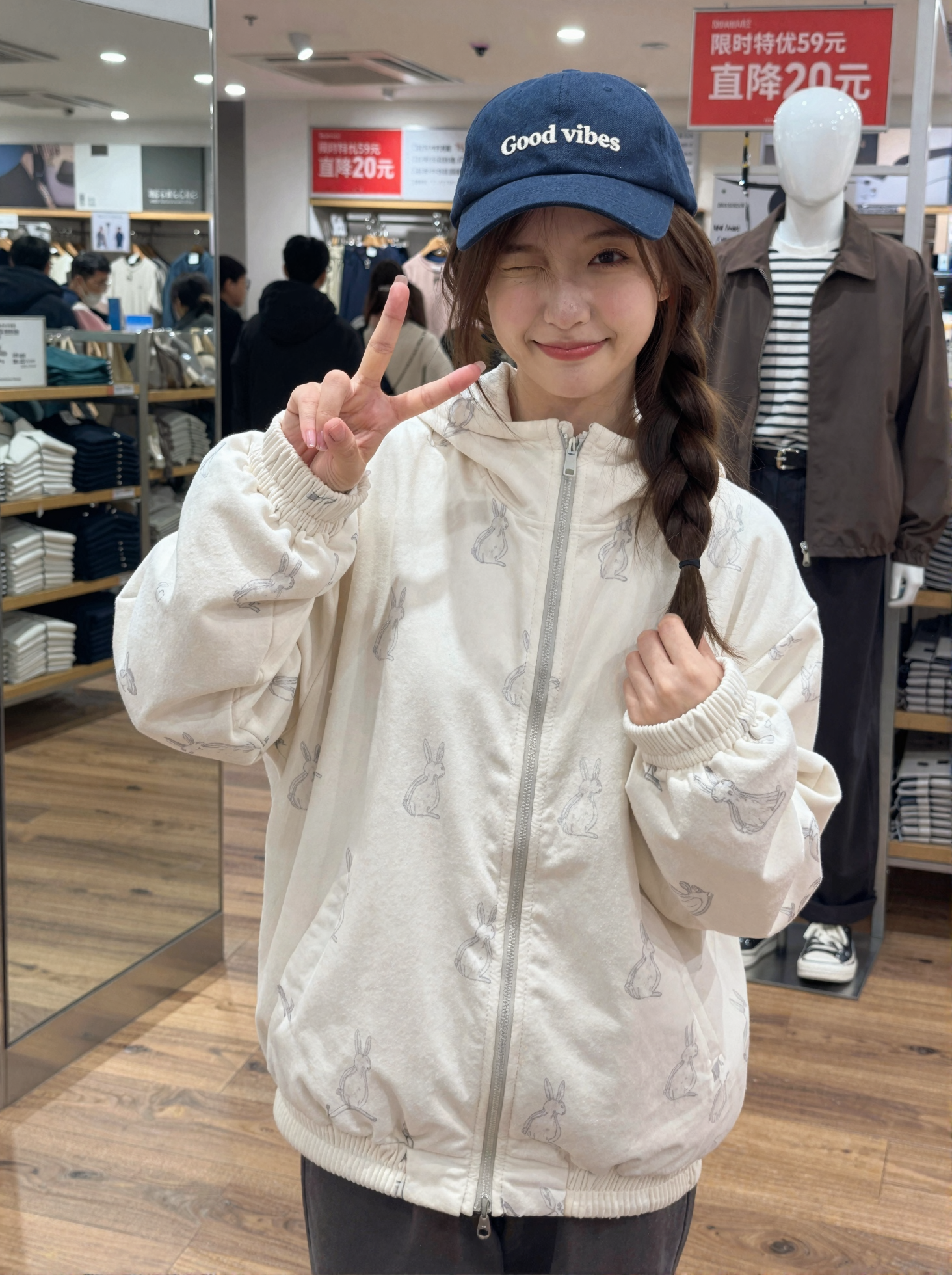
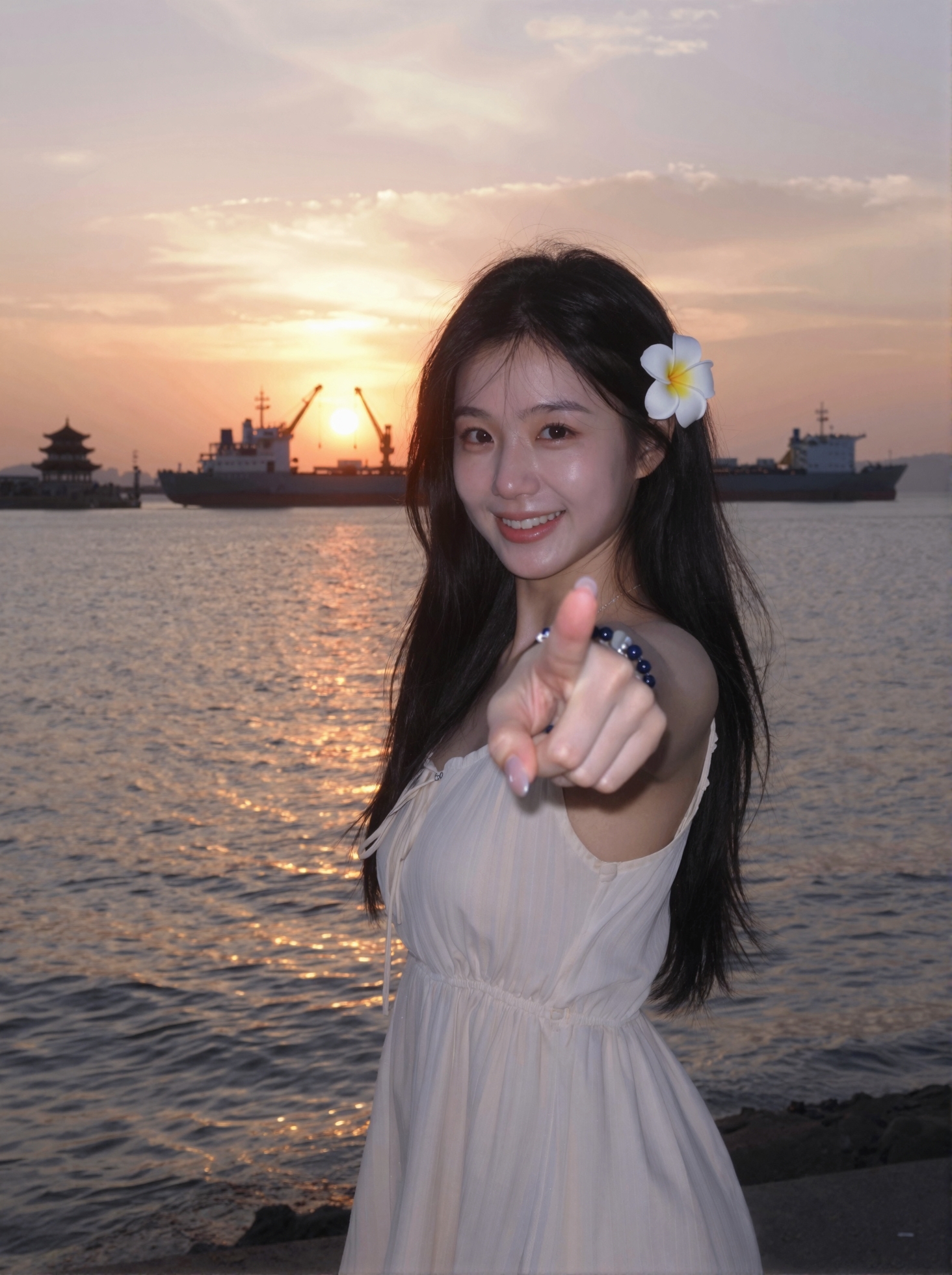
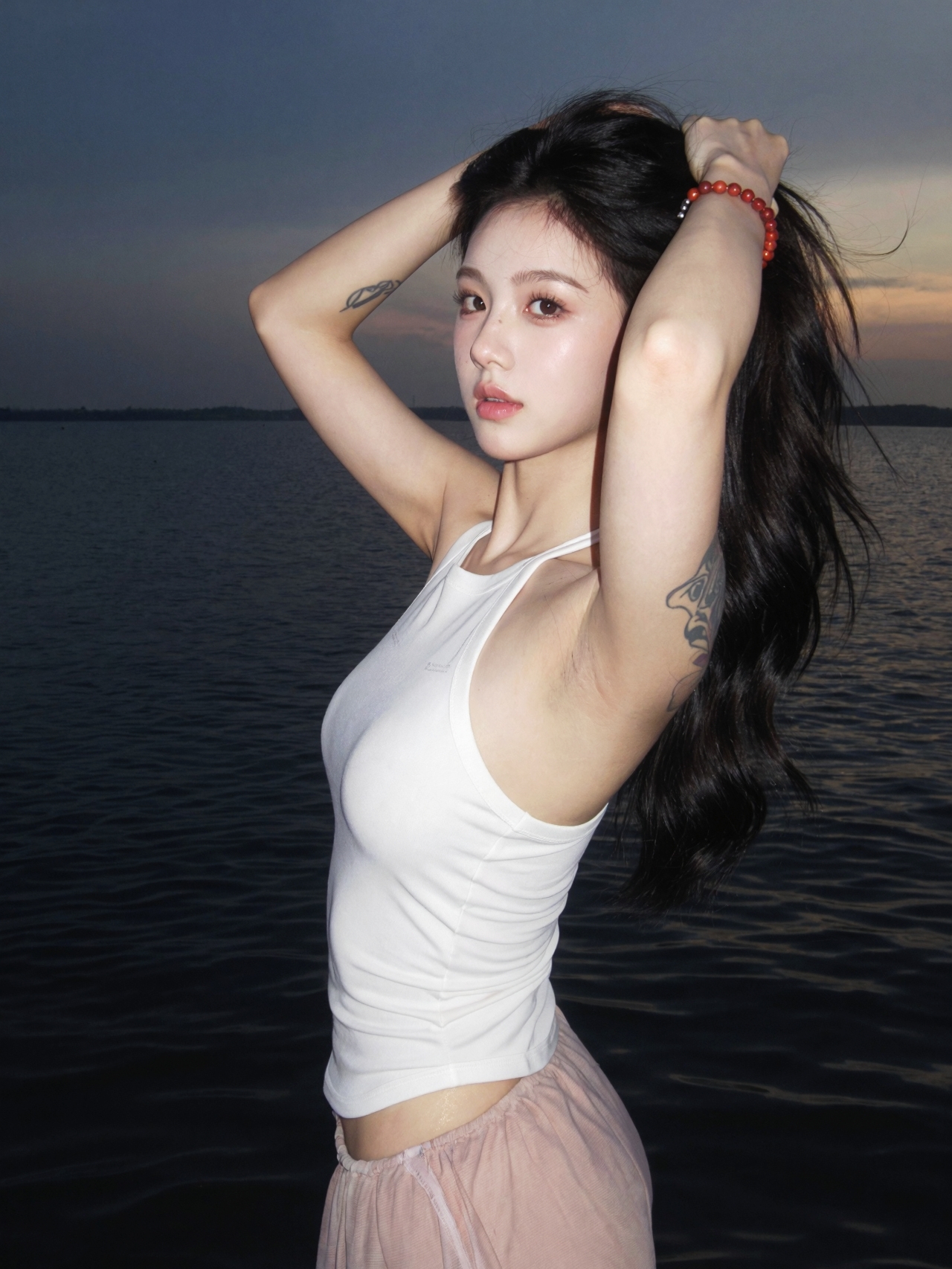
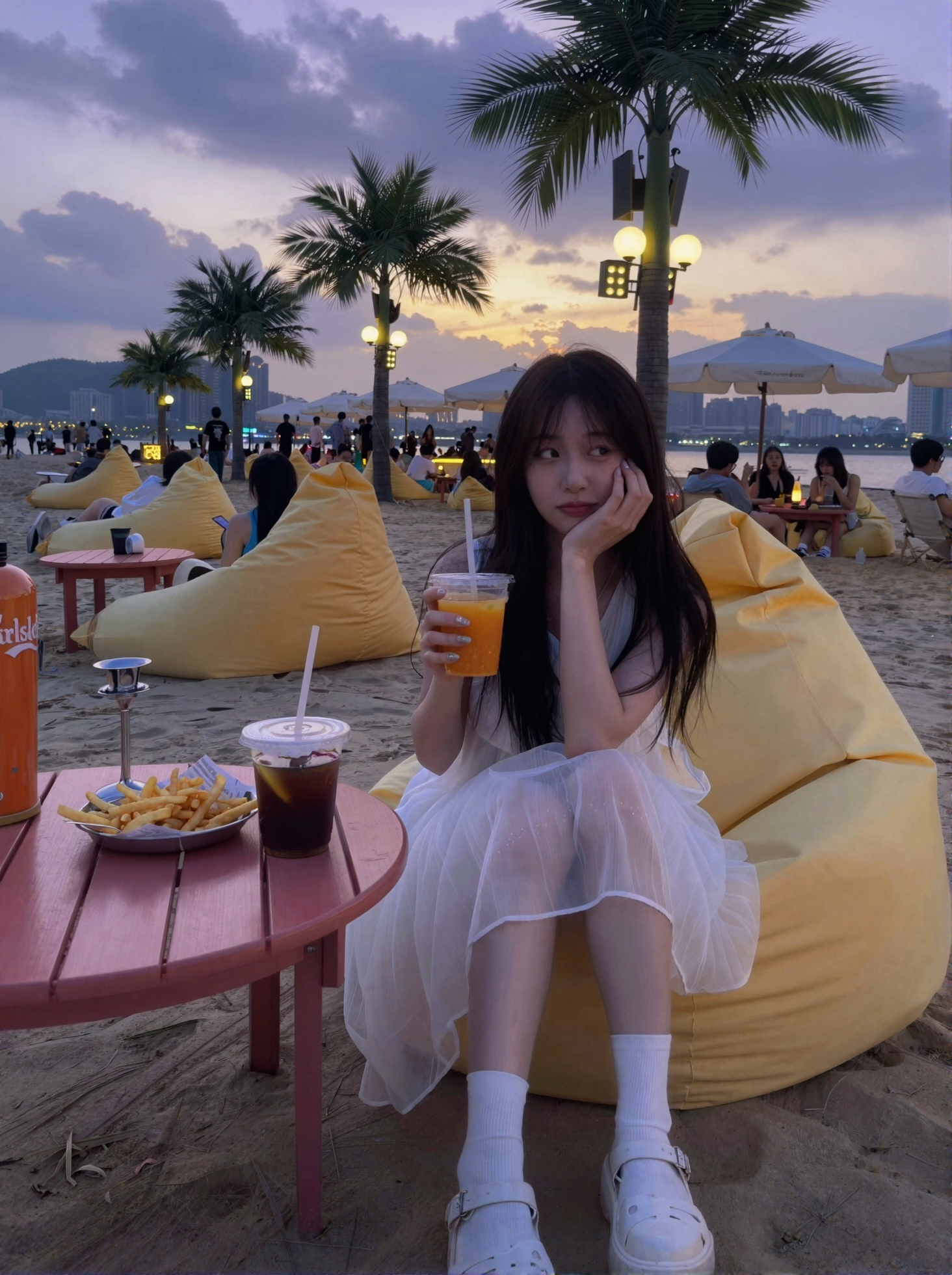
Enhances realistic lighting and shadows, especially highlight effects. It is recommended to use it with the homepage workflow to achieve all-around image generation for realistic categories (in most scenarios). The dedicated workflow has been uploaded to the homepage;
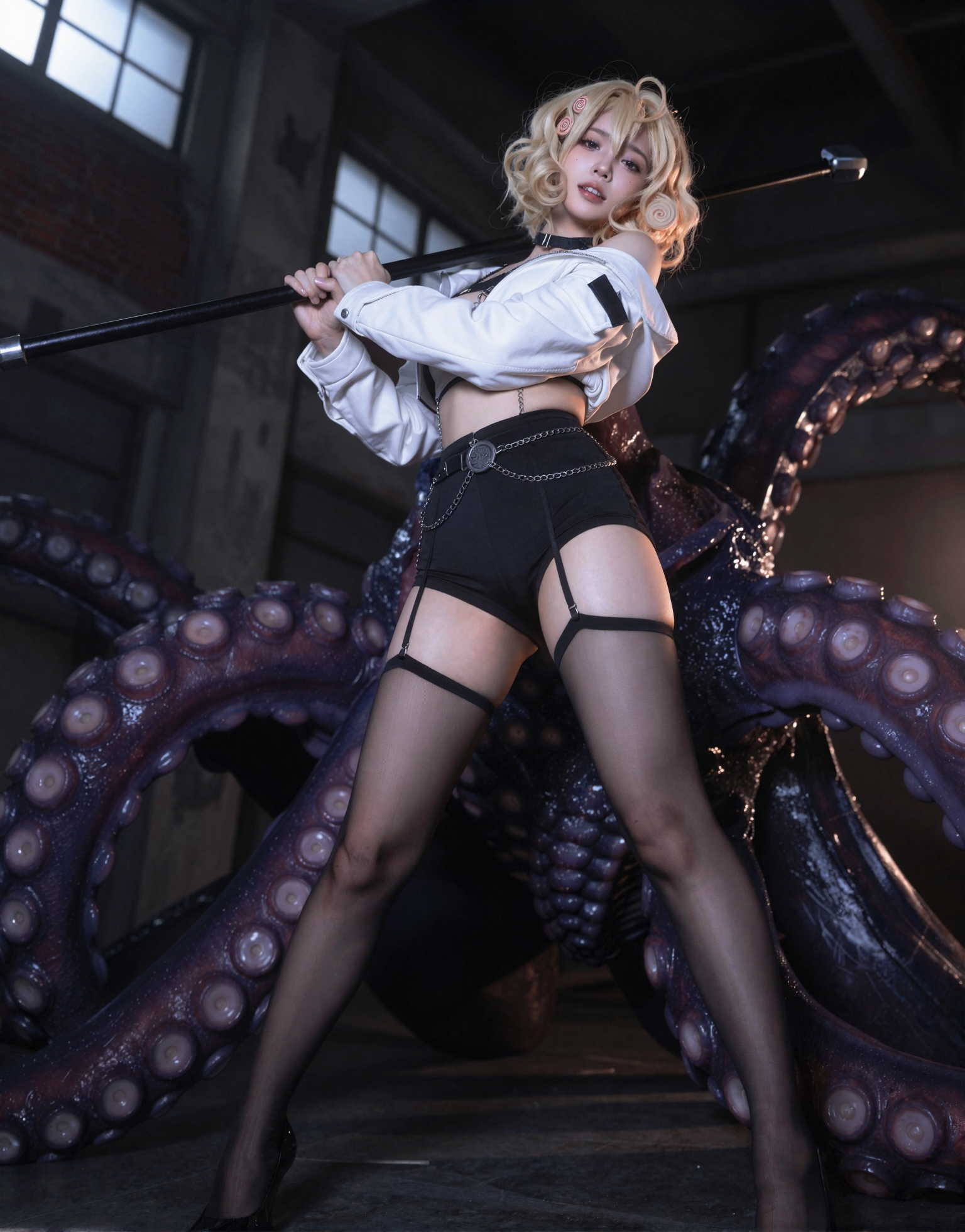
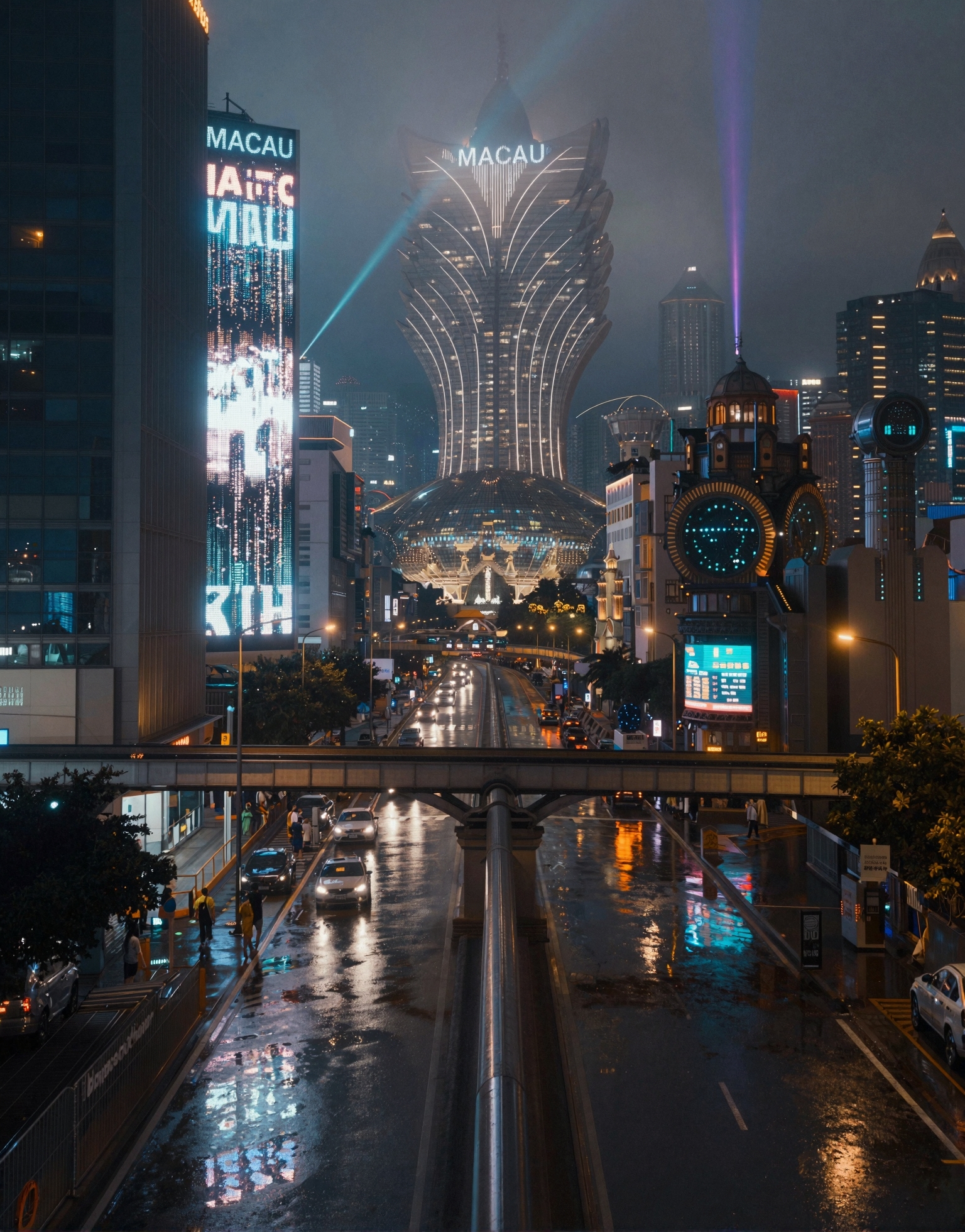
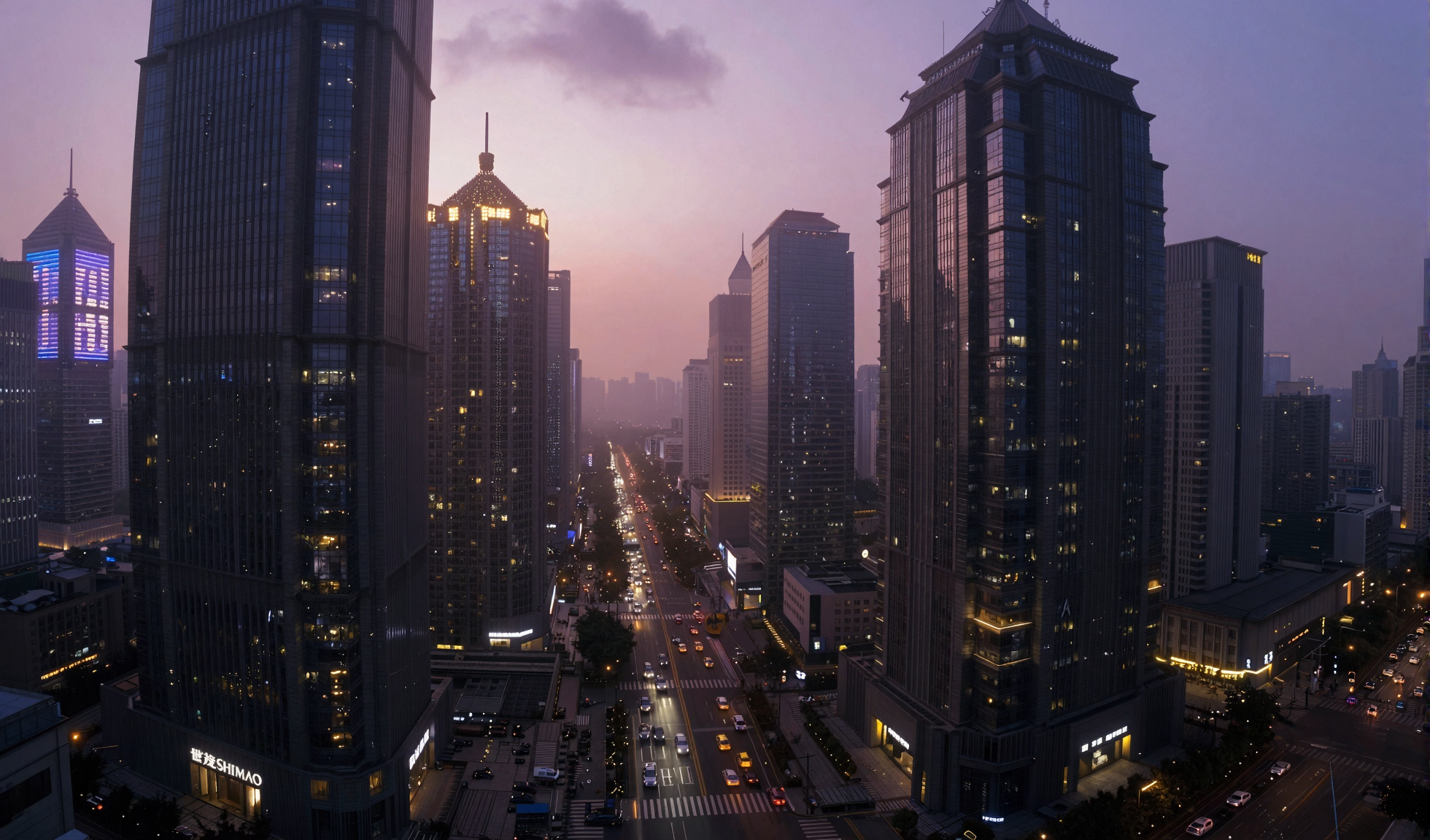
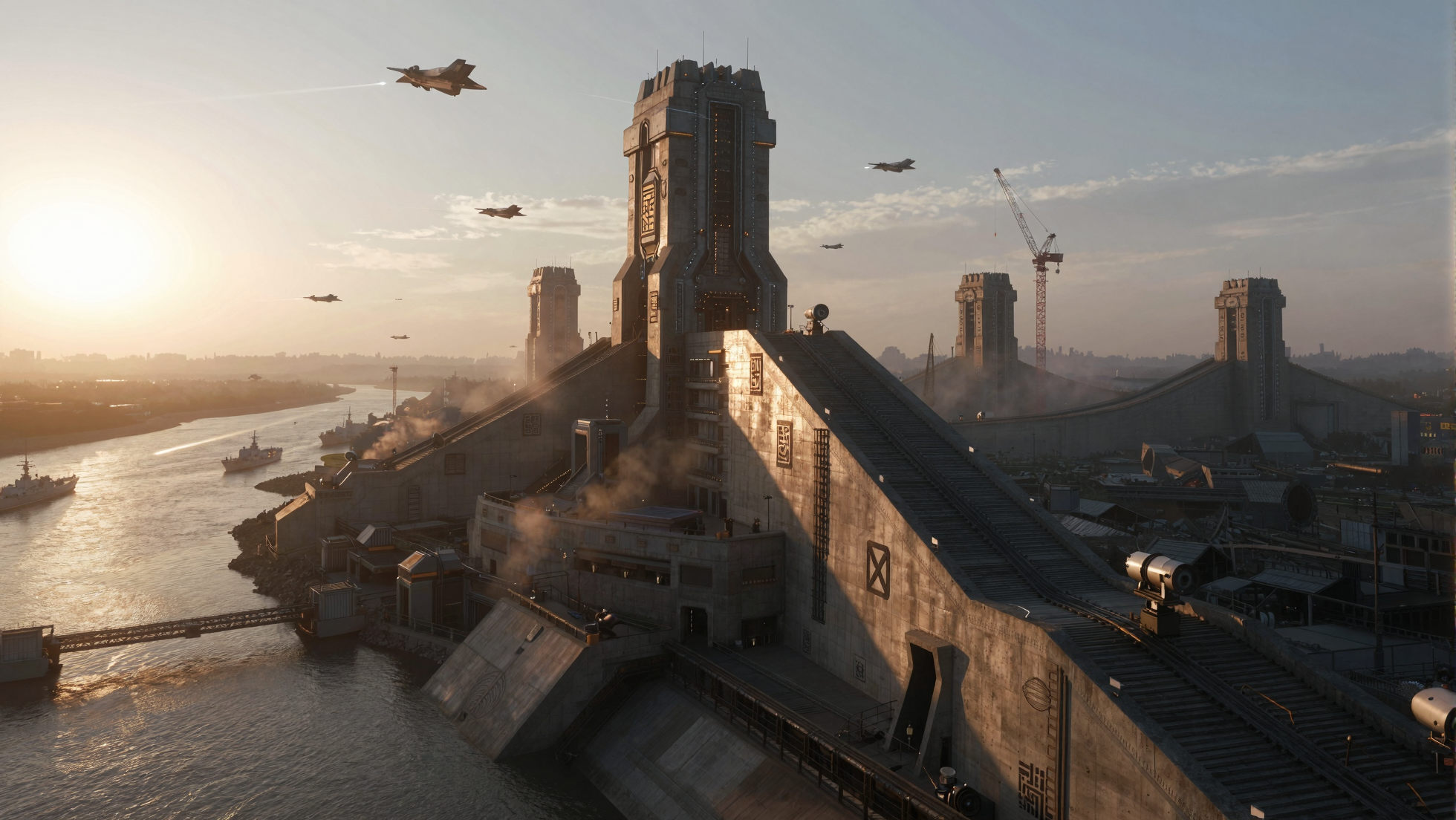
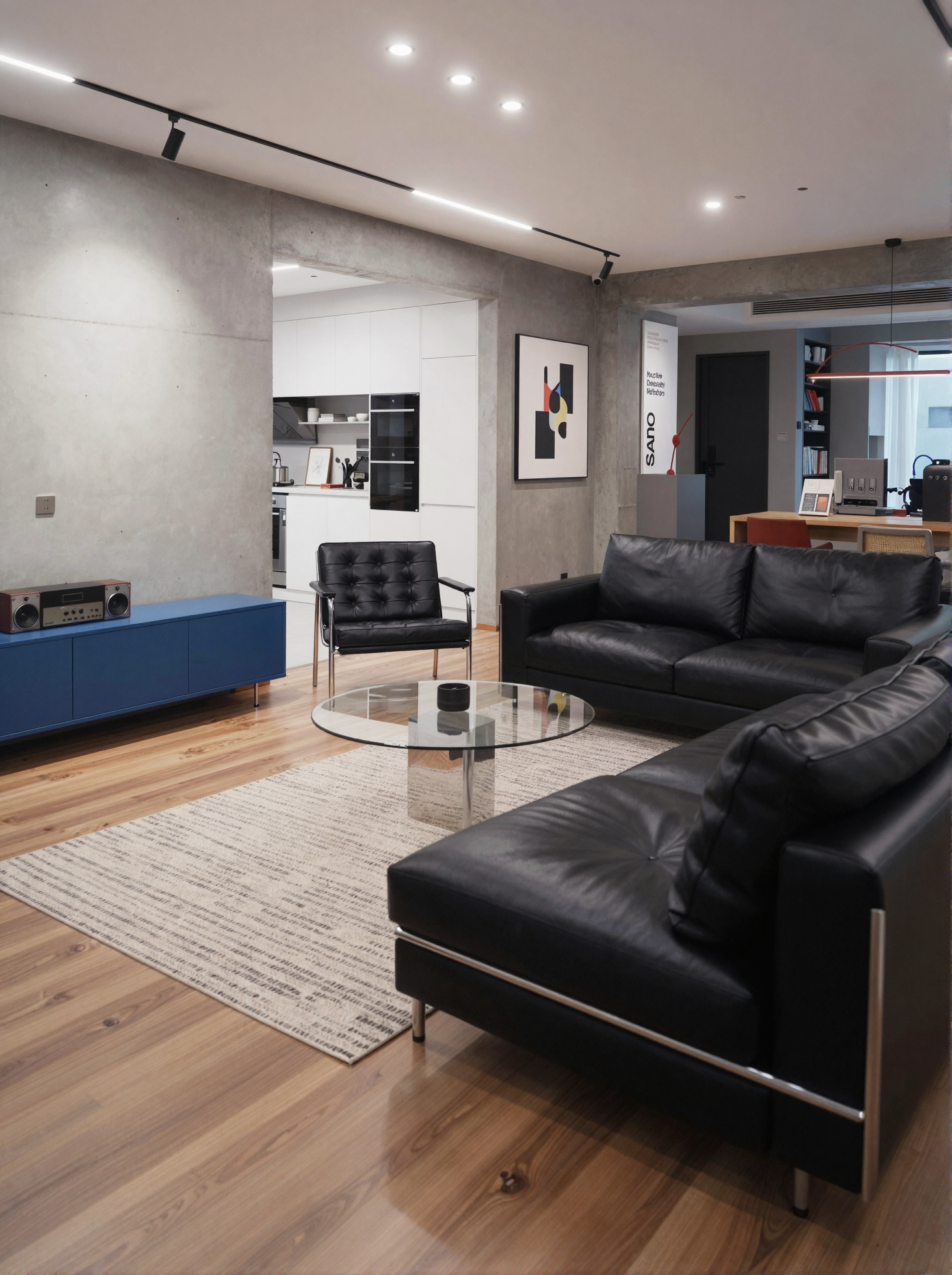
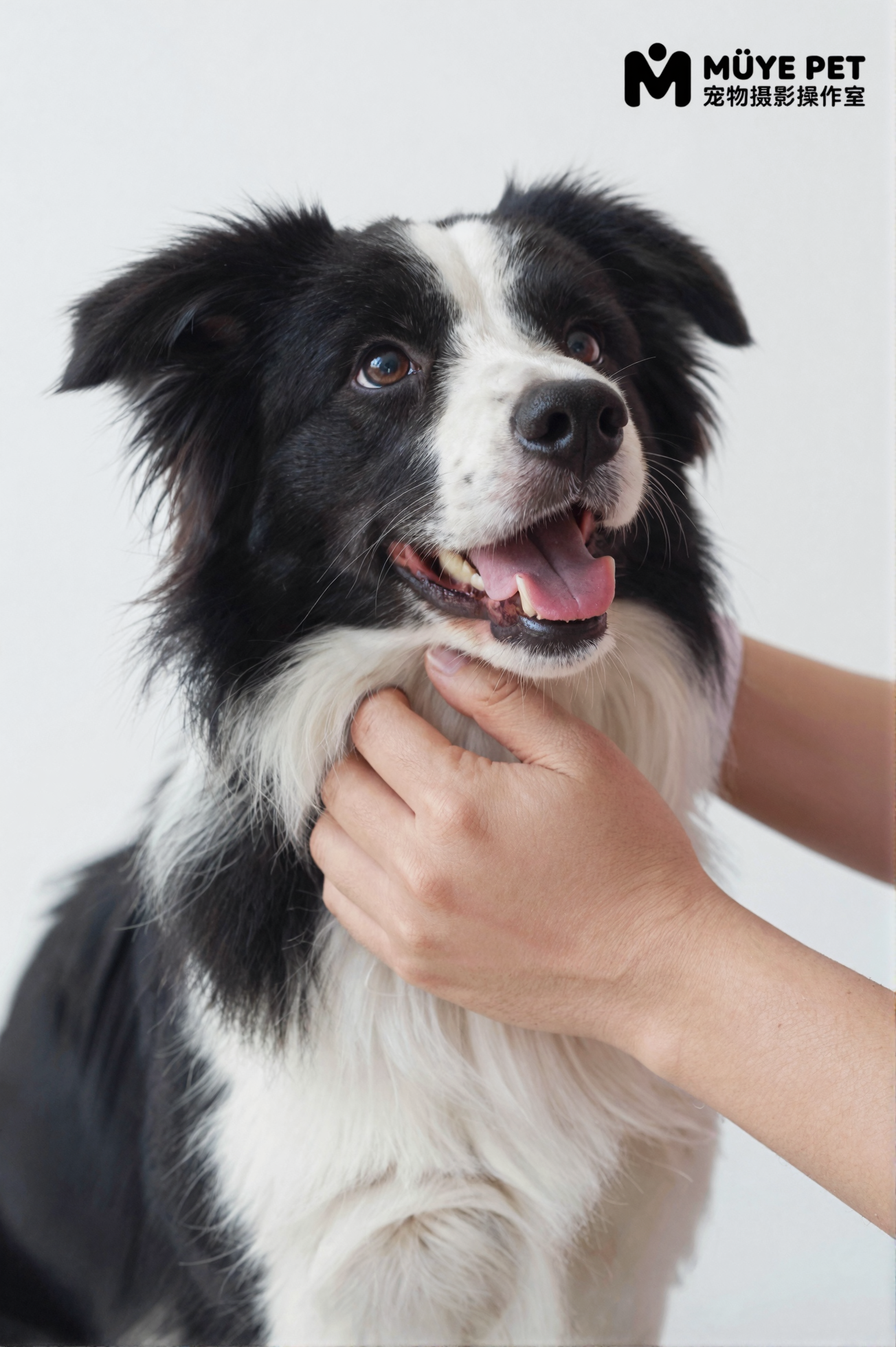
All cover images are direct outputs generated by the dedicated workflow of this LoRA, covering realistic categories such as: [Casual Smartphone Photography], [Portrait Photography], [Cityscapes], [Sci-Fi Grand Scenes], [Home Photography], [Pet Photography], etc.; not suitable for poster making.
Model Compatibility: Tested to be compatible with face models (such as the homepage Virtual Amateur_Lee Eun-joo) with a weight of 0.7 or below resulting in minimal facial changes. Compatibility with other face models and style models should also be good; feel free to try them out.
Weight Settings:
When used alone with Z-image turbo, a weight of 1.0 is recommended for good results.
When integrated with this LoRA + face model / other LoRA, it is recommended to start trying with a weight of 0.7-0.8.
Trigger Word: Andiaofilm style.
Z-image Turbo LoRA_Photorealism Highlight Enhancement
Enhances realistic lighting and shadows, especially highlight effects. It is recommended to use it with the homepage workflow to achieve all-around image generation for realistic categories (in most scenarios). The dedicated workflow has been uploaded to the homepage;
All cover images are direct outputs generated by the dedicated workflow of this LoRA, covering realistic categories such as: [Casual Smartphone Photography], [Portrait Photography], [Cityscapes], [Sci-Fi Grand Scenes], [Home Photography], [Pet Photography], etc.; not suitable for poster making.
Model Compatibility: Tested to be compatible with face models (such as the homepage Virtual Amateur_Lee Eun-joo) with a weight of 0.7 or below resulting in minimal facial changes. Compatibility with other face models and style models should also be good; feel free to try them out.
Weight Settings:
When used alone with Z-image turbo, a weight of 1.0 is recommended for good results.
When integrated with this LoRA + face model / other LoRA, it is recommended to start trying with a weight of 0.7-0.8.
Trigger Word: Andiaofilm style.