
'%3e %3cg id='Vector'%3e %3c/g%3e %3cpath id='Vector_2' d='M14.504 8.522L12.746 4.49C12.6826 4.34486 12.5783 4.22136 12.4458 4.13463C12.3133 4.0479 12.1584 4.0017 12 4.0017C11.8416 4.0017 11.6867 4.0479 11.5542 4.13463C11.4217 4.22136 11.3174 4.34486 11.254 4.49L9.495 8.522C9.305 8.958 8.958 9.306 8.522 9.495L4.49 11.254C4.34486 11.3174 4.22136 11.4217 4.13463 11.5542C4.0479 11.6867 4.0017 11.8416 4.0017 12C4.0017 12.1584 4.0479 12.3133 4.13463 12.4458C4.22136 12.5783 4.34486 12.6826 4.49 12.746L8.523 14.504C8.959 14.694 9.307 15.042 9.496 15.478L11.255 19.511C11.3184 19.6561 11.4227 19.7796 11.5552 19.8664C11.6877 19.9531 11.8426 19.9993 12.001 19.9993C12.1594 19.9993 12.3143 19.9531 12.4468 19.8664C12.5793 19.7796 12.6836 19.6561 12.747 19.511L14.505 15.478C14.695 15.042 15.043 14.694 15.479 14.504L19.512 12.746C19.6571 12.6826 19.7806 12.5783 19.8674 12.4458C19.9541 12.3133 20.0003 12.1584 20.0003 12C20.0003 11.8416 19.9541 11.6867 19.8674 11.5542C19.7806 11.4217 19.6571 11.3174 19.512 11.254L15.479 9.495C15.043 9.30549 14.695 8.95782 14.505 8.522' stroke='var(--stroke-0%2c white)' stroke-width='1.25' stroke-linecap='round' stroke-linejoin='round'/%3e %3cpath id='Vector_3' d='M3 3L5 5' stroke='var(--stroke-0%2c white)' stroke-width='1.25' stroke-linecap='round' stroke-linejoin='round'/%3e %3cpath id='Vector_4' d='M21 3L19 5' stroke='var(--stroke-0%2c white)' stroke-width='1.25' stroke-linecap='round' stroke-linejoin='round'/%3e %3cpath id='Vector_5' d='M3 21L5 19' stroke='var(--stroke-0%2c white)' stroke-width='1.25' stroke-linecap='round' stroke-linejoin='round'/%3e %3cpath id='Vector_6' d='M21 21L19 19' stroke='var(--stroke-0%2c white)' stroke-width='1.25' stroke-linecap='round' stroke-linejoin='round'/%3e %3c/g%3e %3cdefs%3e %3cclipPath id='clip0_0_55'%3e %3crect width='24' height='24' fill='white'/%3e %3c/clipPath%3e %3c/defs%3e %3c/svg%3e)
'%3e %3cg id='Vector'%3e %3c/g%3e %3cpath id='Vector_2' d='M14.375 7.66667H14.385' stroke='var(--stroke-0%2c white)' stroke-width='1.25' stroke-linecap='round' stroke-linejoin='round'/%3e %3cpath id='Vector_3' d='M11.9792 20.125H5.75C4.9875 20.125 4.25624 19.8221 3.71707 19.2829C3.1779 18.7438 2.875 18.0125 2.875 17.25V5.75C2.875 4.9875 3.1779 4.25624 3.71707 3.71707C4.25624 3.1779 4.9875 2.875 5.75 2.875H17.25C18.0125 2.875 18.7438 3.1779 19.2829 3.71707C19.8221 4.25624 20.125 4.9875 20.125 5.75V11.9792' stroke='var(--stroke-0%2c white)' stroke-width='1.25' stroke-linecap='round' stroke-linejoin='round'/%3e %3cpath id='Vector_4' d='M2.875 15.3333L7.66667 10.5417C8.556 9.68587 9.65233 9.68587 10.5417 10.5417L14.375 14.375' stroke='var(--stroke-0%2c white)' stroke-width='1.25' stroke-linecap='round' stroke-linejoin='round'/%3e %3cpath id='Vector_5' d='M13.4167 13.4167L14.375 12.4583C15.0171 11.8412 15.7646 11.6687 16.4661 11.9408' stroke='var(--stroke-0%2c white)' stroke-width='1.25' stroke-linecap='round' stroke-linejoin='round'/%3e %3cpath id='Vector_6' d='M15.3333 18.2083H21.0833' stroke='var(--stroke-0%2c white)' stroke-width='1.25' stroke-linecap='round' stroke-linejoin='round'/%3e %3cpath id='Vector_7' d='M18.2083 15.3333V21.0833' stroke='var(--stroke-0%2c white)' stroke-width='1.25' stroke-linecap='round' stroke-linejoin='round'/%3e %3c/g%3e %3cdefs%3e %3cclipPath id='clip0_0_4'%3e %3crect width='23' height='23' fill='white'/%3e %3c/clipPath%3e %3c/defs%3e %3c/svg%3e)


'%3e %3cg id='Vector'%3e %3c/g%3e %3cpath id='Vector_2' d='M18.3333 10.5001V6.66667C18.3333 5.78261 17.9821 4.93477 17.357 4.30964C16.7319 3.68452 15.8841 3.33333 15 3.33333H5C4.11594 3.33333 3.2681 3.68452 2.64298 4.30964C2.01786 4.93477 1.66667 5.78261 1.66667 6.66667V13.3333C1.66667 14.2174 2.01786 15.0652 2.64298 15.6904C3.2681 16.3155 4.11594 16.6667 5 16.6667H11.6667M15.5 17.0001V12.0001M13 14.5001L15.5 12.0001L18 14.5001' stroke='var(--stroke-0%2c white)' stroke-linecap='round' stroke-linejoin='round'/%3e %3cpath id='Vector_3' d='M8.33333 7.5L12.5 10L8.33333 12.5V7.5Z' stroke='var(--stroke-0%2c white)' stroke-linecap='round' stroke-linejoin='round'/%3e %3c/g%3e %3cdefs%3e %3cclipPath id='clip0_0_4'%3e %3crect width='20' height='20' fill='white'/%3e %3c/clipPath%3e %3c/defs%3e %3c/svg%3e)
'%3e %3cg id='Vector'%3e %3c/g%3e %3cpath id='Vector_2' d='M16.25 10.8333L21.1824 8.36767C21.3475 8.28515 21.531 8.2462 21.7154 8.25451C21.8998 8.26281 22.079 8.3181 22.2361 8.41512C22.3931 8.51214 22.5228 8.64768 22.6127 8.80888C22.7026 8.97007 22.7499 9.15158 22.75 9.33617V16.6638C22.7499 16.8484 22.7026 17.0299 22.6127 17.1911C22.5228 17.3523 22.3931 17.4879 22.2361 17.5849C22.079 17.6819 21.8998 17.7372 21.7154 17.7455C21.531 17.7538 21.3475 17.7148 21.1824 17.6323L16.25 15.1667V10.8333Z' stroke='var(--stroke-0%2c white)' stroke-width='1.25' stroke-linecap='round' stroke-linejoin='round'/%3e %3cpath id='Vector_3' d='M3.25 8.66667C3.25 8.09203 3.47827 7.54093 3.8846 7.1346C4.29093 6.72827 4.84203 6.5 5.41667 6.5H14.0833C14.658 6.5 15.2091 6.72827 15.6154 7.1346C16.0217 7.54093 16.25 8.09203 16.25 8.66667V17.3333C16.25 17.908 16.0217 18.4591 15.6154 18.8654C15.2091 19.2717 14.658 19.5 14.0833 19.5H5.41667C4.84203 19.5 4.29093 19.2717 3.8846 18.8654C3.47827 18.4591 3.25 17.908 3.25 17.3333V8.66667Z' stroke='var(--stroke-0%2c white)' stroke-width='1.25' stroke-linecap='round' stroke-linejoin='round'/%3e %3cpath id='Vector_4' d='M7.58333 13H11.9167' stroke='var(--stroke-0%2c white)' stroke-width='1.25' stroke-linecap='round' stroke-linejoin='round'/%3e %3cpath id='Vector_5' d='M9.75 10.8333V15.1667' stroke='var(--stroke-0%2c white)' stroke-width='1.25' stroke-linecap='round' stroke-linejoin='round'/%3e %3c/g%3e %3cdefs%3e %3cclipPath id='clip0_0_47'%3e %3crect width='26' height='26' fill='white'/%3e %3c/clipPath%3e %3c/defs%3e %3c/svg%3e)
'%3e %3cg id='Vector'%3e %3c/g%3e %3cpath id='Vector_2' d='M4 7H7M11 7H20' stroke='var(--stroke-0%2c white)' stroke-width='1.25' stroke-linecap='round' stroke-linejoin='round'/%3e %3cpath id='Vector_3' d='M4 17H20' stroke='var(--stroke-0%2c white)' stroke-width='1.25' stroke-linecap='round' stroke-linejoin='round'/%3e %3cpath id='Vector_4' d='M7 4L7 20' stroke='var(--stroke-0%2c white)' stroke-width='1.25' stroke-linecap='round' stroke-linejoin='round'/%3e %3cpath id='Vector_5' d='M17 4V13M17 17V20' stroke='var(--stroke-0%2c white)' stroke-width='1.25' stroke-linecap='round' stroke-linejoin='round'/%3e %3c/g%3e %3cdefs%3e %3cclipPath id='clip0_0_60'%3e %3crect width='24' height='24' fill='white'/%3e %3c/clipPath%3e %3c/defs%3e %3c/svg%3e)
'%3e %3cg id='Vector'%3e %3c/g%3e %3cpath id='Vector_2' d='M6 10L4 11L12 15L20 11L18 10' stroke='var(--stroke-0%2c white)' stroke-width='1.25' stroke-linecap='round' stroke-linejoin='round'/%3e %3cpath id='Vector_3' d='M4 15L12 19L20 15' stroke='var(--stroke-0%2c white)' stroke-width='1.25' stroke-linecap='round' stroke-linejoin='round'/%3e %3cpath id='Vector_4' d='M12 4V11' stroke='var(--stroke-0%2c white)' stroke-width='1.25' stroke-linecap='round' stroke-linejoin='round'/%3e %3cpath id='Vector_5' d='M15 8L12 11L9 8' stroke='var(--stroke-0%2c white)' stroke-width='1.25' stroke-linecap='round' stroke-linejoin='round'/%3e %3c/g%3e %3cdefs%3e %3cclipPath id='clip0_0_9'%3e %3crect width='24' height='24' fill='white'/%3e %3c/clipPath%3e %3c/defs%3e %3c/svg%3e)


AI Image Generator
Turn a plain sentence into a polished image in seconds — up to 4K resolution, in the aspect ratio and file format you choose. RunningHub lets anyone generate, refine and download professional artwork — the fastest AI image generator for creators, marketers and product teams.
Try it Now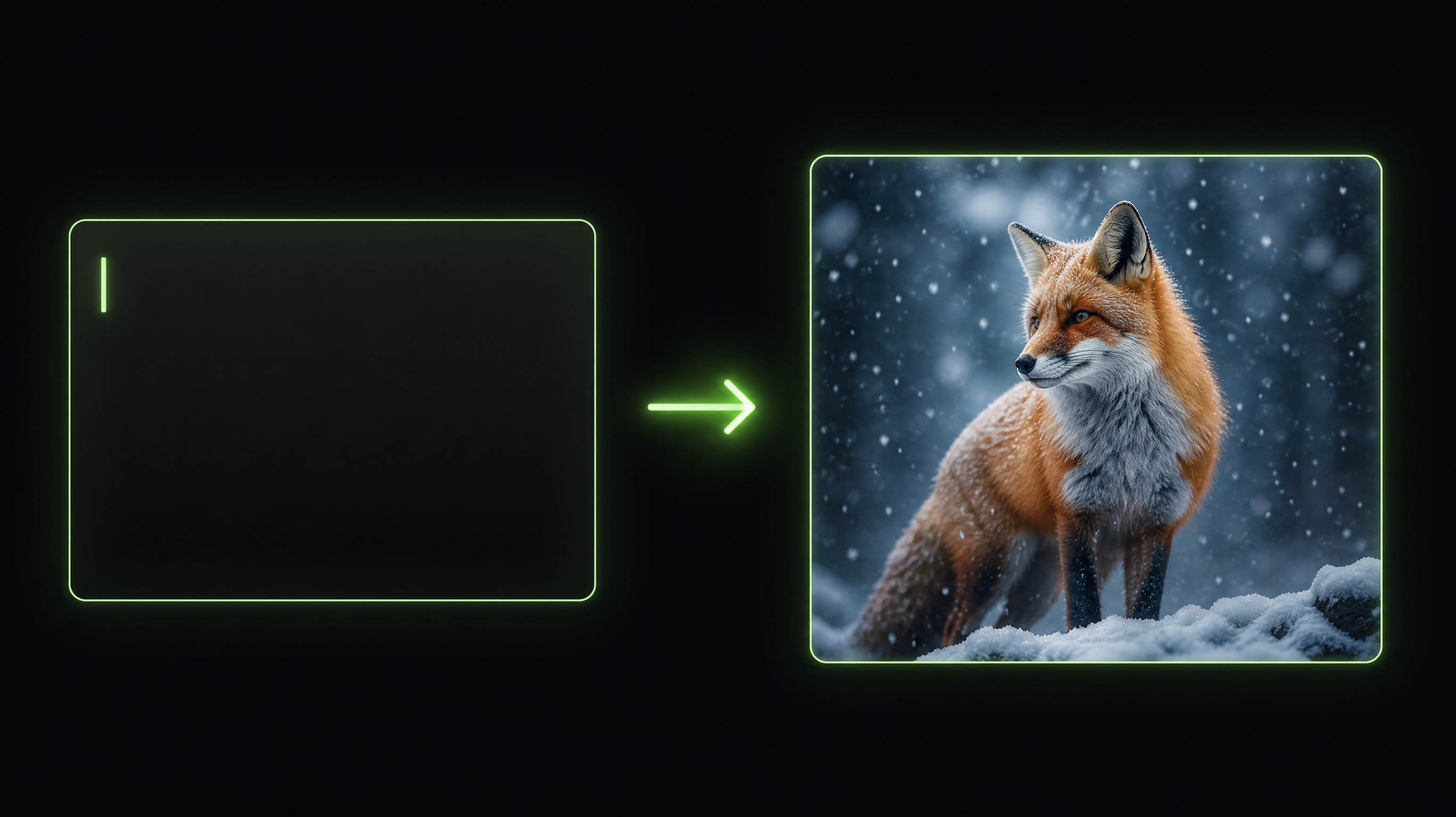
Why Choose RunningHub
A focused AI image generator workspace built for creators who care about output quality.
Print-Grade, Flexible Output
Every render arrives at up to 4K — pick your aspect ratio from 4:3 to 9:21, take the finished file as JPEG, PNG or WebP, and push it to print size with the built-in upscaler whenever you need it.
Fast Generation
Most images come back in seconds, so you iterate on ideas instead of waiting on renders — the best image generator AI keeps pace with your thinking, never the other way round.
Professional Quality
Crisp detail, accurate lighting and clean composition suitable for client and commercial work.
Easy to Use
No setup, no nodes, no learning curve — this AI image creator runs right in your browser: type a prompt, choose a model, and download the result.
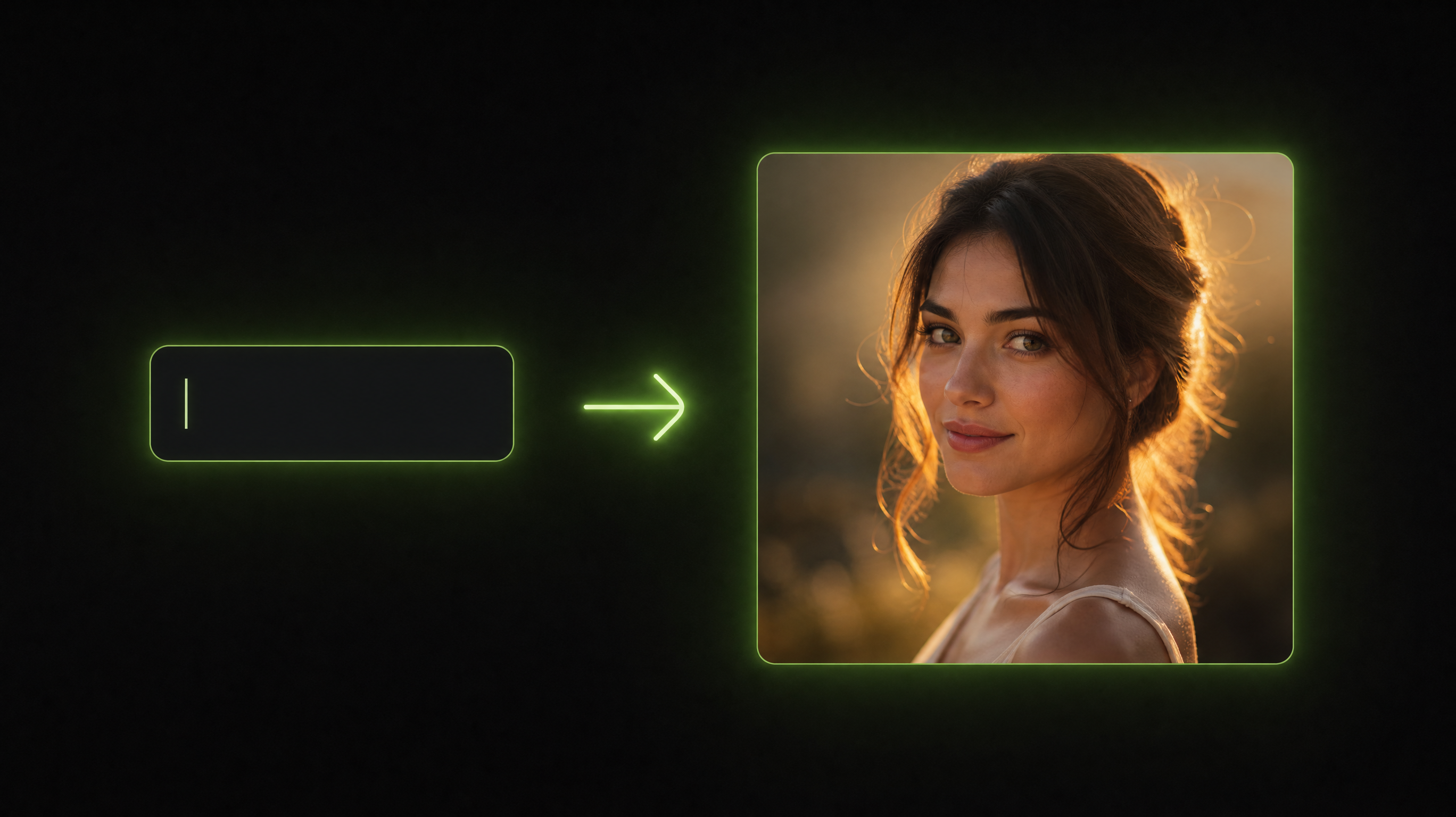
Text to Image
Generate Images from Text
Describe any scene, subject or mood in natural language and the generator interprets it. Portraits, product shots, landscapes or abstract art appear without wrestling with complex settings — the smartest AI image generators handle short prompts gracefully and keep every composition coherent.
- Natural-language prompts
- Consistent, coherent compositions
- Instant re-rolls to refine
Fast Iteration
Refine in a Focused, Dark Workspace
A fast, distraction-free studio built for iteration: describe the shot in plain words, run the image AI generator, then tweak the prompt and run it again until the picture fits the brand — no setup, no clutter, one continuous flow from idea to download.
- Tweak the prompt and re-run — a fast iteration loop
- Dark, focused interface that stays out of the way
- Runs entirely in the browser, nothing to install
High Resolution
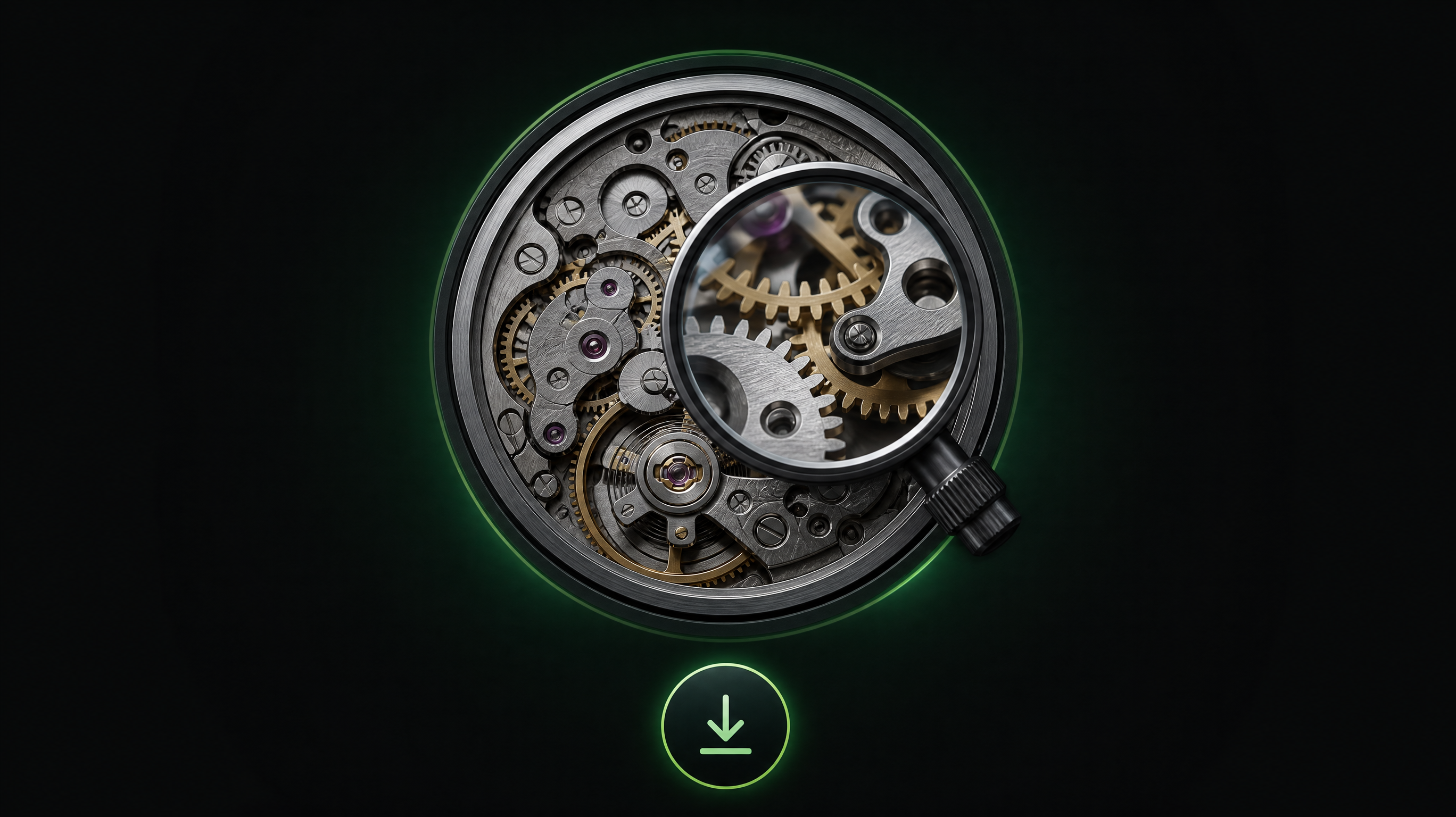
Download Ready-for-Production Resolution
Every result is available in high resolution, ready for hero banners, print, packaging or detailed close-ups. Sharp edges and fine texture mean the file holds up when you zoom or print large — download straight from your AI image generator session with no round-trip to a separate upscaler — it is rare for a picture generator AI to ship files this production-clean.
- Production-grade resolution
- Crisp fine detail and texture
- Download and use immediately
How to Use the AI Image Generator
From idea to finished artwork in four steps — no tutorial needed.
- 01
Write a Prompt
Type what you want to see in plain English — subject, style, lighting, mood.
- 02
Generate in Seconds
Hit generate; most images render fast enough to iterate live.
- 03
Download & Ship
Grab the high-resolution file and drop it straight into your project.
What Are Our Users Saying
Creators and teams who replaced five tools with one generator.
I keep a whole moodboard pipeline on RunningHub. The AI image generator nails painterly key art on the first pass more often than the big-name tools I paid for before.
We churn through product-scene ideas in a single afternoon. The output quality beats the stock libraries we used to raid — our design team shipped concepts weeks faster.
Fast, dark, distraction-free interface. I type a line, watch the picture render and publish before my coffee cools.
Frequently Asked Questions
Everything you wanted to know before generating your first image.
What makes this AI image generator stand out?
A dark, focused workspace, fast generation and production-ready resolution out of the box. The AI image generator keeps style consistent across a whole series, so the AI image maker your brand needs is one workspace, not a pile of tools.
Can I use generated images commercially?
You own what you create and may use it commercially, subject to RunningHub's content policy. Keep the download record for your files.
Do I need prompt-engineering skills?
No. Short prompts work well. Add style, lighting or camera words when you want finer control over the result.
What resolution can I download?
Downloads go up to 4K resolution. You pick the aspect ratio — 4:3, 4:5, 5:4, 16:9, 9:16, 21:9 or 9:21 — and the finished file as JPEG, PNG or WebP; the built-in upscaler can take any of them to print size.
How fast is the AI image generator?
Most prompts render in seconds, and you can queue several at once — the image generator AI works on the cloud, so your device never waits on a render bar.
Do I need to install any software?
No. Everything runs in the browser: type a prompt, hit generate and download the finished picture, nothing to install or configure.
What styles can the image AI generator create?
Photoreal portraits, product shots, anime, oil painting, 3D render and abstract art are all reachable from one prompt — describe the look you want and the AI image generator renders it in a single pass.
Explore More
Continue building with related creative tools on RunningHub.
Image Upscaler
Sharpen and enlarge any generated image to print-grade resolution.
Image Enhancer
Fix blur, noise and low light in one click — before or after generating.
Image to Image
Redraw an existing picture in a new style while keeping its structure.
AI Video Generator
Turn a text line or one of your images into a short video clip.
Start Creating with the AI Image Generator
One prompt is all it takes — describe your idea, generate up to 4K and download the result.
Try it Now