

Tutu Aurora Glossy Tights|KREA2 LoRA
Model Information
This model was created and curated using Tutu's Image & Video Prompt Reverse Engineering tool, with fine-tuned editing on the source materials. The model was trained using Tutu Trainer.
Tutu's Image & Video Prompt Reverse Engineering tool is an AI-powered image and video tagging tool. Optimized specifically for model training annotation, it allows you to generate high-quality training datasets in batches with a single click and quickly reverse-engineer prompts for images and videos.
Tutu Trainer is a free LoRA training tool that supports model training, dataset management, model resource management, parameter presets, training checks, and pre-release organization. Its goal is to let creators train high-quality LoRA faster and more stably without constantly struggling with environments and parameters.
Official Website: https://zhaotutu.xyz/
Bilibili: https://space.bilibili.com/431046154
YouTube: https://www.youtube.com/@zhaotutu/videos
X: https://x.com/bigpox12
Telegram: https://t.me/zhaotutu
TikTok: https://www.tiktok.com/@zhaotututu
GitHub: https://github.com/zhaotututu
Email: bigpox12@gmail.com
QQ: 331506796
Model Introduction:

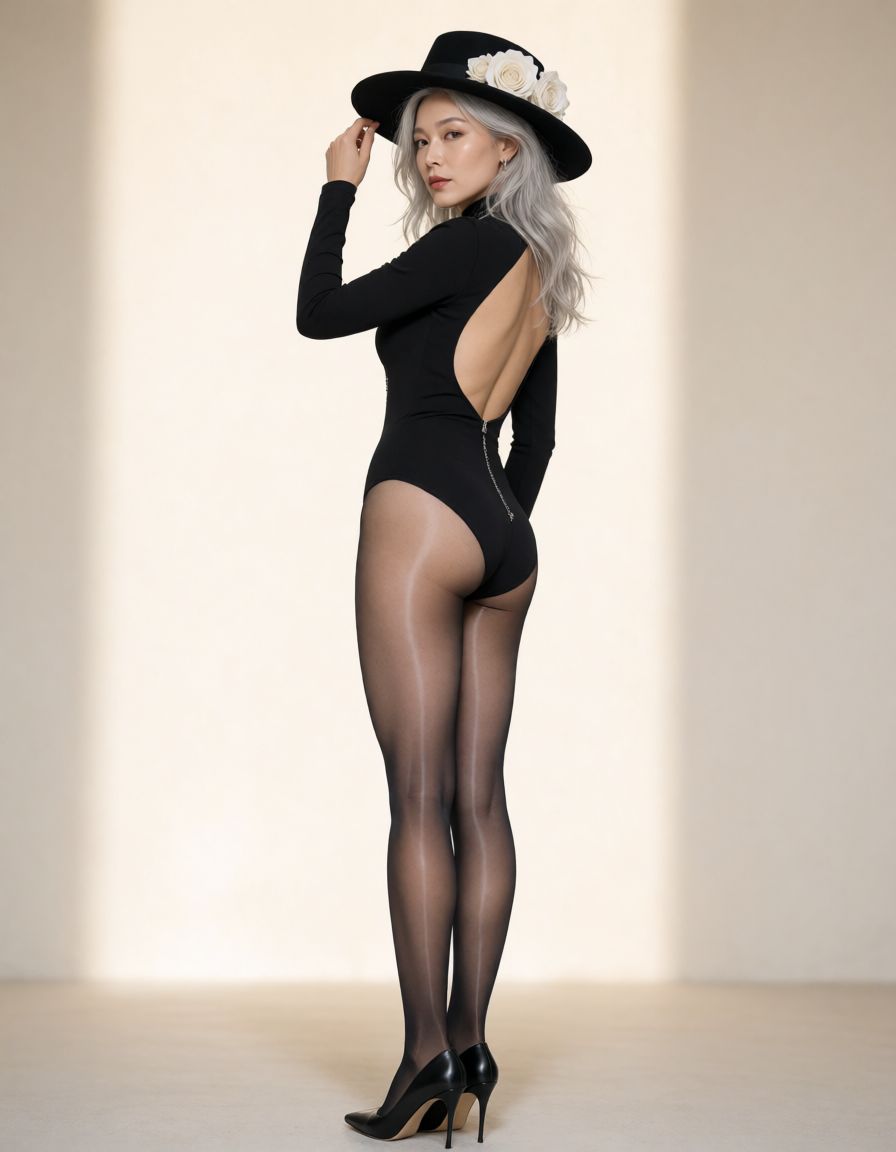
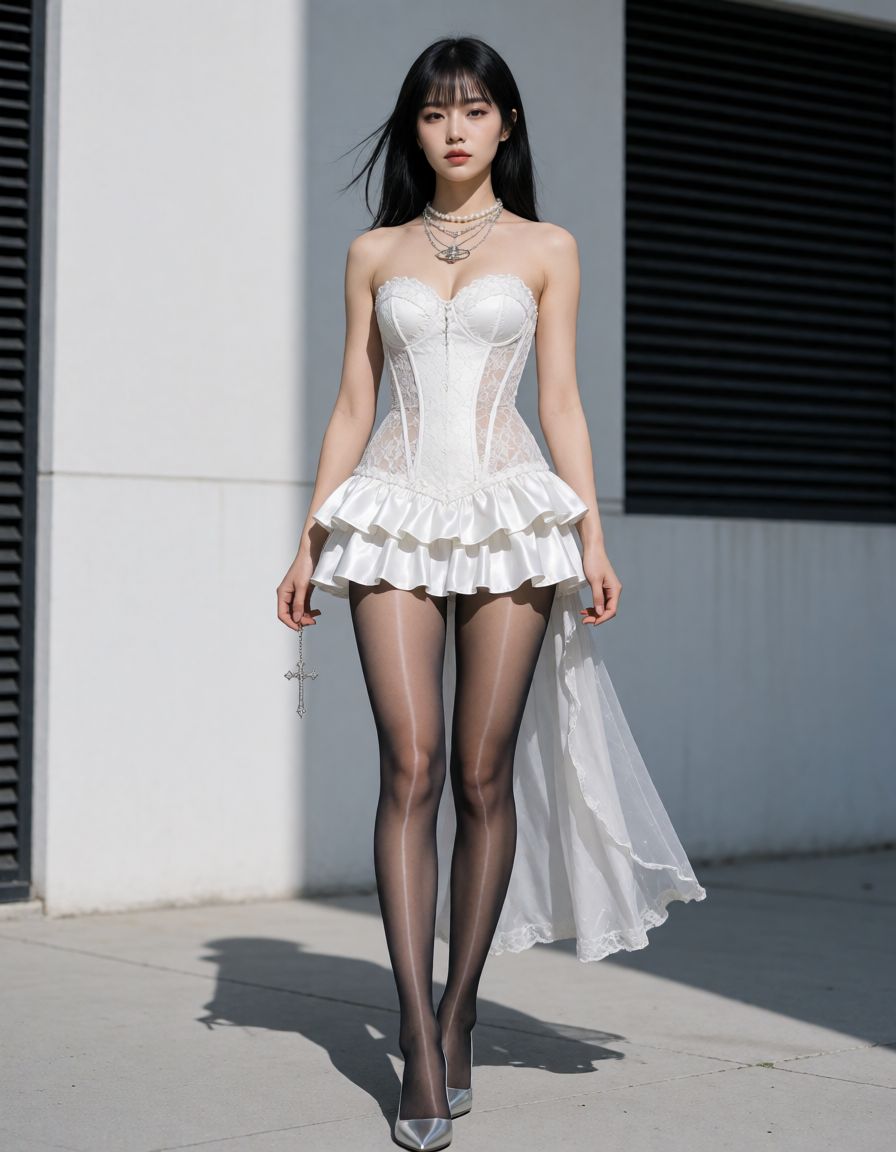
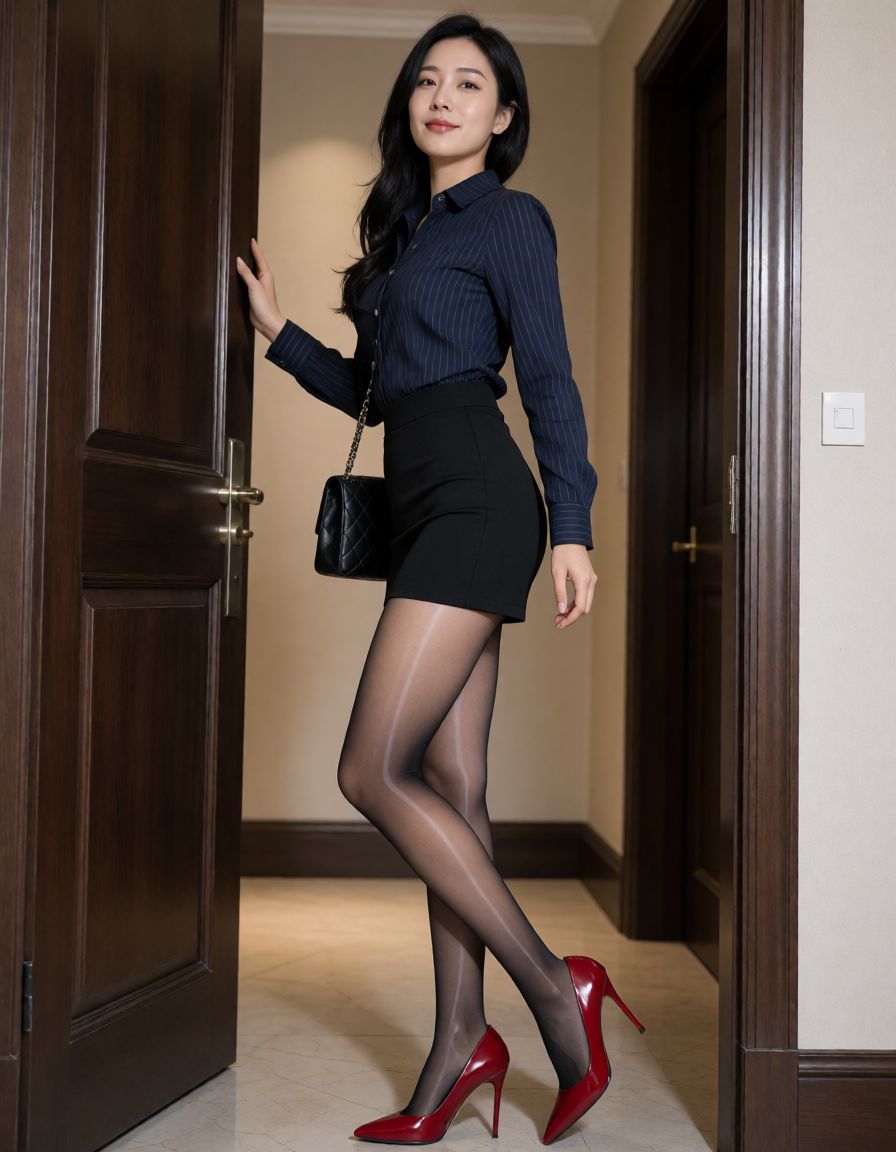
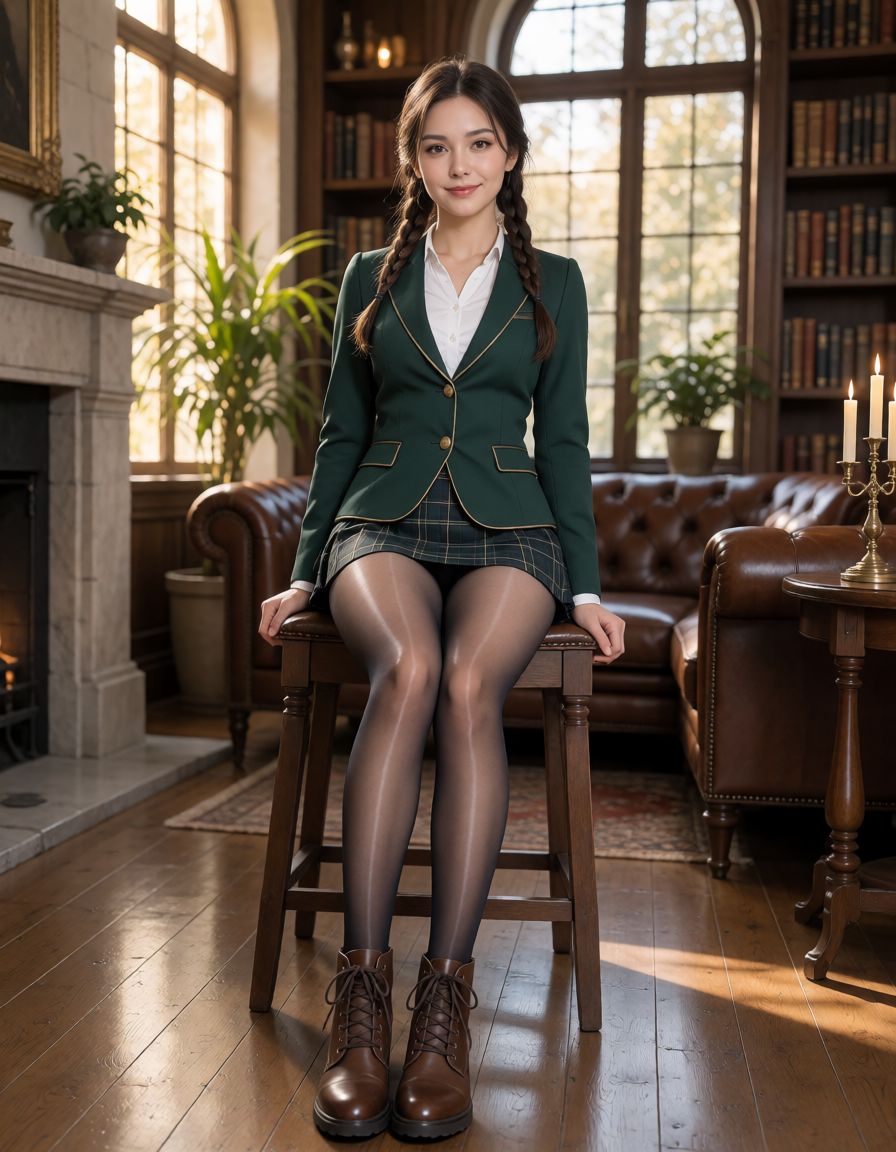
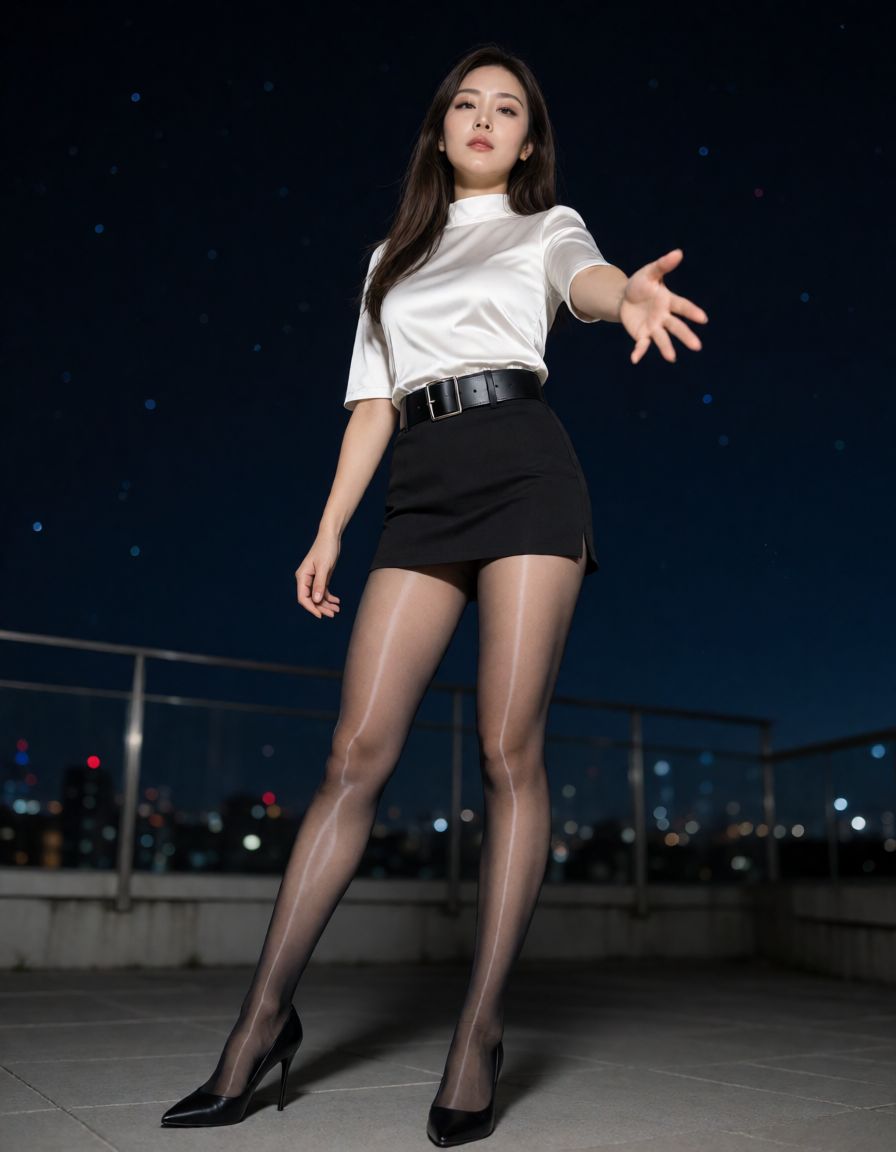
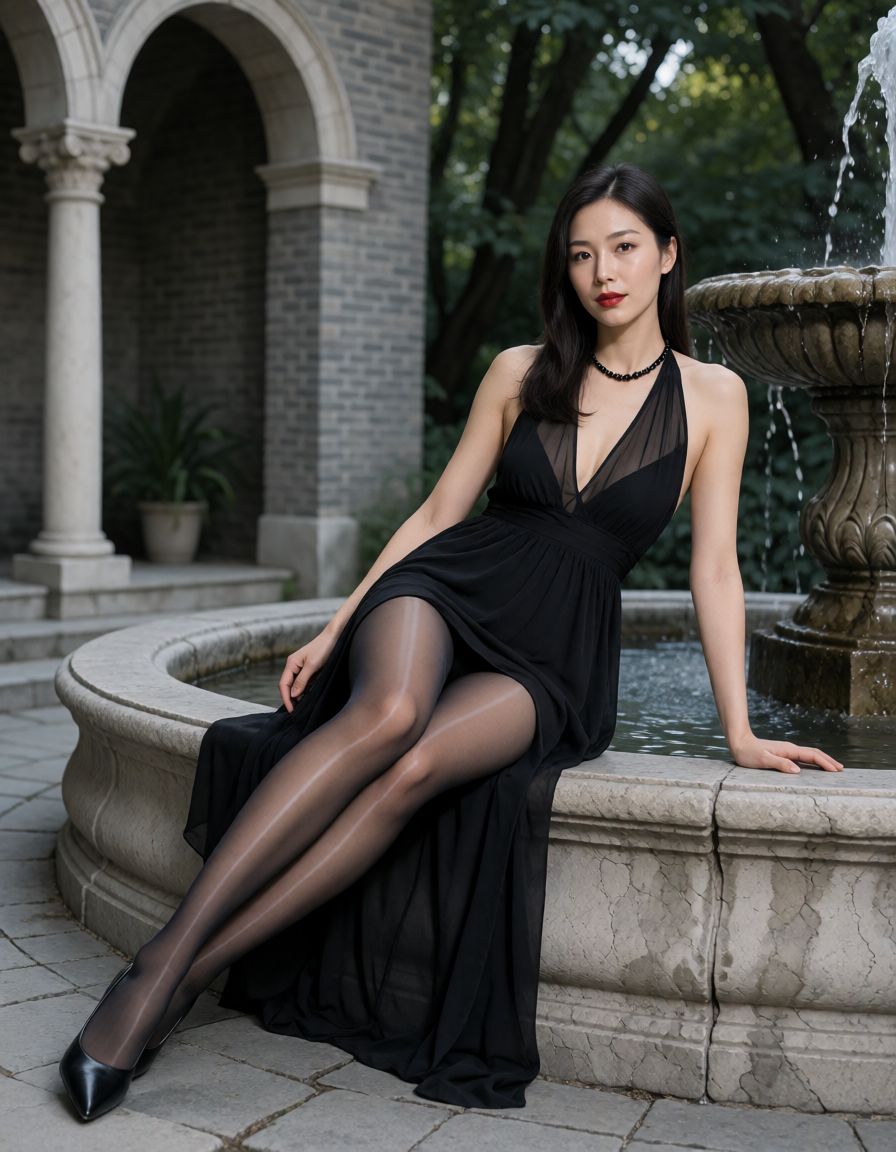
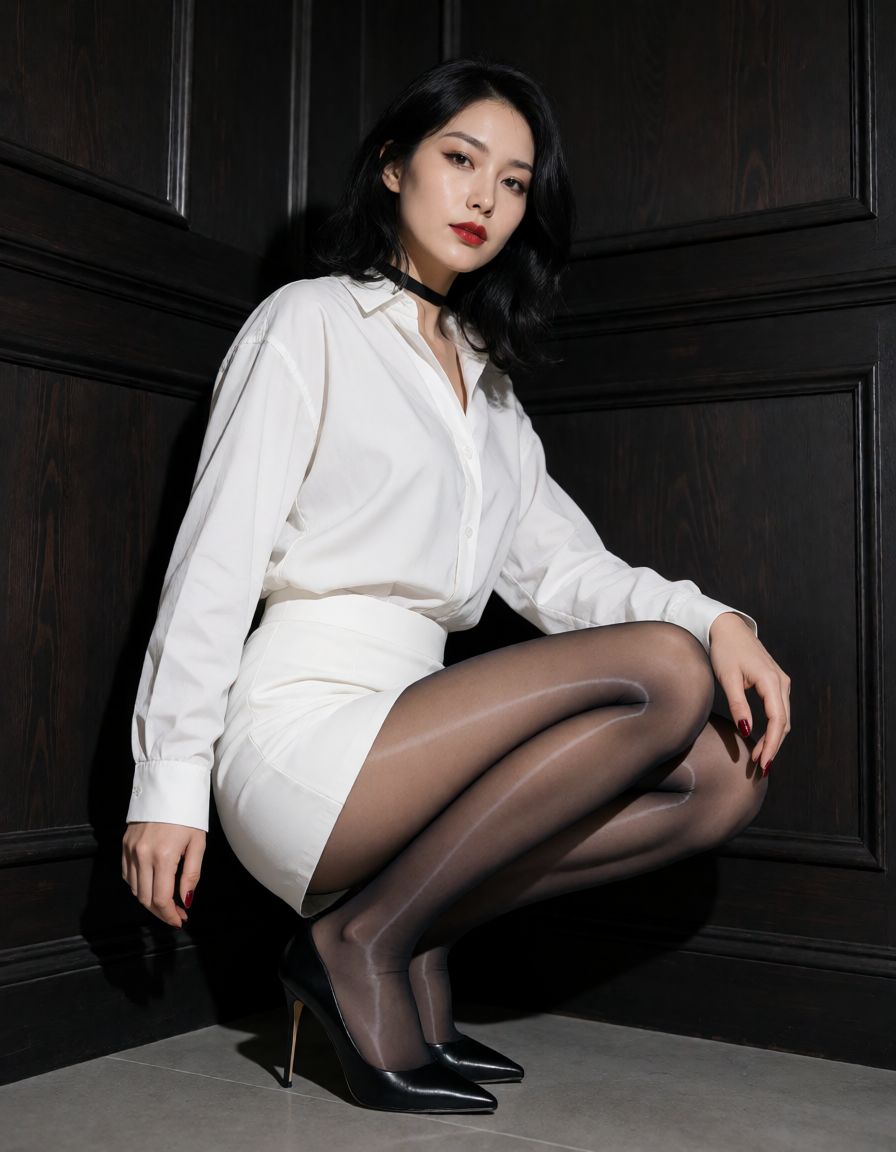
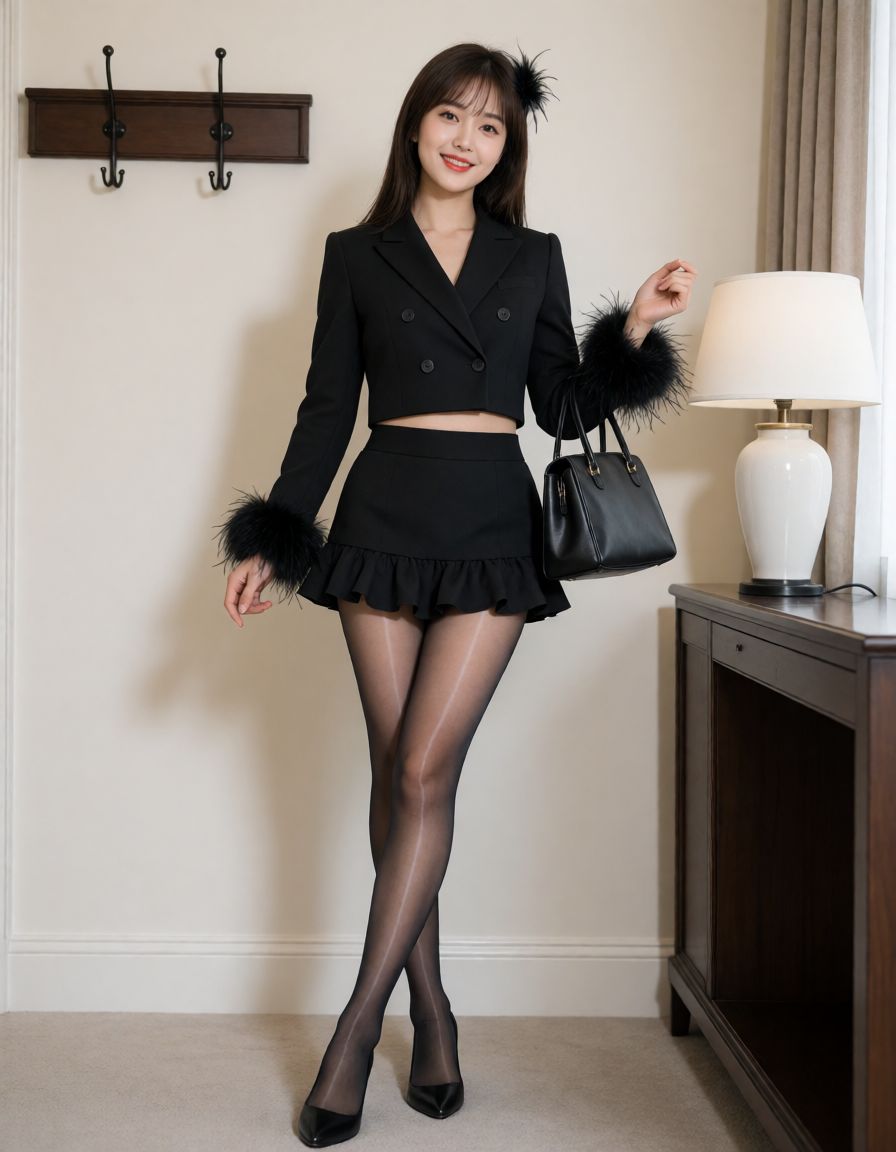
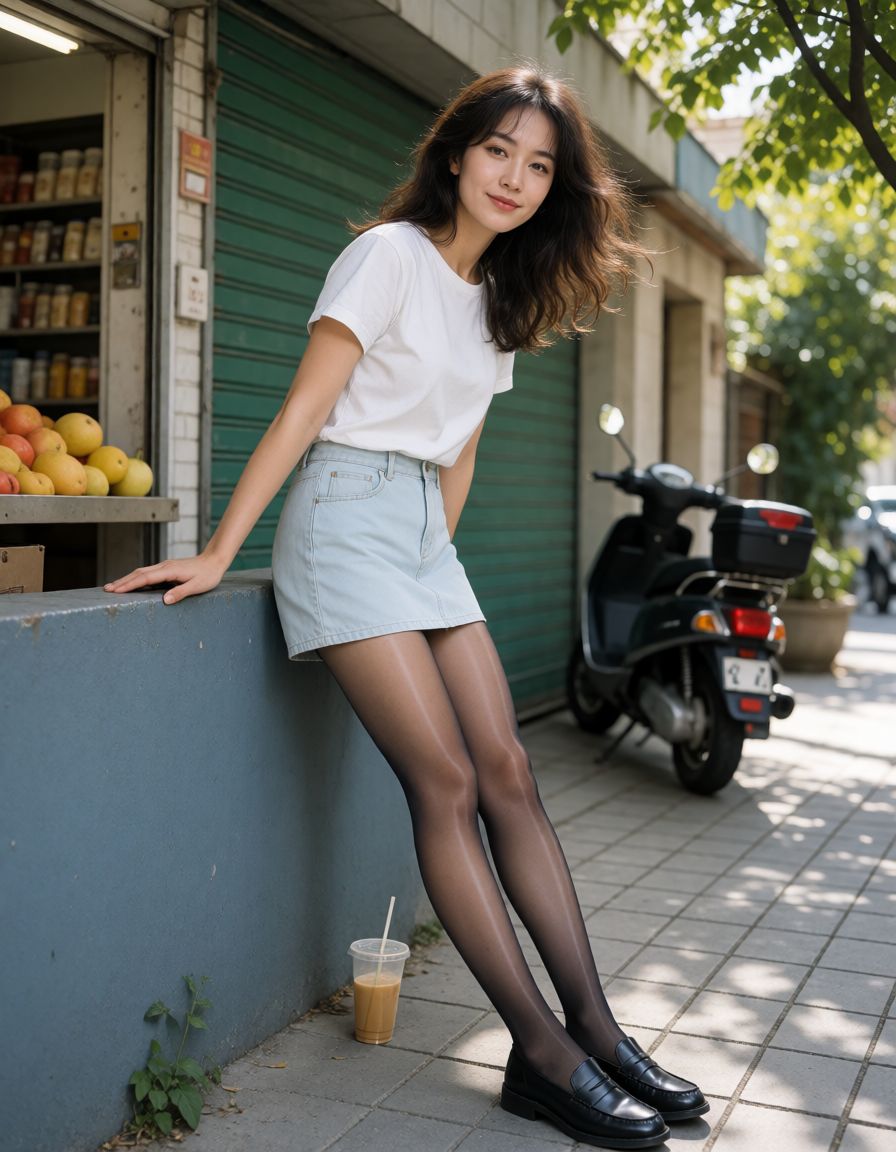
Tutu Aurora Glossy Pantyhose is a clothing material LoRA designed for KREA2, primarily used to render a bright, delicate satin gloss with soft reflections on the surface of pantyhose. Compared to regular matte materials, this model emphasizes distinct highlights, soft reflections, and visually recognizable aurora sheen when light falls on the legs.
Test materials cover fashion portraits, academic style, offices, traditional Japanese rooms, indoor lifestyles, street views, night scenes, and various other environments, including standing, sitting, kneeling, squatting, side profiles, and full-body compositions. Under different lighting conditions, the model stably represents vertical highlights on the legs as well as reflections on the knees and shins, making it suitable for fashion portraits, lifestyle photography, and visual creations emphasizing material texture.
Trigger Word: It is recommended to use "tutujiguang" in the text;
Recommended Weight: 0.5 - 0.9
Recommended Starting Weight: 0.85
Recommended Prompt:
tutujiguang pantyhose with a distinct glossy sheen
Usage Recommendations:
It is recommended to first run the model effect using the official KREA2 Turbo text-to-image workflow. Include the trigger word in the prompt, followed by a brief description of the glossy feel; characters, clothing, poses, environment, and camera angles can be described freely as needed.
Recommended Model and Parameter Combinations:
Base Model: krea2_turbo_fp8_scaled.safetensors
Text Encoder: qwen3vl_4b_fp8_scaled.safetensors (Type: krea2)
VAE: qwen_image_vae.safetensors
Default Parameters: 8 steps, CFG 1.0, Sampler euler, Scheduler simple, Denoise 1.0
Default Resolution: 1024 × 1024; other resolutions can also be selected according to the size options provided by the official workflow.
Prompt Optimization: The official prompt optimization feature can be enabled as needed, keeping the parameters at the official workflow defaults.
This model was created and curated using Tutu's Image & Video Prompt Reverse Engineering tool, with fine-tuned editing on the source materials. The model was trained using Tutu Trainer.
Tutu's Image & Video Prompt Reverse Engineering tool is an AI-powered image and video tagging tool. Optimized specifically for model training annotation, it allows you to generate high-quality training datasets in batches with a single click and quickly reverse-engineer prompts for images and videos.
Tutu Trainer is a free LoRA training tool that supports model training, dataset management, model resource management, parameter presets, training checks, and pre-release organization. Its goal is to let creators train high-quality LoRA faster and more stably without constantly struggling with environments and parameters.
Official Website: https://zhaotutu.xyz/
Bilibili: https://space.bilibili.com/431046154
YouTube: https://www.youtube.com/@zhaotutu/videos
X: https://x.com/bigpox12
Telegram: https://t.me/zhaotutu
TikTok: https://www.tiktok.com/@zhaotututu
GitHub: https://github.com/zhaotututu
Email: bigpox12@gmail.com
QQ: 331506796
Model Introduction:
Tutu Aurora Glossy Pantyhose is a clothing material LoRA designed for KREA2, primarily used to render a bright, delicate satin gloss with soft reflections on the surface of pantyhose. Compared to regular matte materials, this model emphasizes distinct highlights, soft reflections, and visually recognizable aurora sheen when light falls on the legs.
Test materials cover fashion portraits, academic style, offices, traditional Japanese rooms, indoor lifestyles, street views, night scenes, and various other environments, including standing, sitting, kneeling, squatting, side profiles, and full-body compositions. Under different lighting conditions, the model stably represents vertical highlights on the legs as well as reflections on the knees and shins, making it suitable for fashion portraits, lifestyle photography, and visual creations emphasizing material texture.
Trigger Word: It is recommended to use "tutujiguang" in the text;
Recommended Weight: 0.5 - 0.9
Recommended Starting Weight: 0.85
Recommended Prompt:
tutujiguang pantyhose with a distinct glossy sheen
Usage Recommendations:
It is recommended to first run the model effect using the official KREA2 Turbo text-to-image workflow. Include the trigger word in the prompt, followed by a brief description of the glossy feel; characters, clothing, poses, environment, and camera angles can be described freely as needed.
Recommended Model and Parameter Combinations:
Base Model: krea2_turbo_fp8_scaled.safetensors
Text Encoder: qwen3vl_4b_fp8_scaled.safetensors (Type: krea2)
VAE: qwen_image_vae.safetensors
Default Parameters: 8 steps, CFG 1.0, Sampler euler, Scheduler simple, Denoise 1.0
Default Resolution: 1024 × 1024; other resolutions can also be selected according to the size options provided by the official workflow.
Prompt Optimization: The official prompt optimization feature can be enabled as needed, keeping the parameters at the official workflow defaults.