

How to Create Ecommerce Videos with Seedance 2.5 in RHTV
Learn how to turn a single product image into an ecommerce video with Seedance 2.5 in RHTV, including image preparation, generation, review, and practical use cases.
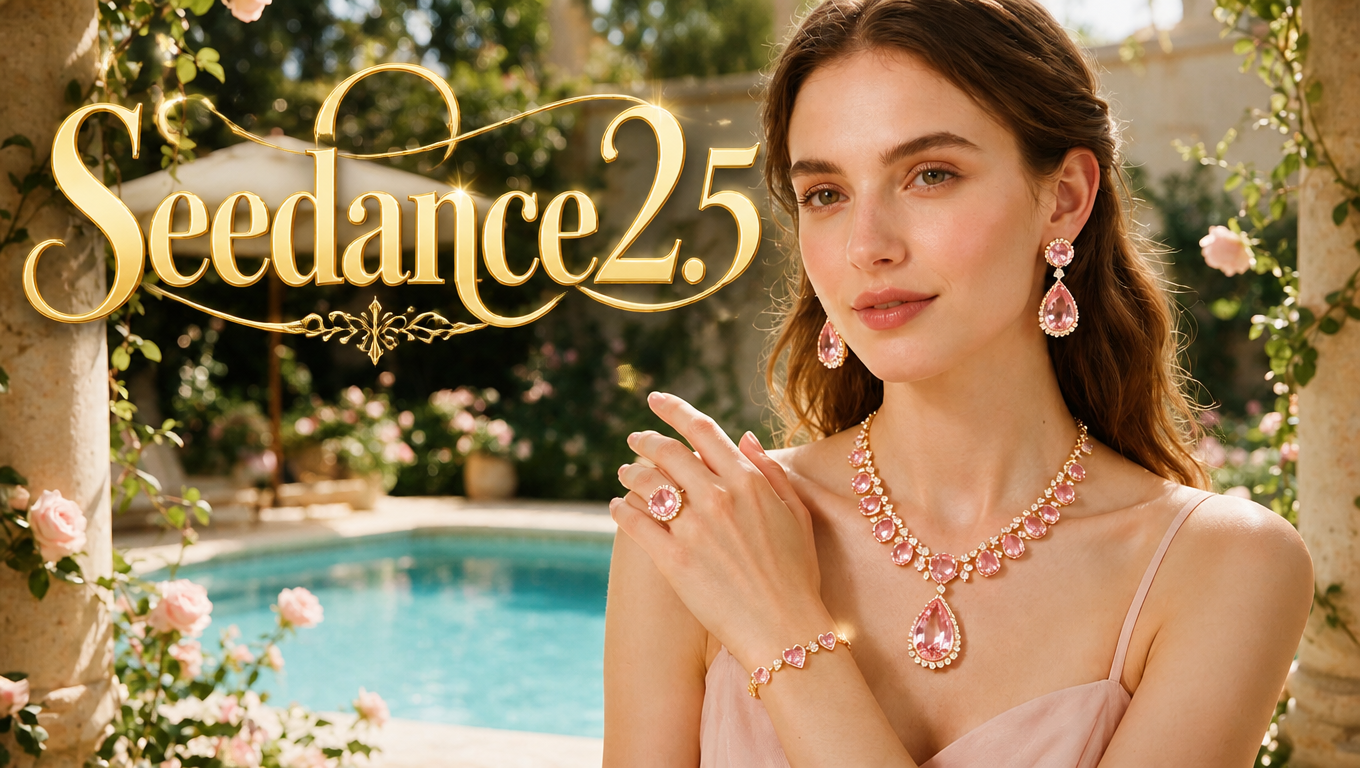
You do not need a full video shoot to start creating ecommerce content.
If you already have a clear product image, you can upload it to RHTV and use Seedance 2.5 to turn that static image into a short product video.
This workflow is useful for product showcases, social content, ecommerce pages, and early ad creatives. There is no need to build a complicated storyboard first.
The basic idea is simple: use a clear product image, keep the motion controlled, and check the product carefully after generation.
1. Start With a Clear Product Image
The source image has a direct impact on the final video.
Try to use an image where:
- the full product is visible
- the product is large enough in the frame
- color and material are clear
- logos and packaging are recognizable
- the product is not heavily blocked
- the background is not too distracting
A white background is not required.
If your existing product image already has a useful setting or composition, you can use it directly as long as the product itself remains easy to identify.
Products such as perfume, skincare, shoes, bags, headphones, and other visually distinctive items are good examples for this type of workflow.
2. Upload the Product Image to RHTV and Generate
Open RHTV, create a new canvas, and upload your product image.
Use that image as the reference and choose Seedance 2.5 for video generation.
For the first attempt, keep the movement simple.
You might ask for:
- a slow camera push-in
- a subtle pull-back
- small product movement
- soft lighting changes
- a mostly stable background
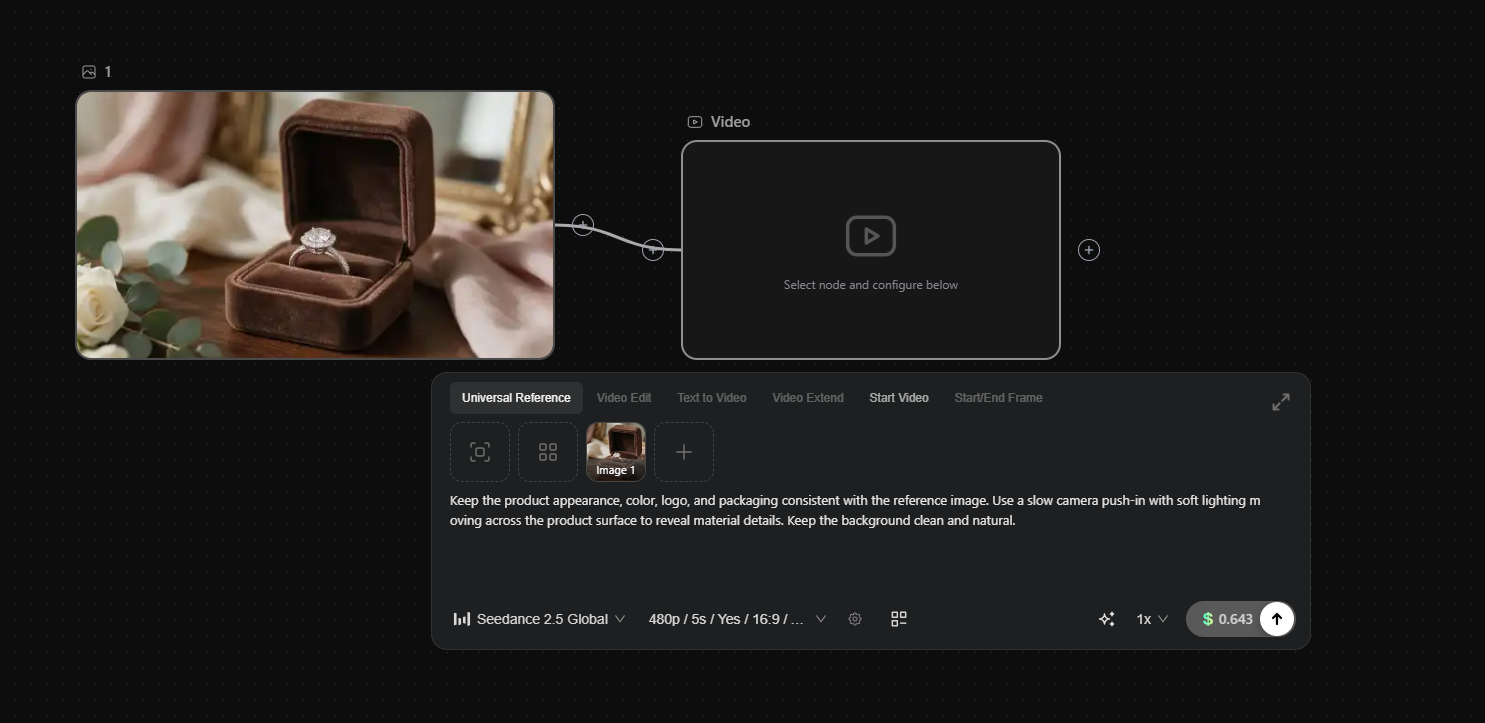
Generate the video and review the result.
If the first version already looks stable, there is no reason to keep adding unnecessary motion.
The goal is not to transform the product dramatically. It is to make the original image more useful as moving ecommerce content.
3. Check the Product Before Keeping the Video
Once the video is generated, look beyond the overall visual impression.
For ecommerce content, the product itself matters most.
Product shape
Check whether the bottle, shoe, packaging, or other product structure changes during the clip.
Logo and packaging
Important branding should remain recognizable and should not shift or change unexpectedly.
Color and material
The product should stay reasonably close to the source image.
Glass should still feel like glass. Metal, leather, and fabric should also remain visually believable.
Motion
Watch for obvious warping, drifting, or unnatural movement.
If the only issue is camera speed, you can adjust that part of the prompt and generate another version instead of rewriting everything.
4. Where You Can Use the Generated Video
A simple product image-to-video result can work across several ecommerce formats:
- TikTok product videos
- Instagram Reels
- ecommerce product pages
- social product posts
- advertising creatives
- product launches
- branded content
For prices, promotions, product claims, brand names, or CTAs, it is usually better to add them during editing.
This also makes the same product video easier to reuse across different campaigns.
For example, one perfume video can support a launch campaign, seasonal promotion, and standard product showcase with different copy and music added later.
5. When It Makes Sense to Generate Again
Not every small issue requires another generation.
If the product remains accurate and the motion looks natural, the footage may already be useful.
A new version is more worthwhile when:
- the product shape changes noticeably
- the logo or packaging becomes incorrect
- the product color shifts too much
- the object deforms during motion
- the background changes in a distracting way
- the movement becomes too aggressive
When adjusting the result, change one thing at a time.
If the motion is too fast, slow it down.
If the background is distracting, ask for a more stable background.
Small, targeted changes are usually easier to evaluate.
6. FAQ
1. What types of products work well with Seedance 2.5 image-to-video?
Products with clear visual characteristics tend to be easier to work with, including cosmetics, perfume, fashion, accessories, electronics, packaged goods, and home products.
2. What should I check before using an AI product video?
Start with product shape, logo, packaging, color, and material. For ecommerce content, accurate product representation is usually more important than dramatic motion.
3. When should I regenerate the video?
Generate another version when the product visibly deforms, branding changes, colors shift too far, or the motion looks unnatural. If only one detail needs improvement, adjust that specific part.
4. Can I create multiple versions from the same product image in RHTV?
Yes. You can reuse the same product image and test different movement or visual directions, then compare which version gives you the most stable result.
5. How should I adapt AI product videos for TikTok, Reels, or product pages?
Short-form social content usually benefits from a more prominent product, while product pages often need cleaner and more stable presentation. Add offers and CTAs during editing so they can be customized by channel.
6. Does an AI-generated ecommerce video still need editing?
Usually, yes. Image-to-video creates the moving product footage, while editing gives you better control over logos, prices, subtitles, music, promotions, and CTAs.
Open RHTV, upload one product image, and use Seedance 2.5 to create a simple ecommerce video.
Start with controlled motion, check the product carefully, and only adjust what actually needs improvement.