

GPT Image 2 API Guide for High-Quality AI Image Generation
Explore the key capabilities and best use cases of GPT Image 2 API, and learn how teams can use RunningHub’s AI image generation API for product images, ad creatives, and visual content workflows.
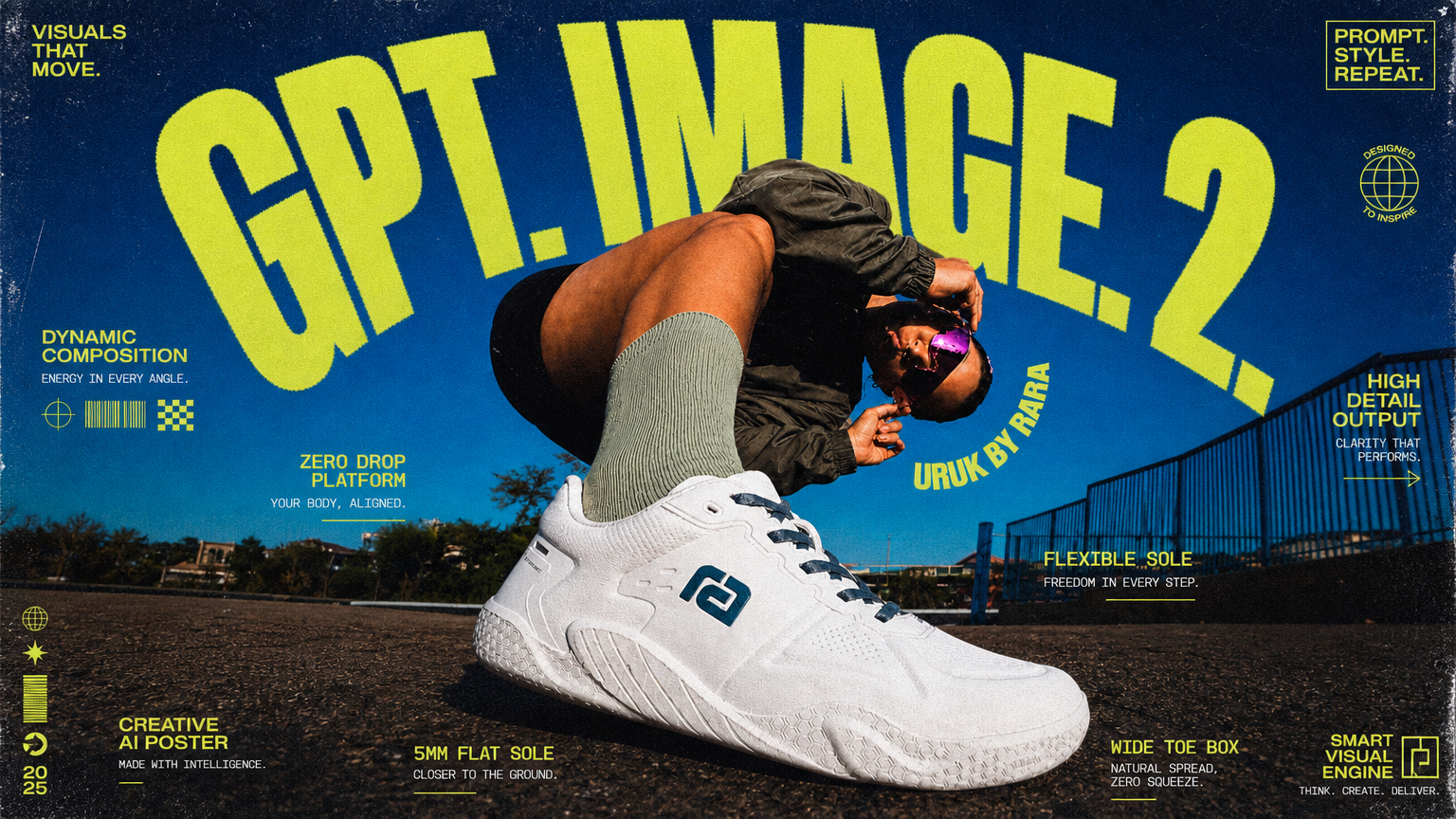
GPT Image 2 API Model Guide for High-Quality Image Generation
For developers, e-commerce platforms, creative tools, and enterprise teams, choosing an image generation API is not only about whether it can create images. The model also needs to understand detailed prompts, support high-quality output, adapt to different image sizes, and fit into real production workflows.
GPT Image 2 API is a text-to-image API available on RunningHub. It is designed for teams that need to generate high-quality visual assets from text prompts, including product images, ad creatives, brand posters, game assets, social media visuals, and design drafts.
According to OpenAI’s image generation documentation, GPT Image models, including the latest gpt-image-2, can generate and edit images from text prompts. OpenAI also notes that image output can be customized by size, quality, format, compression, and related output settings. On RunningHub, GPT Image 2 is available as a text-to-image official stable API with prompt, aspectRatio, resolution, and quality inputs.
This guide explains what GPT Image 2 API is, what its core model capabilities are, which use cases it fits best, and how teams can start using it from the RunningHub API page.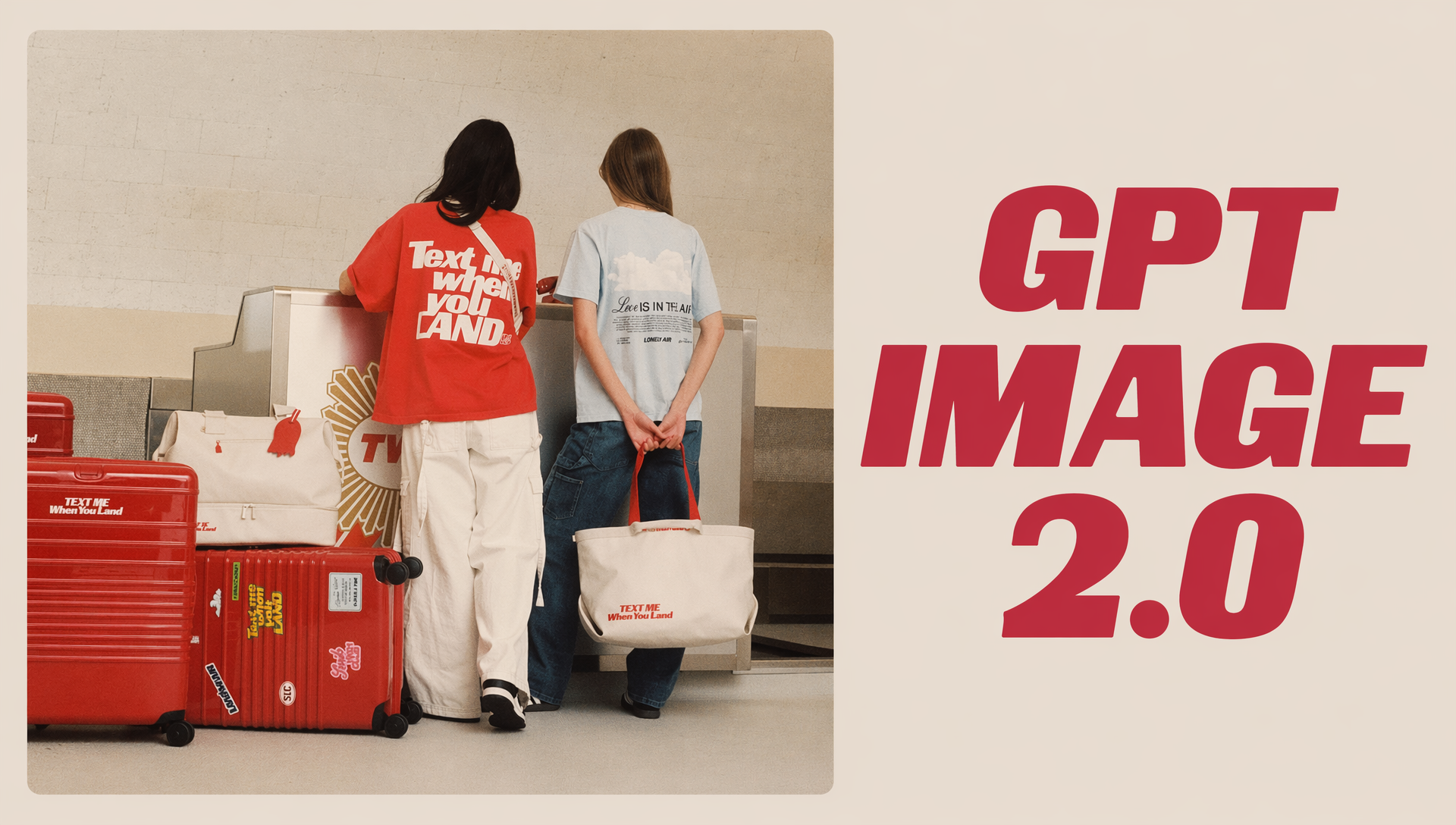
Try GPT Image 2 API on RunningHub
What Is GPT Image 2 API?
GPT Image 2 API is a text-to-image API for generating images from written prompts. Instead of manually creating each visual asset one by one, users can describe the subject, style, scene, composition, lighting, and intended use, then generate an image result through the API.
On RunningHub, the model is listed as gpt-image-2/text-to-image-official-stable, with the endpoint /rhart-image-g-2-official/text-to-image. The RunningHub page describes it as a next-generation multimodal model that supports custom resolutions and offers strong semantic understanding, making it suitable for customized applications such as e-commerce and gaming assets.
In practical terms, GPT Image 2 API is useful when a team needs high-quality images, strong prompt understanding, flexible output sizes, and production-ready visual generation. It can be used by e-commerce tools, ad platforms, design products, game teams, and enterprise content systems.
Key Model Capabilities of GPT Image 2 API
1. High-Quality Text-to-Image Generation
The core capability of GPT Image 2 API is high-quality image generation from text prompts. For e-commerce, branding, advertising, and entertainment workflows, this means users can describe a visual idea and generate images that match the intended subject, scene, composition, and style.
2. Strong Semantic Understanding and Prompt Following
The RunningHub API page highlights GPT Image 2’s semantic understanding. This matters because commercial image generation often requires more than a simple style request. Users may need to specify the subject, material, lighting direction, negative space, background, and final use case.
For example, a user can ask for a minimalist commercial photography poster with a smart speaker placed in the center, a low-saturation background, a specific light direction, and extra negative space for layout use.
3. Custom Resolutions and High-Spec Output
OpenAI’s image generation documentation lists popular gpt-image-2 sizes including square, landscape, portrait, 2K, and 4K formats such as 3840×2160 and 2160×3840. This is useful for teams that need images for different channels, including websites, product pages, ads, social posts, and vertical mobile formats.
RunningHub also provides aspectRatio and resolution inputs on the GPT Image 2 API page, helping users choose output settings based on their actual use case.
4. Advanced Lighting, Texture, and Composition
GPT Image 2 API is well suited for image tasks where lighting, texture, and composition matter. Product posters, cinematic scenes, game assets, and brand visuals all require stronger control over material details, shadows, space, and visual hierarchy.
5. Useful for Productized Image Generation Workflows
The value of GPT Image 2 API is not limited to one-off image creation. It can also be used inside productized workflows. An e-commerce platform can generate product visuals, an ad tool can generate campaign directions, a design app can create visual drafts, and an enterprise system can produce internal content assets.
Best Use Cases for GPT Image 2 API
E-commerce Product Images
E-commerce teams often need many types of visuals for the same product, including main product images, product posters, lifestyle visuals, campaign banners, and social media assets. With AI product image generation, teams can explore multiple visual directions based on product features, campaign themes, and target platforms.
Ad Creatives and Brand Posters
Marketing teams need to test different creative directions quickly. GPT Image 2 API can help generate ad concepts, brand key visuals, campaign posters, and social ad images before the final versions are refined by designers or marketers.
Game Assets and Entertainment Visuals
The RunningHub page mentions gaming assets as one of the customized application areas. Game and entertainment teams can use GPT Image 2 API for character concepts, environment drafts, prop visuals, promotional posters, and world-building references.
Social Media Covers and Content Images
Social media teams need constant visual updates. GPT Image 2 API can help generate YouTube thumbnails, Instagram post images, short video covers, campaign teasers, and topic-based visuals.
Design Drafts and Visual Exploration
In the early stage of a design project, teams often need several visual directions before choosing one. GPT Image 2 API can help generate visual drafts, layout references, poster concepts, and moodboard-style images faster.
Why Use GPT Image 2 API on RunningHub?
Many teams know that image generation models are powerful, but still need a simple way to find the right API page, understand the model’s capabilities, and test whether it fits their workflow.
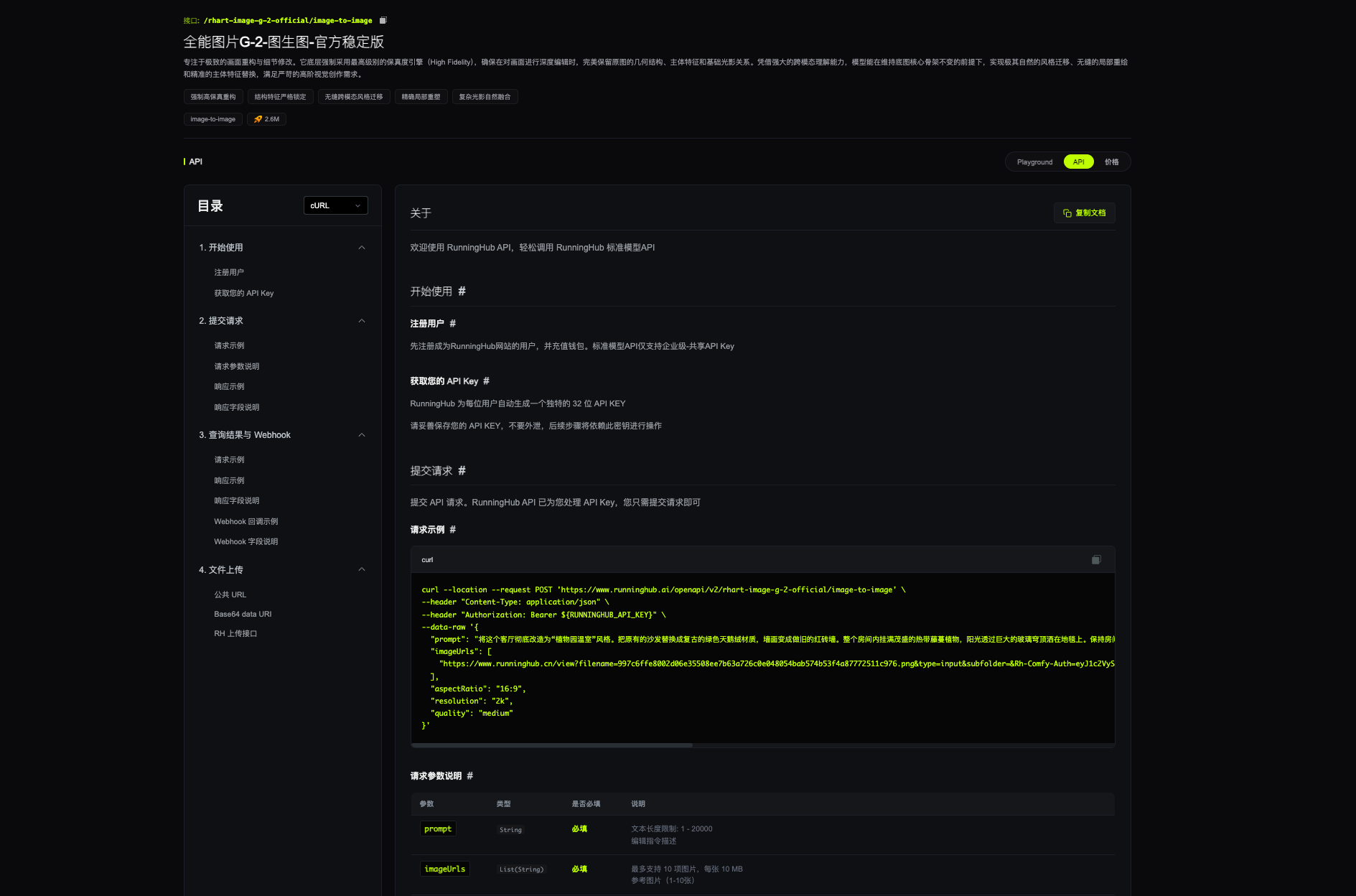
The RunningHub GPT Image 2 API page provides a direct model API entry. Users can review the model name, endpoint, feature tags, Playground, API information, pricing section, and input fields such as prompt, aspectRatio, resolution, and quality.
On RunningHub, users can:
This article is not a full low-level integration guide. It is a model guide that helps users understand GPT Image 2 API capabilities and use cases. For production usage, always follow the current information shown on the RunningHub API page.
[RunningHub GPT Image 2 API page]
Prompt Structure for GPT Image 2 API
For a text-to-image API, prompt quality has a direct impact on the output. A good prompt should describe not only the subject, but also the use case, scene, style, composition, lighting, output requirements, and constraints.
Use this structure:
Subject + Use Case + Scene + Style + Composition + Lighting + Output Requirement + Constraints
Subject: The main object or concept, such as a product, person, poster, scene, game prop, or character.
Use case: Where the image will be used, such as a product page, ad creative, social media cover, game asset, or brand poster.
Scene: The environment, such as a clean studio, futuristic space, natural setting, cinematic street, or fantasy world.
Style: The visual direction, such as commercial photography, cinematic poster, game concept art, clean e-commerce, or luxury editorial.
Composition: The layout, such as centered product, negative space on the right, close-up view, horizontal banner, or vertical poster.
Lighting: The lighting style, such as soft studio light, natural daylight, neon light, golden highlights, or dramatic cinematic lighting.
Output requirement: The final purpose, such as suitable for product pages, paid ads, social posts, or game concept references.
Constraints: What to avoid, such as extra text, cluttered background, distorted objects, or irrelevant elements.
A Reusable Prompt Template
Generate a [type of image] for [use case], featuring [subject], with [key visual idea or selling point]. Use a [scene/background], [visual style], [composition], and [lighting style]. Keep the image clean, clear, and suitable for [target platform]. Avoid extra text, cluttered background, distorted objects, and irrelevant elements.
Example:
Generate a high-end commercial product poster for an e-commerce campaign, featuring a minimalist matte white smart speaker placed on a light gray terrazzo countertop. Use a clean beige background, soft natural light from a 45-degree angle, centered composition with negative space on the right side, sharp product details, and an airy premium photography style. Avoid extra text and irrelevant objects.
This template can be adapted for product images, ad creatives, brand posters, social visuals, and game asset references.
Tips for Better Results with GPT Image 2 API
Start with a specific use case. Instead of writing a generic prompt, define whether the image is for a product page, ad campaign, social post, game asset, or brand poster.
Describe the visual structure clearly. Include subject, composition, lighting, background, style, and final use. The more clearly you describe the image, the easier it is to control the result.
Choose output settings based on the channel. Use landscape formats for website banners, portrait formats for mobile and social posts, and square formats for product listings or thumbnails when needed.
Generate multiple versions. Image generation is useful for visual exploration. Create several versions with different styles, backgrounds, or compositions before choosing the best result.
Check commercial usage rules. If the image will be used commercially, make sure your input assets, brand elements, people, and platform usage follow the relevant rules.
FAQ
What is GPT Image 2 API best for?
GPT Image 2 API is best for high-quality text-to-image generation, including product images, ad creatives, brand posters, game assets, social media visuals, and design drafts.
Does GPT Image 2 API support 4K image generation?
OpenAI’s image generation documentation lists popular gpt-image-2 sizes that include 4K formats such as 3840×2160 and 2160×3840. RunningHub also provides resolution-related input options on the GPT Image 2 API page. For exact availability, follow the current RunningHub page.
Is this a technical API integration tutorial?
No. This article is a model guide. It explains GPT Image 2 API capabilities, use cases, and how users can start exploring it on RunningHub. For technical implementation, follow the current RunningHub API documentation.
Can GPT Image 2 API generate product images?
Yes. It is suitable for AI product image generation, product posters, ad creatives, and e-commerce visual drafts, especially when teams need high-quality visuals with clear composition and commercial style.
Can I use generated images commercially?
Commercial use depends on the model, your input assets, and RunningHub’s current platform rules. Always check the model page and usage terms before publishing or using generated images in paid campaigns.
Conclusion: Use GPT Image 2 API for High-Quality Image Generation
GPT Image 2 API is a strong fit for teams that need high-quality, customizable, and production-ready image generation. It can support product images, ad creatives, brand posters, game assets, social media covers, and design drafts.
If your team is looking for an AI image generation API for business visual content, start by reviewing the GPT Image 2 API page on RunningHub. From there, you can evaluate the model, test prompts, and decide how it fits your product or content workflow.
Try GPT Image 2 API on RunningHub
References
https://developers.openai.com/api/docs/guides/image-generation