


Motion From Any Video
AI Motion Transfer
Someone filmed the perfect dance, fight beat, or walk. Upload that clip and one image of your character, and the ai motion transfer makes your character perform the same moves — same timing, weight, and expression. No motion-capture suit, no keyframe marathon.
Try it Now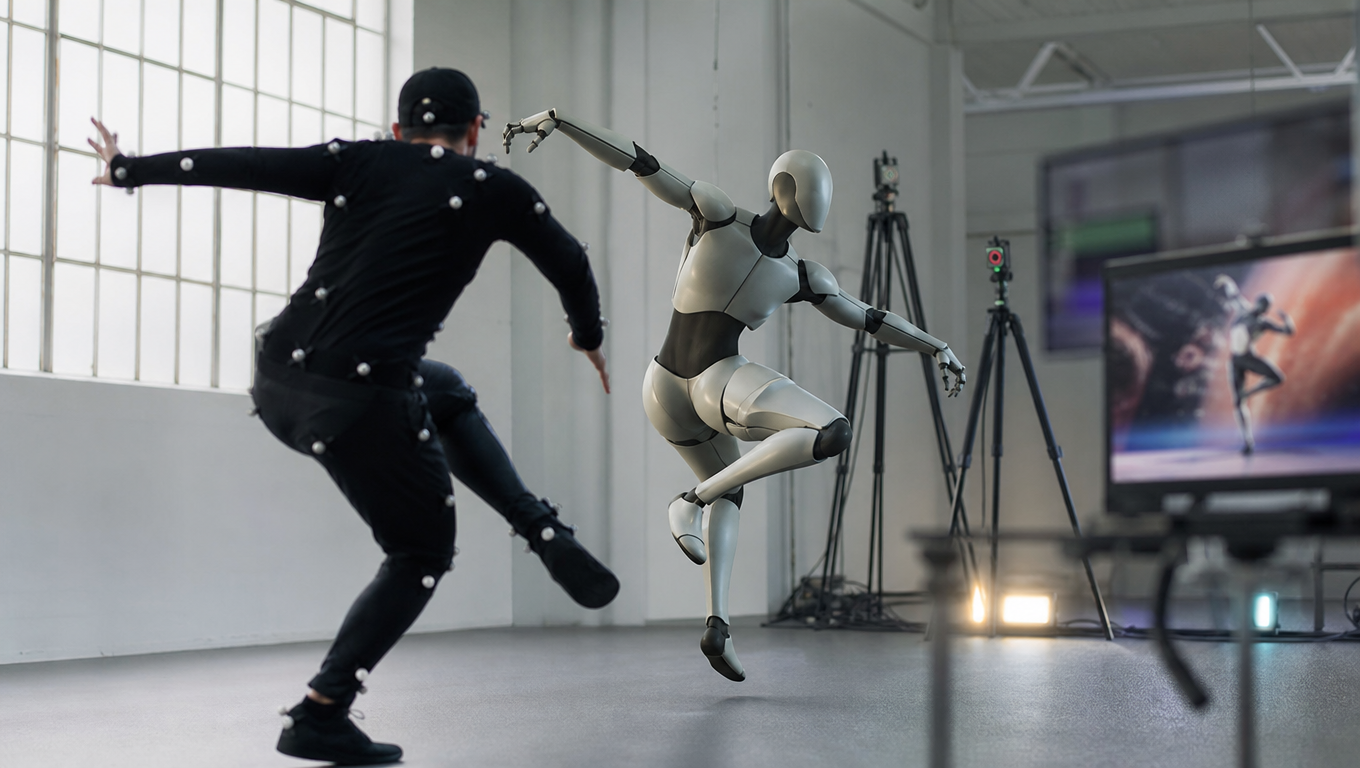
Why Choose RunningHub
From reference clip to moving character in minutes.
It Tracks Every Frame
This motion control ai follows your reference beat by beat — steps, turns, even the blink — so the result moves like the original, not like a guess.
Any Character Can Move
Illustration, 3D render, or photo. The ai movement comes out clean on cartoon and realistic styles alike.
No Software, No Studio
Motion transfer ai used to mean a mocap stage or heavy software. Here it's two uploads and one button — and your first runs are free.
Yours to Publish and Sell
Everything you generate is yours to use commercially, including client work and game assets.
Motion Copy
Transfer Motion From Any Video
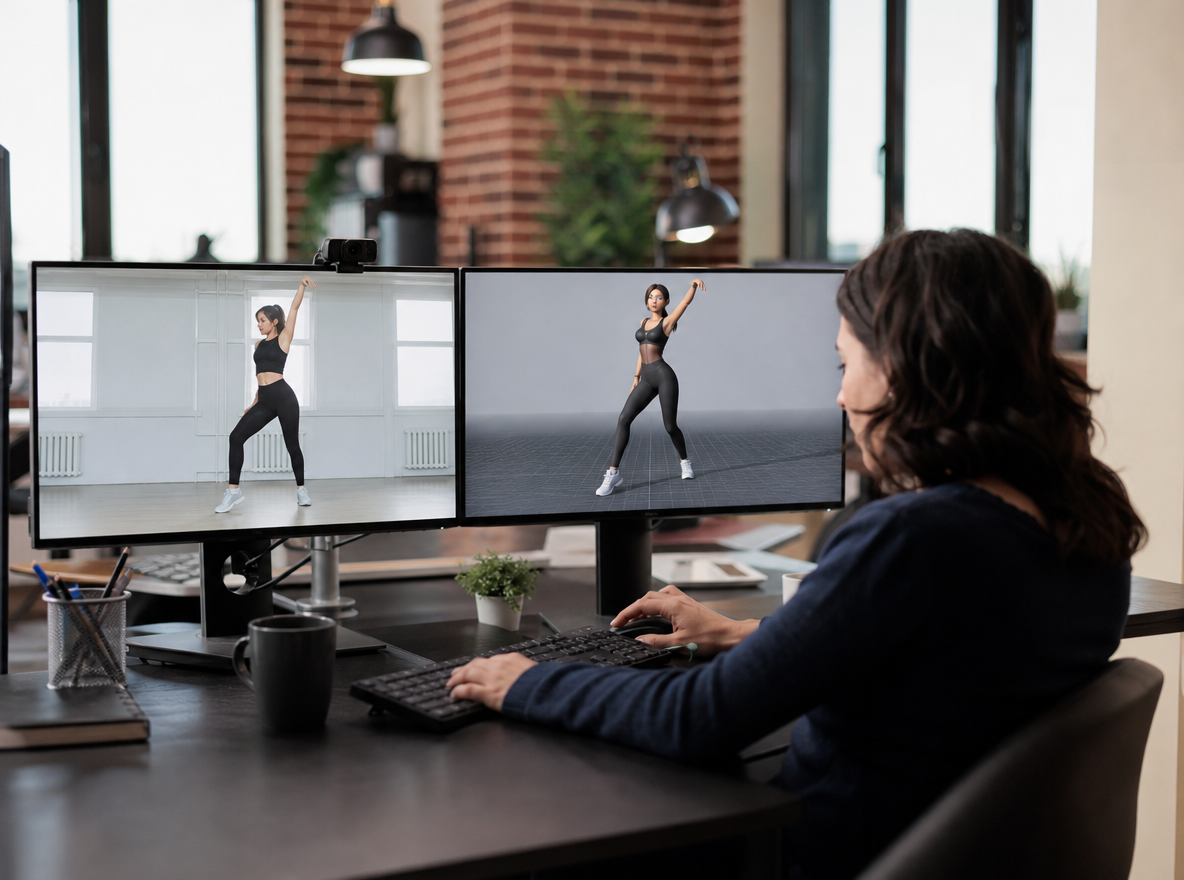
Upload the reference clip and the character you want moving. The tool reads the original skeleton — timing, spacing, weight — and applies it to your character, so a walk keeps its swagger and a dance hit lands on the same beat.
- Works with dance, sports, acting, and fight clips
- Timing matches the reference beat for beat
- Handles turns, jumps, and camera movement
- Output ready for video or game engines
Mimic Motion AI
It Copies the Motion, Not the Person
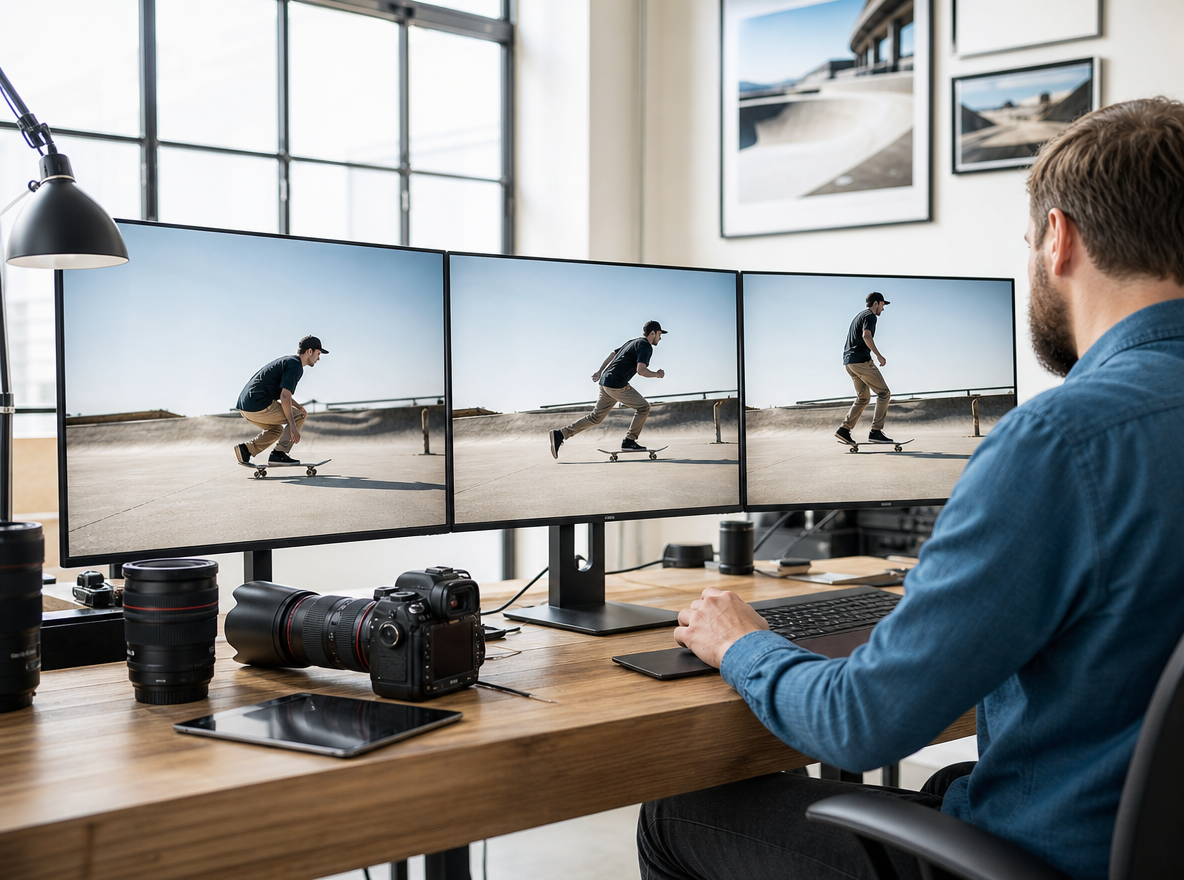
The common fear with mimic motion ai is getting the original performer's face. That's not what happens. The performance moves; the identity stays — your character keeps their own face, body, and outfit, and the performer's likeness never transfers.
- Face, clothes, and design stay 100% yours
- Only the movement is copied
- Works on illustrated and stylized characters
- No mocap suit or studio needed
Free Motion Control AI
Test a Full Clip Before You Pay
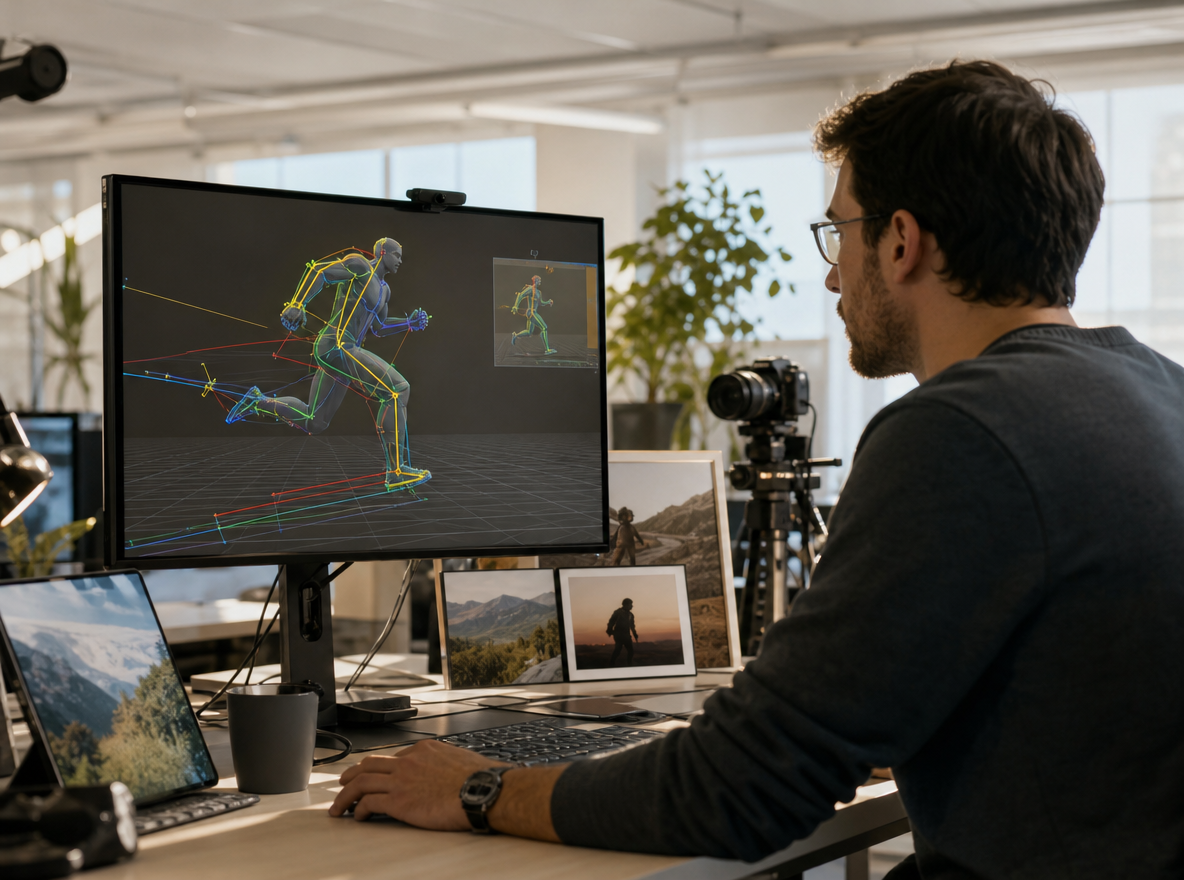
You can run motion transfer ai free with your starter credits — a full clip, real quality, before spending anything. Creators use it for dance and character videos; game teams use it to block out animation days before keying it by hand.
- Full-length test runs on starter credits
- Pay only for what you generate
- Results are yours for client work
- Export straight into your editor or engine
Transfer Motion From Video to Image — Step by Step
- 01
Upload the Reference Clip
One clearly visible person with readable motion works best. Avoid rapid cuts and crowded frames.
- 02
Upload Your Character
One image is enough — illustration, render, or photo. A clear front or three-quarter pose gives the best result.
- 03
Generate the Motion
Pick a model and quality, then watch your character perform the reference in minutes instead of days.
- 04
Download and Ship It
Export as video or as a sequence for your game or edit timeline. It's ready to publish.
What Are Our Users Saying
Animators and creators who use it weekly.
I blocked a nine-second fight in one afternoon. The tool does the movement; I do the acting.
Clients say 'this move, that character.' That used to be a commission. Now it's a Tuesday task.
Reference to animation overnight, retargeted in the morning. Older tools lost the wrists — this one keeps them.
Frequently Asked Questions
What is ai motion transfer?
It takes the movement from one video and applies it to another character. Upload a reference clip and a character image, and the ai motion transfer makes your character perform the same actions with the same timing.
Can I transfer motion from video to image?
Yes — that's the core use. One image of your character plus a video's motion: the output is your character performing that video's movement.
Is motion transfer ai free to try?
Yes. New accounts get starter credits, enough to test a full short clip before paying. Longer or higher-quality renders cost more, and you see the price first.
What's the difference between motion transfer and motion control ai?
They overlap. Motion transfer copies one clip's full performance onto your character; motion control ai usually adds per-shot control — keep the camera, redo only the arms. Both live on RunningHub.
Is there a free ai motion control I can actually test?
Yes. Starter credits run the same quality you'd pay for — free ai motion control means testing without a card, not a crippled preview.
Does mimic motion ai copy the performer's identity?
No. Only the movement transfers. The performer's face, body, and clothes never enter the result — your character keeps its own design.
What kinds of movement work best?
Clips with one clearly visible person and readable motion. A solo dance works great; a crowded group number confuses every tool, including this one.
Can I use the output for client or commercial work?
Yes — clips you generate are yours to publish and sell. Just make sure you have the right to use the reference clip you upload.
Explore More
Keep going with these tools.
Your Character Can Dance Tonight
Two uploads and a few credits between your character and the reference performance. The first try is free.
Try it Now