


Image Extender AI
AI Image Extender
The ai image extender grows your photo's canvas outward and paints the missing edges — floor, sky, shoulders, table — matched to the original lens, grain, and light. Square to vertical, tight crop to wide banner, cut-off portrait to whole scene. No re-shoot.
Try it Now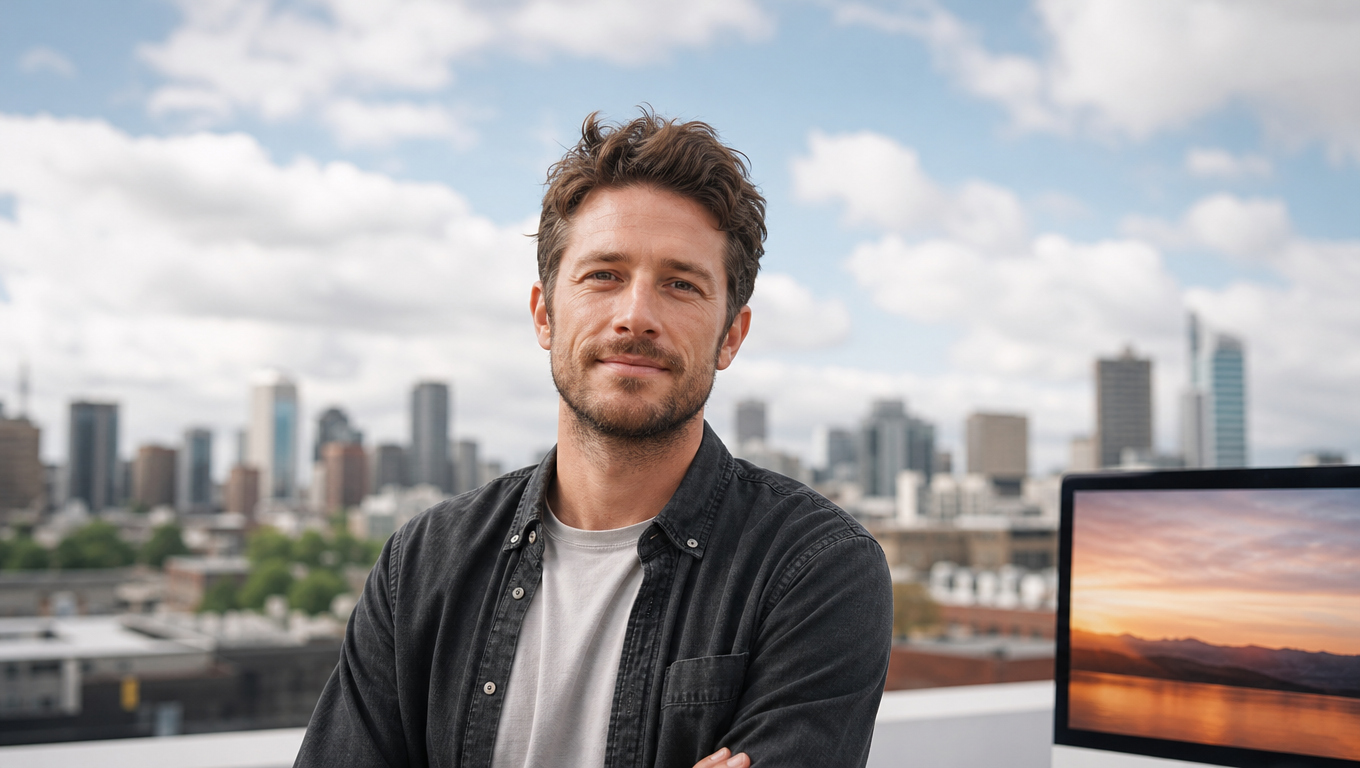
Why Choose RunningHub
The scene continues; it doesn't get framed out.
Fix the Crop Later
Square to vertical to 16:9 — the ai image expander matches lens and grain while you change shape, so last year's photo fits this year's format.
New Space That Belongs
An ai background extender that pastes borders shows it instantly. This one continues the scene: floor keeps its grain, sky keeps its haze, light stays consistent.
Room for the Copy
Banner work needs quiet space. Ai photo expansion generates clean, empty room beside your subject — the ad text gets somewhere to live.
Old Photos, Whole Again
That family photo cropped at the shoulder? The ai photo extender can rebuild the full portrait — with age grain that matches the original.
AI Image Extend
Square to Anything
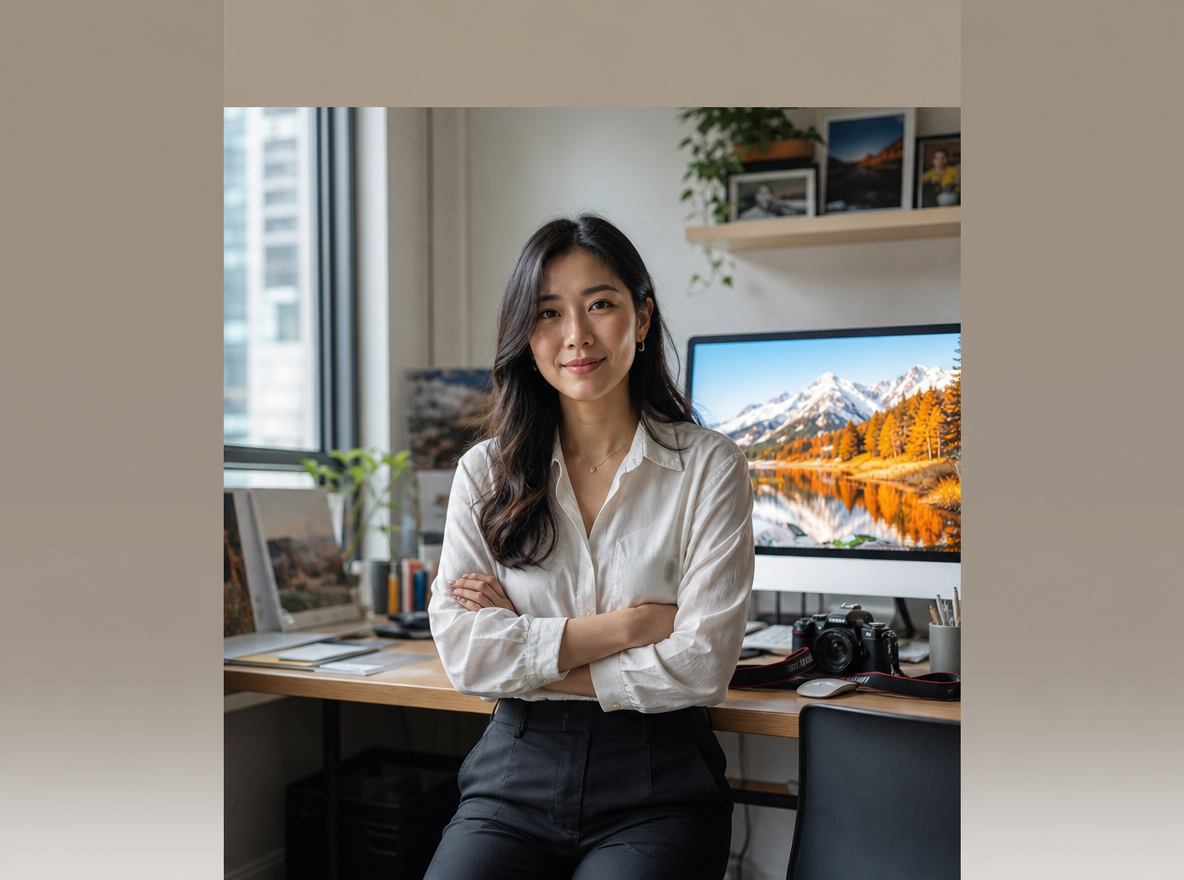
Upload, then tell the tool the new shape. It is the ai expand image moment where you decide what the new edges hold — more ceiling, more table, more street — and the pass fills it matched to the frame.
- Any aspect ratio, in one step
- Keep the subject pixel-perfect
- New edges match light and grain
- Phone portrait to wide banner works
AI Background Extender
E-commerce Room to Breathe
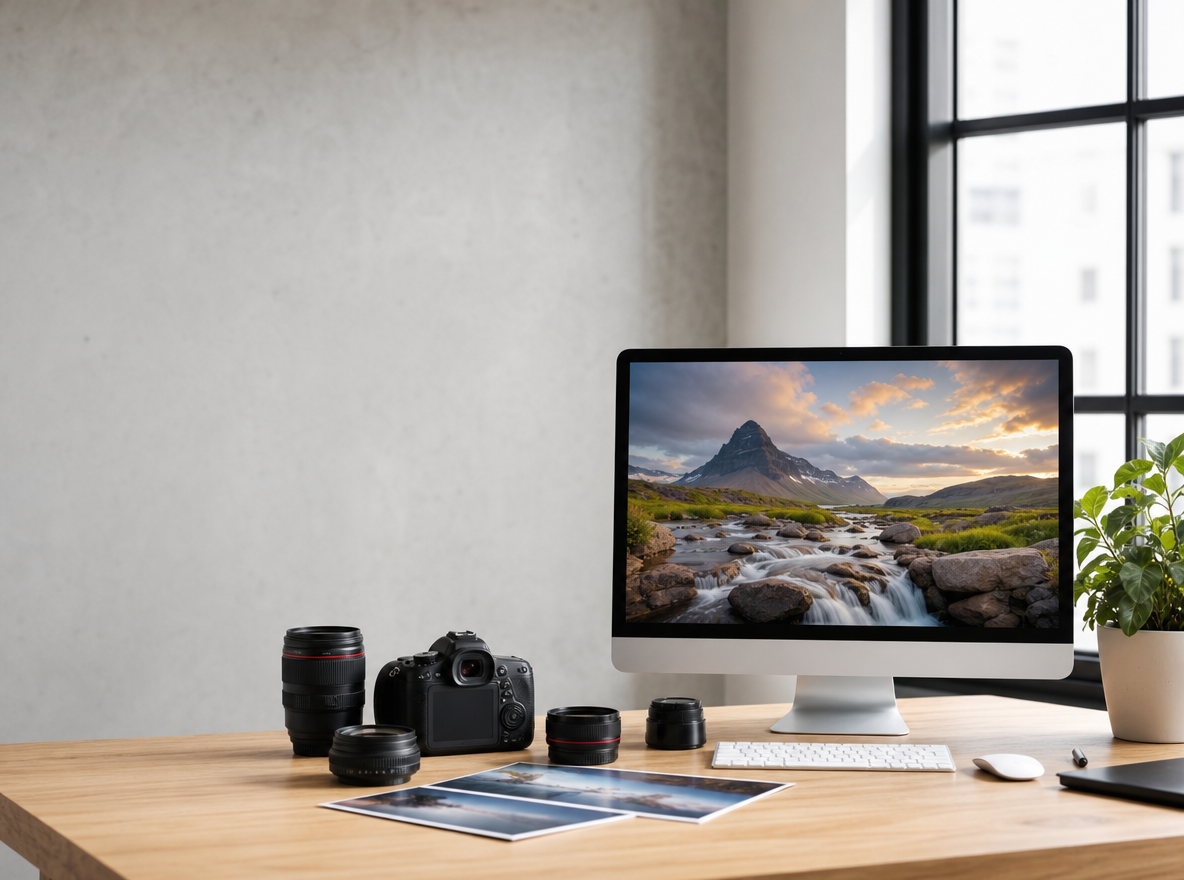
The everyday job is the image background extender keeping the product untouched and inventing quiet space around it — listings, banners, and ads all fit from one source shot.
- Product pixels never change
- Clean margins for headline text
- One shot becomes every ad size
- Consistent across a whole catalog
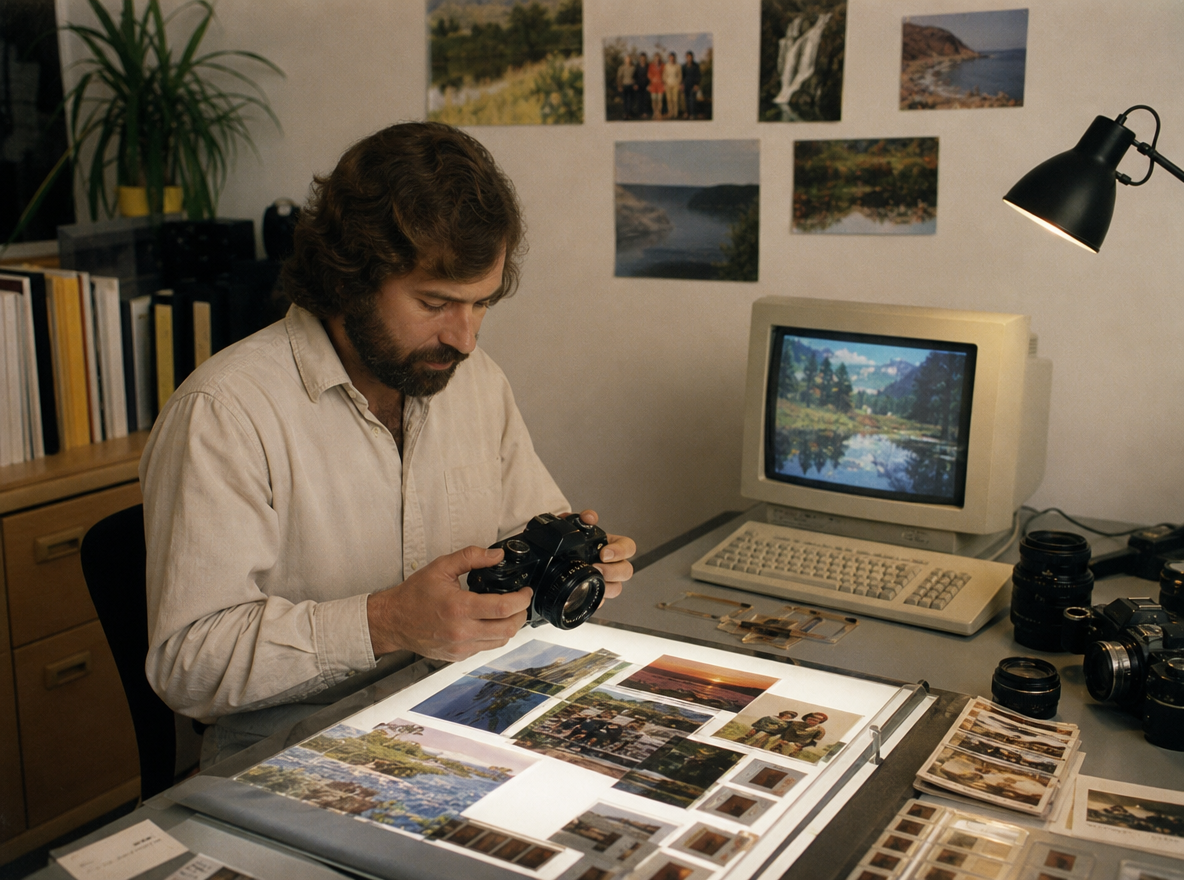
Photo Extender
The Archive Fix
Vintage crops hurt: shoulders cut at the frame edge, a whole dress missing below. The ai image extender free starter credits let you test the fix — the rebuild matches the era's grain instead of fighting it.
- Cropped portraits come back whole
- Era grain and tone matched
- Scans and prints both work
- Gentle on damaged originals
How to Expand an Image Without a Seam
- 01
Upload the Photo
JPG or PNG. The original quality helps, but scans and old files work too.
- 02
Choose the New Shape
Drag the canvas or type the size — the ai expand image step is just you deciding how far the frame goes.
- 03
Guide the New Edges
Optional: describe what the new space holds. Skip it and the tool reads the scene.
- 04
Download the Wider Frame
Full resolution out, seams invisible at normal sizes.
What Are Our Users Saying
Marketers, archivists, and people who cropped too tight.
Every ad spec now — square, vertical, wide — comes from the same product photo. Faces never get re-cropped.
The 1974 photo ended at the shoulders. It's a full portrait now, and the grain actually matches.
Ad sizes used to eat my week. Now I extend one shot into every variant and move on.
Frequently Asked Questions
What is an ai image extender?
A tool that grows a photo's canvas beyond its original edges and paints the new space to match — same lens feel, grain, and light. The photo gets wider; the original pixels stay untouched.
Is the ai image extender free to try?
Yes — starter credits on every new account cover the first extends. No card, no install.
What's the difference between extending and upscaling?
An upscaler adds resolution inside the same frame. An extender adds new frame outside it. For old small photos you'd upscale first, extend second.
How is the ai background extender different from generative fill?
Generative fill edits or replaces regions inside the frame. The extender only ever grows the frame outward — your original photo is never repainted.
Can it extend crops that cut into faces?
Careful yes: it can rebuild cut-off shoulders and hairlines, but faces themselves aren't redrawn — the tool continues what's outside the crop.
What can I use it for?
Social formats, banners and ads, product listings, wallpaper crops of old art, and repairing cut-off family photos — anywhere the subject is right but the frame is wrong.
Is there a resolution limit?
It matches your input's quality and outputs full resolution. For very large prints, extend first, then upscale.
Is an image extender ai or just blurred borders?
Real extension generates plausible new content — floorboards continue, sky keeps its gradient. Blurred-border tricks are a different, cheap thing.
Explore More
Keep going with these tools.
Uncrop the Photo You Almost Threw Away
Give the frame more room — floor, sky, shoulders back. First extends are free with starter credits.
Try it Now