


Video Upscale AI
AI Video Upscaler
The ai video upscaler doesn't stretch pixels — it rebuilds every frame: detail reconstructed from the motion itself, edges re-sharpened, and the chat-app blocking scrubbed out. Upload 480p, download up to 4K, and start free with your starter credits.
Try it Now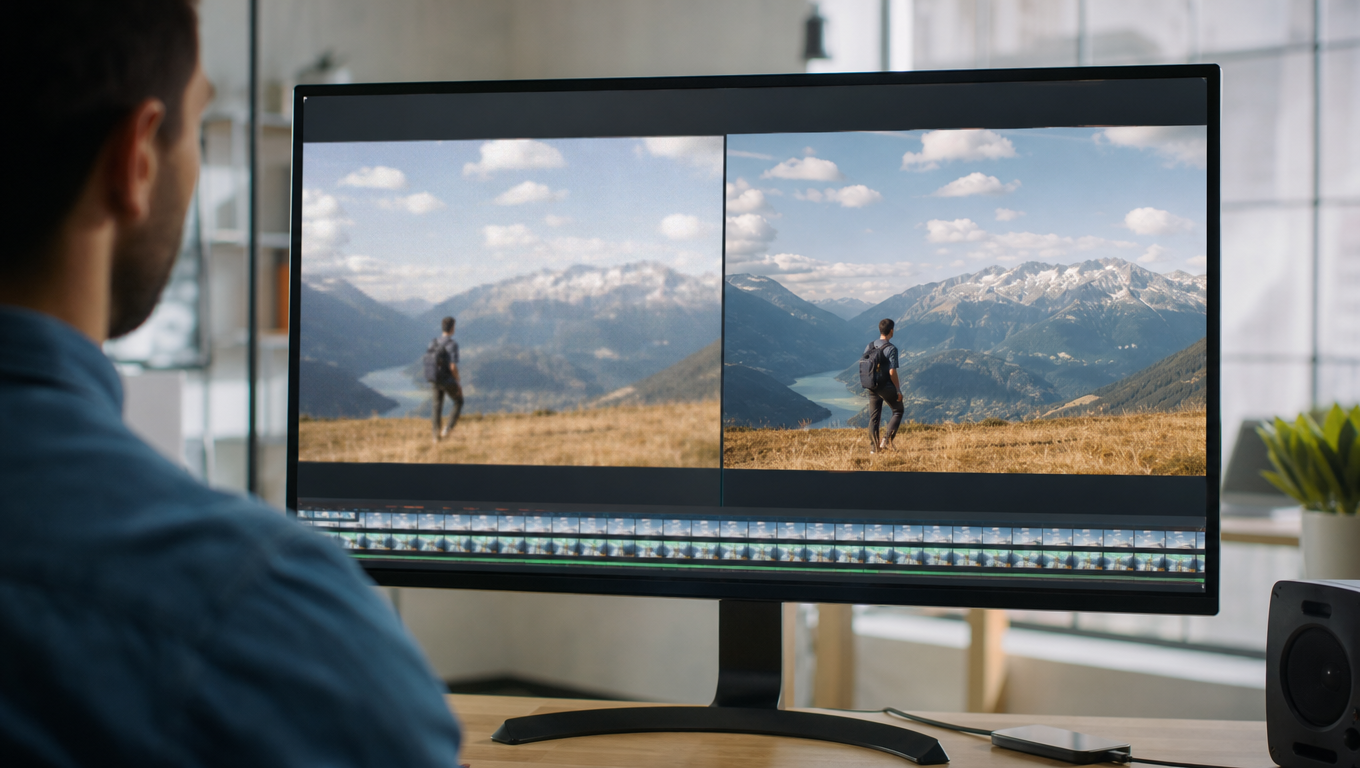
Why Choose RunningHub
Reconstruction, not enlargement.
Detail From the Motion
Single frames get guessed at; sequences know things. Video upscale ai uses the movement between frames to reconstruct detail that the low resolution never saved.
Kill the Blocks
Chat apps chew clips into macroblocks. This video depixelizer removes the blocking and holds the edges underneath — the clip looks re-sourced, not re-compressed.
Built for Bad Sources
VHS captures, old phone clips, messenger compressions — video upscaling ai was made exactly for this footage, not just for pristine camera files.
Long Clips, Overnight
A feature-length file queues and finishes while you sleep. Pick a target — 1080p, 2K, 4K — and let the queue run.
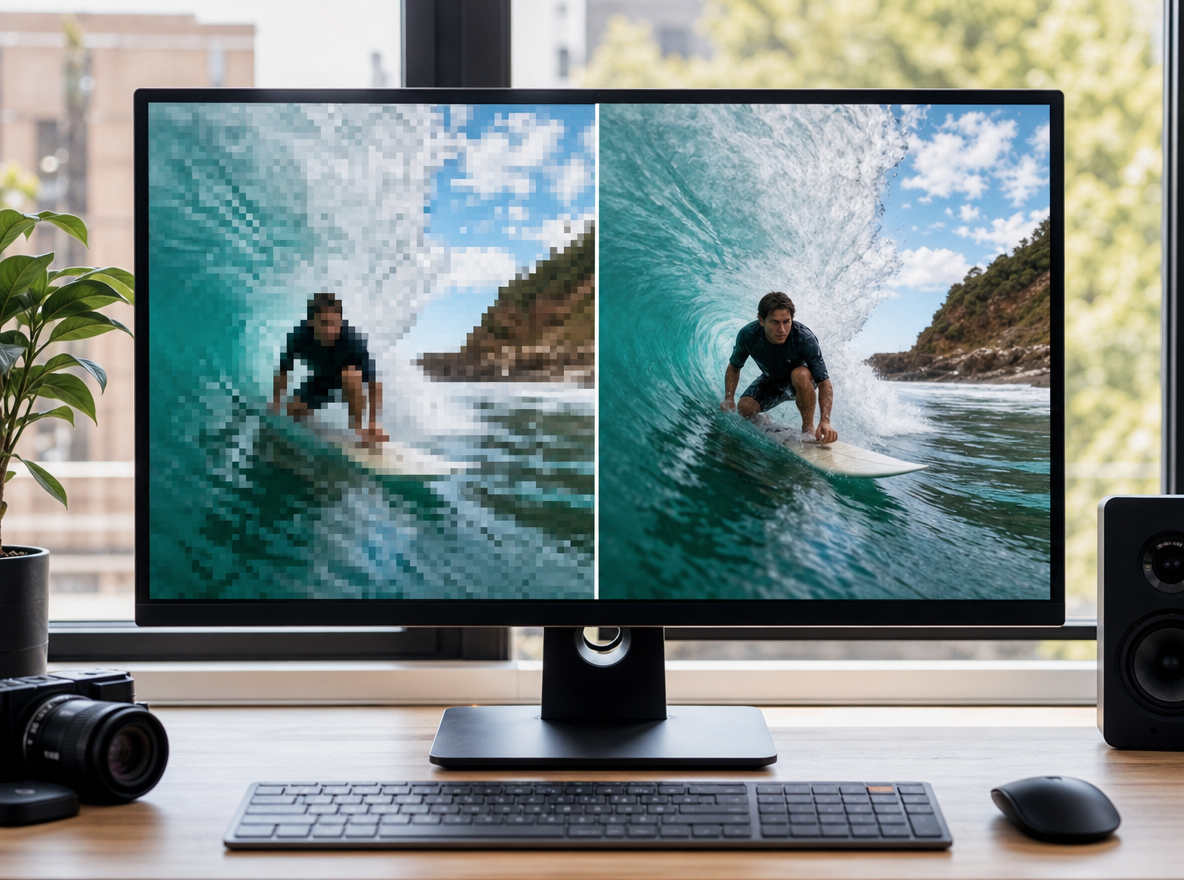
Unpixelate Video
Fix What the Chat App Chewed
That video from a group chat is blocky, soft, and the only copy you have. The ai video upscaler online 1080p pass is built for exactly this: blocks out, faces recovered, edges held — then it's ready for the feed.
- Chat-app footage recovers cleanly
- Faces come back from mush
- Ready to post at 1080p or higher
- One upload, no settings to fight
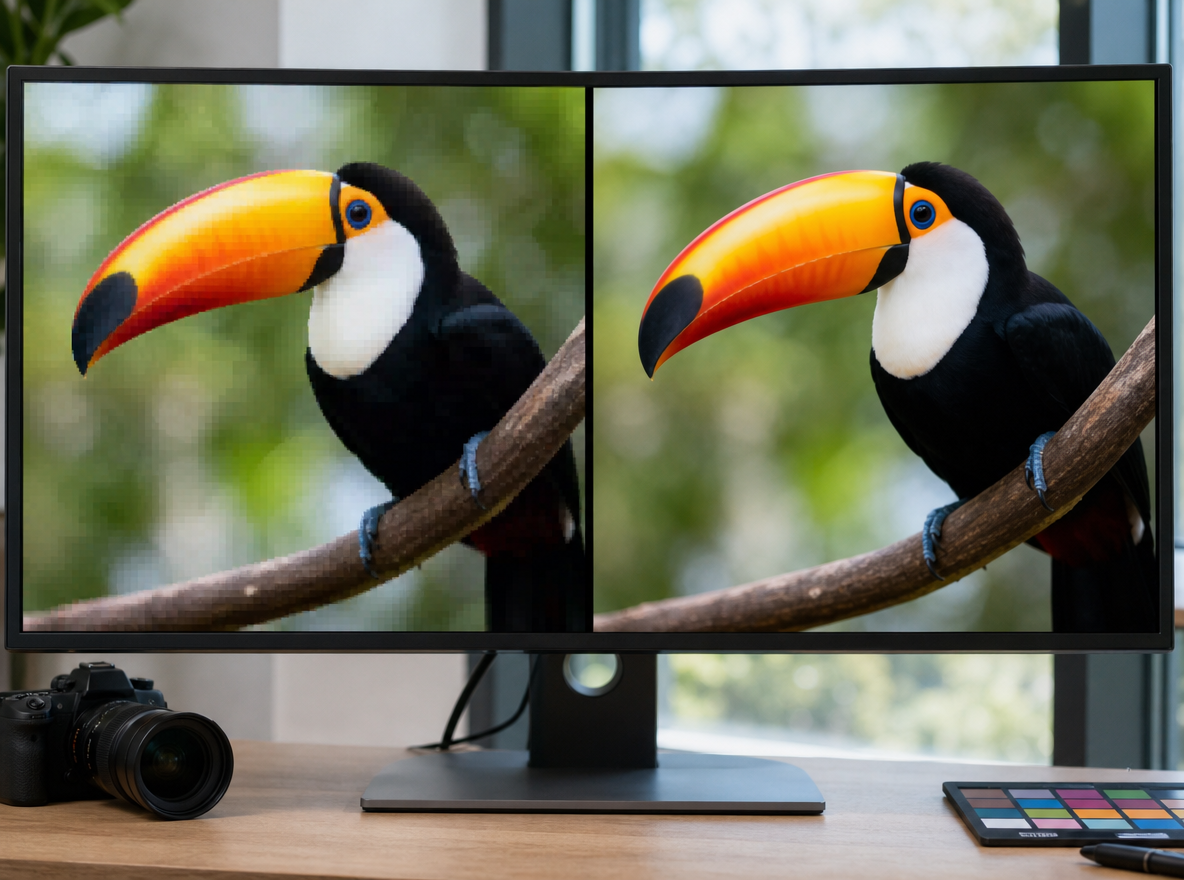
AI Upscaler Video
Pick the Target: 1080p, 2K, 4K
Choose where you want to land and the ai upscale video pass rebuilds at full target resolution — not an enlarged screenshot, a reconstructed frame for frame.
- True reconstruction, not stretching
- 1080p, 2K, or 4K targets
- Text and edges stay readable
- Same result quality every pass
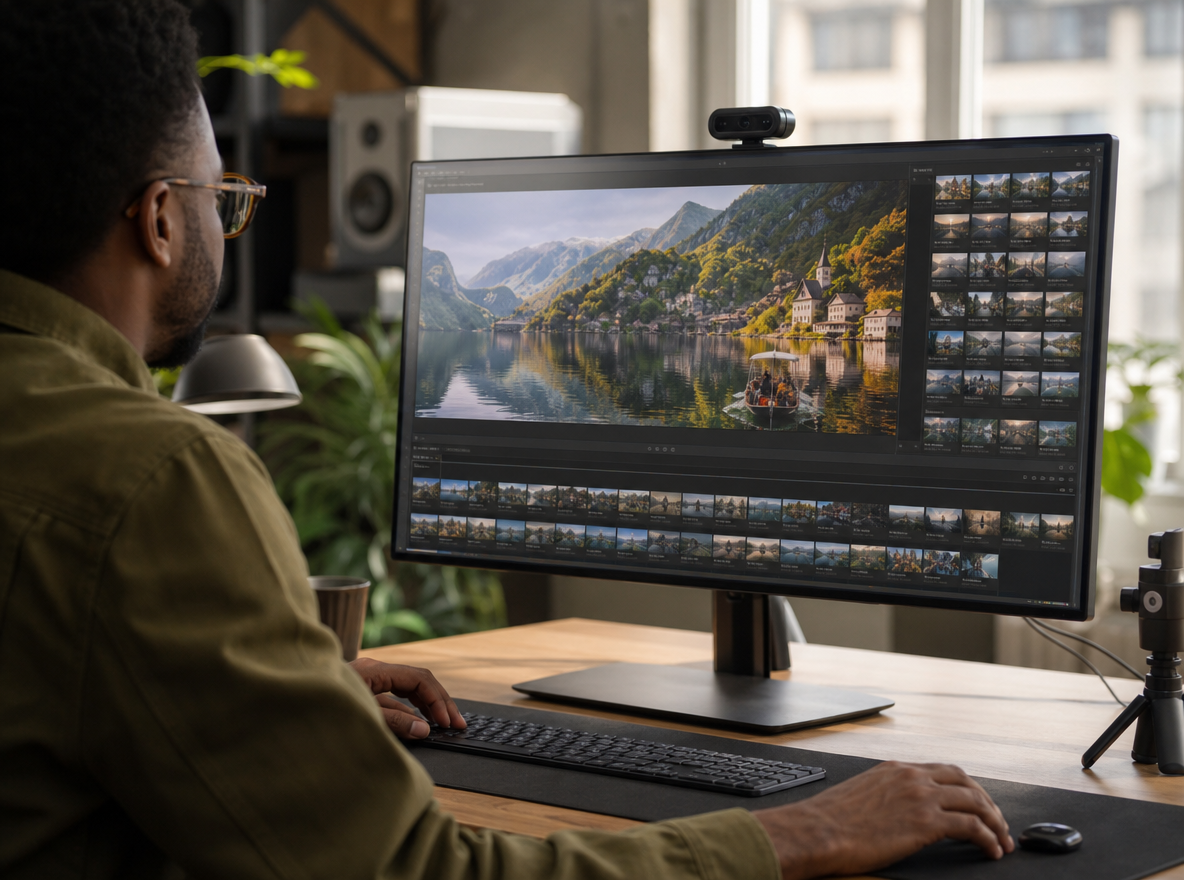
Batch and Long Jobs
The Long Clip, Not the GIF
Home archives and full episodes are the real jobs. Queue hours of footage, and the video quality improvement free starter credits let you test the pipeline before trusting it with the whole shelf.
- Hours of footage queue overnight
- Batch several clips at once
- Progress visible, tab can close
- Long-form, not just GIF-sized tests
How to Improve the Quality of a Video in One Pass
- 01
Upload the Clip
MP4, MOV, and the usual formats — even the copy the chat app already compressed once.
- 02
Choose the Target
1080p, 2K, or 4K. Unsure? Start at 1080p and compare.
- 03
Let It Run
Reconstruction runs in the cloud, frame by frame. Close the tab if the clip is long.
- 04
Download and Compare
Same file, better copy. A/B the first and last frames — that's where cheap tools break.
What Are Our Users Saying
Archivists, editors, and people with one good copy.
I made forty hours of VHS captures watchable in a week. First clean frame of my grandfather and I had to stop.
Messenger clips used to mean reshoots. Now they mean an upload.
I upscale old cutscenes for our mod to modern resolutions — text stays readable and edges stay sharp.
Frequently Asked Questions
What is an ai video upscaler?
A tool that rebuilds a video at higher resolution by generating real detail for every frame — using motion between frames — instead of just stretching the existing pixels.
Can I use an ai video upscaler online 1080p without software?
Yes — this is a free ai video upscaler that runs in the browser. Upload, pick 1080p or higher, download. Nothing installs, and long jobs run in the cloud.
Is a free video ai upscaler actually free?
The starter credits on every new account cover real test passes. After that it's pay-per-job credits — cheap, but honest: serious GPU work isn't truly unlimited-free anywhere.
How do I get videos quality increase without pro software?
Upload and pick a resolution — that's the whole workflow. The reconstruction that used to need a desktop suite now runs as a cloud job.
How can I improve the quality of a video that's blurry and dark?
The pass cleans the blur and blocking while holding natural contrast — it reconstructs, it doesn't crank the brightness slider. Very dark sources still lose true detail, but they gain a lot of readability.
Does a video depixelizer fix VHS captures?
VHS digitizations are one of the best use cases: tape softness and digitization artifacts respond well, and old family footage is what most people run through it.
Is video upscaling ai the same as frame interpolation?
Different jobs. Upscaling adds spatial detail per frame; interpolation adds new frames for smoother motion. This page is upscaling — cleaner frames, same frame rate.
Is ai upscaling video online free worth trying at all?
With starter credits, yes — run your worst clip through and judge it against the original. It's a real test that costs nothing.
Explore More
Keep going with these tools.
Fix the Only Copy You Have
Upload the 480p clip you can't reshoot. First pass is free with starter credits.
Try it Now