


Face Swap for Videos
Video Face Swap
A photo swap is easy until the head turns. This video face swap re-fits your face every frame — through angles, blinks, and lighting changes — so the faceswap video rides the motion instead of floating on it. Audio untouched, long clips welcome.
Try it Now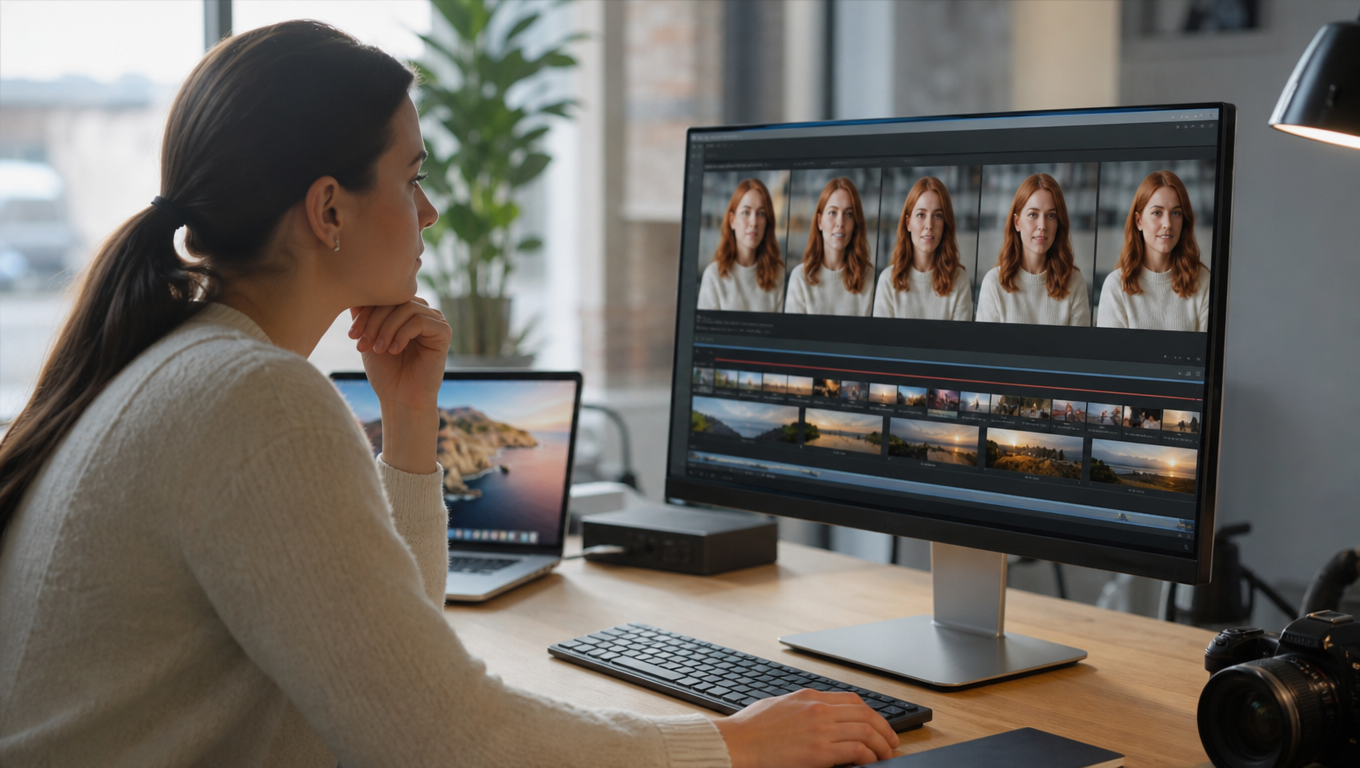
Why Choose RunningHub
Built for the take, not the thumbnail.
The Swap Stays Put
Cheap tools paste a still that slides off on the first head turn. The face video swap engine re-fits the face frame by frame, so it survives turns, expressions, and camera moves.
Long-Form Works
A long face swap video — minutes, not seconds — queues in the cloud and finishes while you do something else. Short GIFs were never the real use case.
Audio Untouched
Voice, music, and sync stay exactly as recorded. The face swap ai video pass rewrites face pixels only — lip-sync and sound design never move.
One Face, Many Shots
Multi-shot edits need the same identity in every scene. This face video swapper keeps the swapped face consistent from scene one to the last cut.
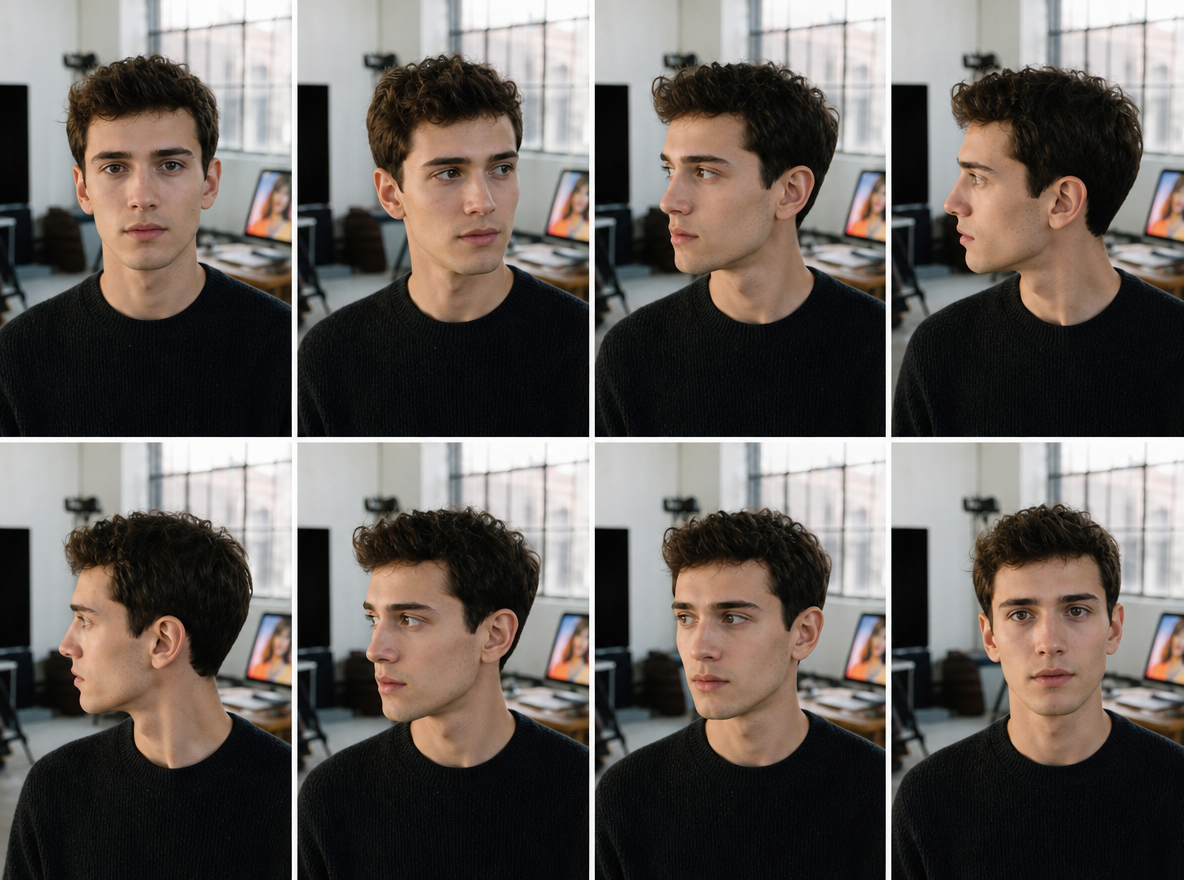
Face Swap AI Video
Angles, Blinks, Lighting
The hard test is a head turning mid-sentence while a cloud moves overhead. Face swap ai video done right re-fits and relights through all of it — no floating mask, no sliding edges.
- Re-tracks the face every frame
- Matches the scene's changing light
- Blink timing stays natural
- No drift when the head turns
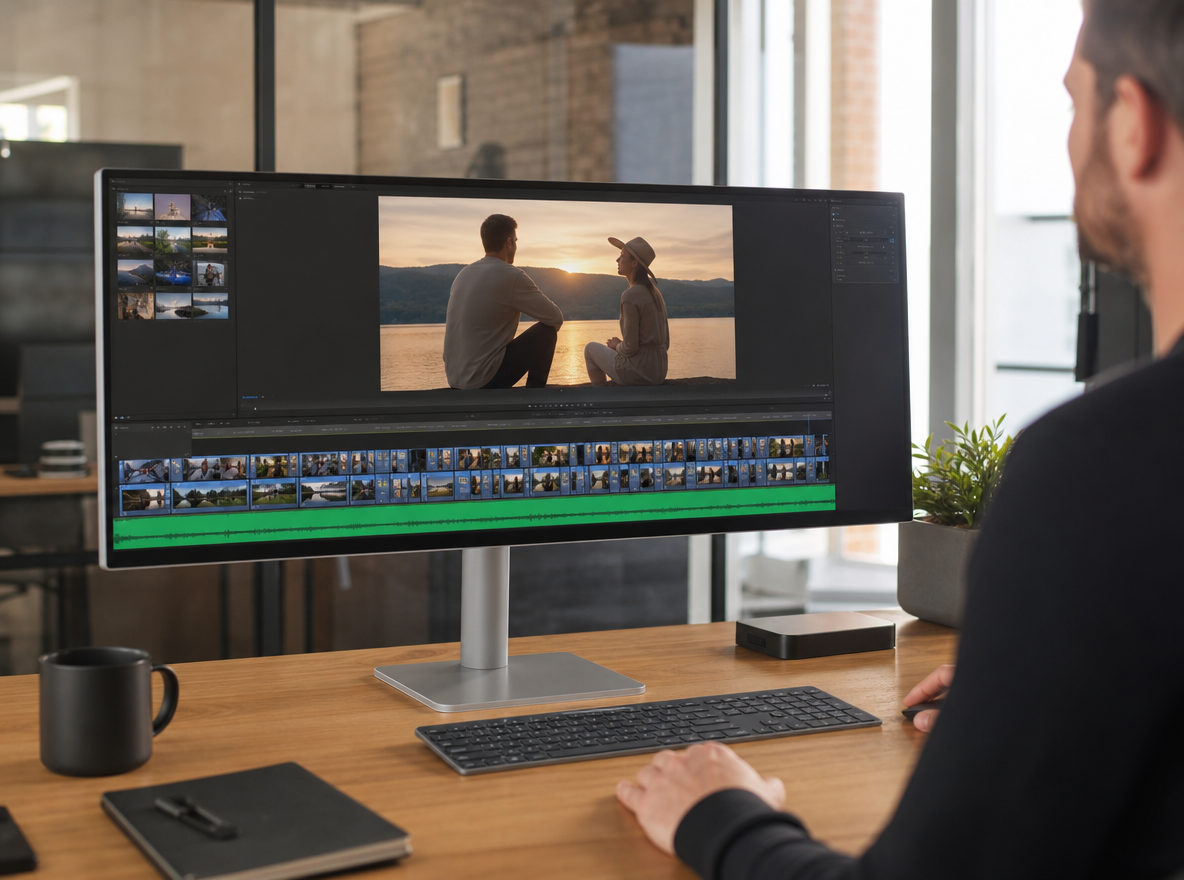
AI Video Faceswap
The Long Clip, Not the GIF
Short-film scenes and archive footage are the jobs that matter. The ai video faceswap pipeline queues long renders overnight and keeps one identity steady across cuts.
- Minutes-long renders, not 2-second demos
- Consistent face across scene cuts
- Cloud queue — you can close the tab
- Progress survives you leaving
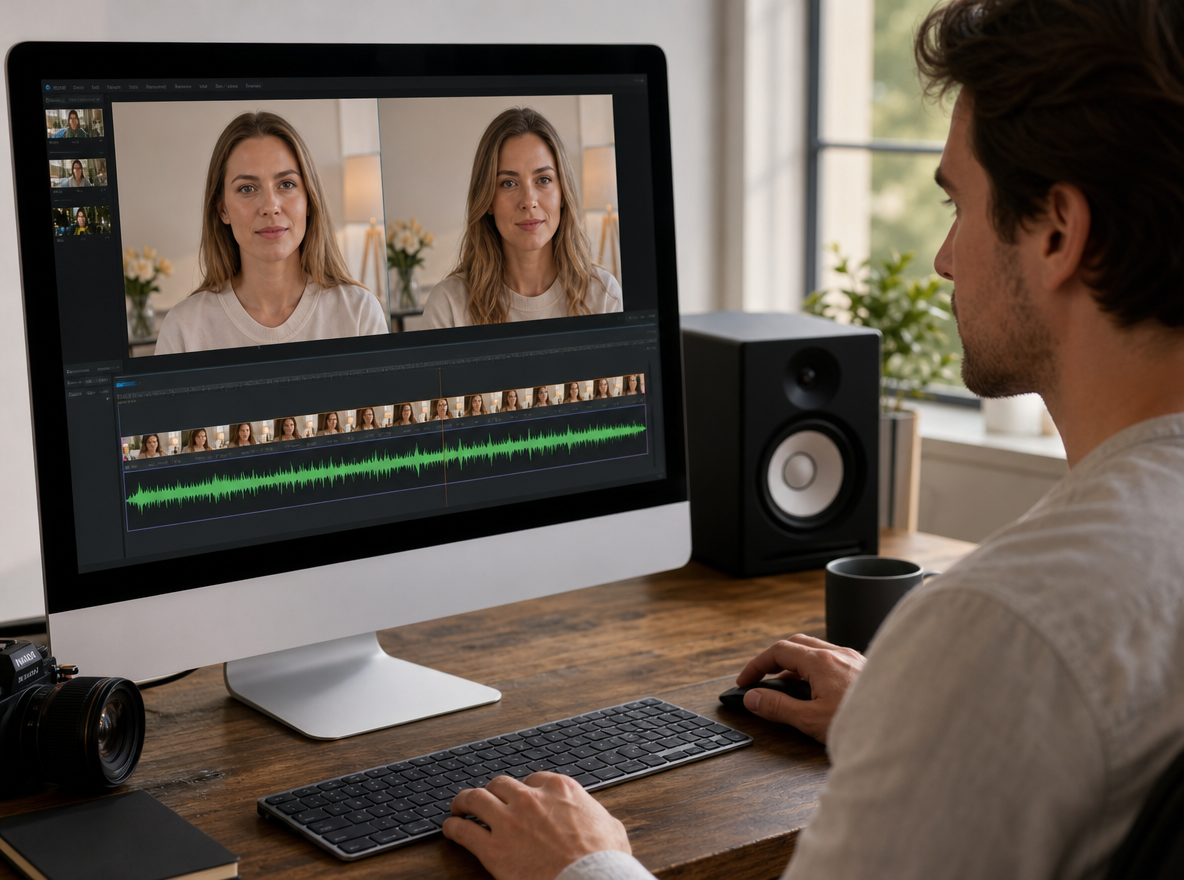
Face Video Swap
Keep the Audio, Keep the Scene
The waveform never moves. A face swap to video here replaces face pixels only — dialogue, sound design, and everything outside the face come out exactly as filmed.
- Audio and sync never touched
- Background outside the face unchanged
- Dialogue scenes stay as filmed
- Exports in your clip's format
How Face Swap for Videos Works
- 01
Upload the Clip
MP4 or MOV — send the whole take, not a trimmed GIF.
- 02
Upload the Face
One clear photo of the face to swap in. More than one person? Add each target face.
- 03
Mark the Person and Range
Point at which face to replace, and whether it's the full clip or one segment.
- 04
Render and Download
Long takes queue in the cloud. Audio, cuts, and everything else come out untouched.
What Are Our Users Saying
Meme editors, directors, and archivists.
I used to cut the meme at the head turn. Now the whole take runs.
Our short holds the swap through all twelve minutes; the audience never mentions the face — that's the compliment.
Family archive clips get privacy edits before sharing — long footage works, so this is the last step now.
Frequently Asked Questions
Can I video swap face without changing the audio?
Yes — the pass rewrites face pixels only. Dialogue, music, and timing come out bit-for-bit as you uploaded them, so lip-synced scenes stay in sync.
How do I face swap to video when there are multiple people in frame?
Mark which person gets swapped; everyone else stays exactly as filmed. Add one clear source photo per face you want replaced.
How do I swap face video on a long file — an hour of footage?
Upload it and queue it. Long renders run in the cloud overnight and the queue survives you closing the tab; you get the finished clip, not a two-second demo.
¿Puedo hacer face swap vídeo conservando el audio original?
Sí — el audio nunca se toca. The face swap only replaces face pixels; your original soundtrack, dialogue, and sync are returned untouched.
Is video faceswap detectable?
Up-front and honest: on close scrutiny, a careful viewer can sometimes spot a swap — especially in very close-up shots. Well-lit footage at normal distance holds up best, and if context matters, label it.
Can a faceswap video use any face I want?
No. Use your own face or a face with explicit permission. Swapping a real person into a video without consent — and anything deceptive or exploitative — isn't allowed, however good the tech is.
What footage works best for a video face swap?
A clear, reasonably lit face with modest motion blur. Extreme side profiles, tiny faces at the back of a crowd, and heavy action blur all give any face swap ai video more room to slip.
Is face swap for videos legal for memes and parody?
Parody using your own or consenting faces is fine. Impersonation meant to deceive — fake statements, fake endorsements, deepfakes of real people without permission — is not, and platforms increasingly require labeling synthetic video regardless.
Explore More
Keep going with these tools.
See the Whole Take, Not Just the Easy Frames
Upload a clip where the head turns — that's where cheap tools fail. First render is free with starter credits.
Try it Now