


Video Object Remover
Remove Objects From Video
That shopping bag on the bench ruins the shot. Brush over it and this video object remover erases it while the camera moves — the background behind is rebuilt frame by frame, not blurred over. That's how to remove objects from video without a VFX timeline.
Try it Now
Why Choose RunningHub
Erase it, and the scene closes over.
It Tracks the Move
Static masks break the second the camera pans. Video object removal here follows the object across frames and keeps the patch locked to it — even when it exits and re-enters.
Background Rebuilt, Not Blurred
The difference between a visible smudge and an invisible fix is what fills the hole: generated pavement, planks, and wall texture matched to the scene's grain and light.
People, Logos, Gear
Tourists, brand cups, light stands — remove items from video covers the whole boring list, from passersby mid-crossing to set clutter at the frame edge.
Start Free
One clip is covered by starter credits — the honest way to see whether remove objects from video online free tiers can actually hold up on your footage before you pay anything.
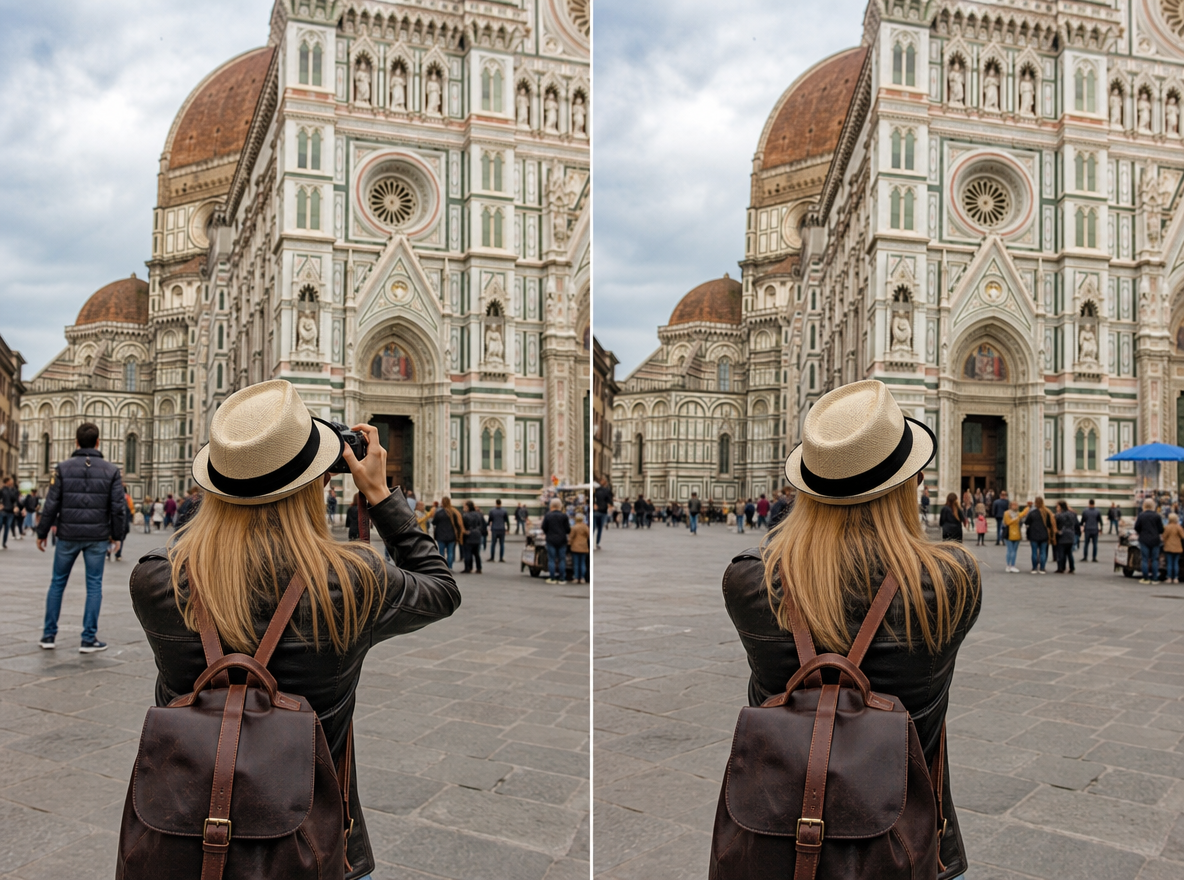
Remove Objects From Videos
Erase the Crowd
Plaza full of passersby? Brush the whole band of them in one pass. Tourists get erased while the pavement and architecture rebuild continuously behind every walking body.
- Brush several moving people at once
- Background stays continuous, no smears
- Works while the camera moves
- The empty-plaza shot, no reshoot
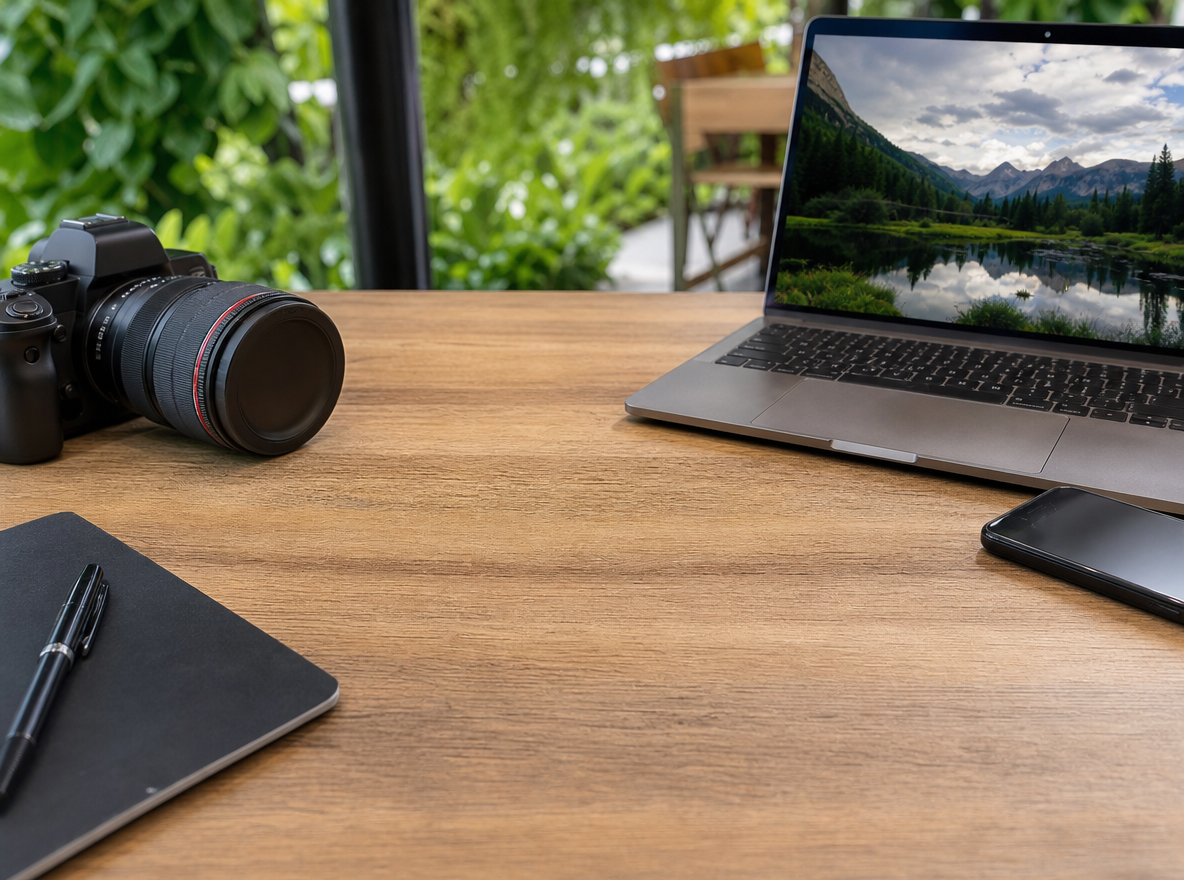
Video Object Remover Free
Erase the Brand and the Gear
The branded cup on the client's table, the logo on a stranger's shirt. The free starter pass handles small, moving, partially hidden objects and keeps the wood grain or fabric running underneath.
- Small logos and product marks
- Objects that leave and re-enter frame
- Surface texture continues, not smears
- Delivery-clean client frames

How to Remove Objects From Video
The Behind-the-Scenes Fix
The boom in the ceiling reflection, the light stand at frame edge — this question usually starts with one perfect take that can't be reshot. Brush, generate, and the take survives.
- Rescues takes that can't be redone
- Boom mics, stands, cables, signage
- Check the moving parts, ship the clip
- No rotoscoping, no tracking points
How to Remove Objects From Video Without VFX
- 01
Upload the Clip
MP4 or MOV. The original file erases better than a chat-app copy.
- 02
Brush Over the Object
Paint across the tourist, bag, or logo. Re-brush anywhere it travels beyond the first pass.
- 03
Generate the Clean Plate
The background behind gets rebuilt frame by frame — not blurred, generated.
- 04
Review the Moving Parts
Scrub the render at full speed, then download the clean clip in your original format.
What Are Our Users Saying
Travel creators, product shooters, and editors with one good take.
I got the empty plaza I flew for — same shot, forty fewer strangers.
Stray logos and brand cups in the final client frame now get cleaned before delivery, not argued about.
A light stand vanished from the perfect take; the director never knew.
Frequently Asked Questions
How to remove objects from video without VFX skills?
Brush over the object, click generate, download. There's no rotoscoping, no tracking points, no timeline — the tracking and background rebuild happen on the server.
How do I remove an object from a video while the camera moves?
That's exactly what the tracker is for: the selection follows the object across frames even while the camera pans or walks. Motion-blurred sources are the only weak spot.
Can it remove object in video that walks across the frame and leaves?
Yes — the mask rides a moving person, and when they re-enter the frame the erasure continues. Static patches can't do that; tracking masks can.
Can I remove something from video for the whole clip or just one part?
Either. Set the range to the full clip or mark just the seconds where the object is in shot — a passing car gets a shorter range than a permanent prop.
What files does remove object video work best on?
Standard MP4 and MOV from phones and cameras. Heavily compressed chat-app copies erase worse because there's less real background information to rebuild from.
Will there be a blurry leftover where the object was?
The hole is generated, not blurred — texture, perspective, and light are matched. Busy surfaces like pavement and wood respond best; flat complex motion behind a fast object is the hardest case for any tool.
Isn't cropping the object out easier than video object removal?
Only if you can spare the frame. Cropping costs you composition and resolution; removal keeps the shot exactly as framed and erases the mistake instead of the picture.
Is a video object remover free to try?
Starter credits on every new account cover a real test clip at full quality — enough to check a tourist, a logo, or a stand before spending anything. Unlimited-free GPU erasure doesn't exist anywhere; this is the honest version.
Explore More
Keep going with these tools.
Clean the Shot You Can't Reshoot
The bench with the shopping bag is one upload from empty. See it remove something from a video while the camera moves — first clip free with starter credits.
Try it Now