


LoRA Trainer
LoRA Training Online
A LoRA is a small model add-on that makes image generation actually know something: your face, your art style, your product. This lora trainer runs in the cloud — upload a photo set, click train, download the file, run it on compatible models. No graphics card, no installs.
Try it Now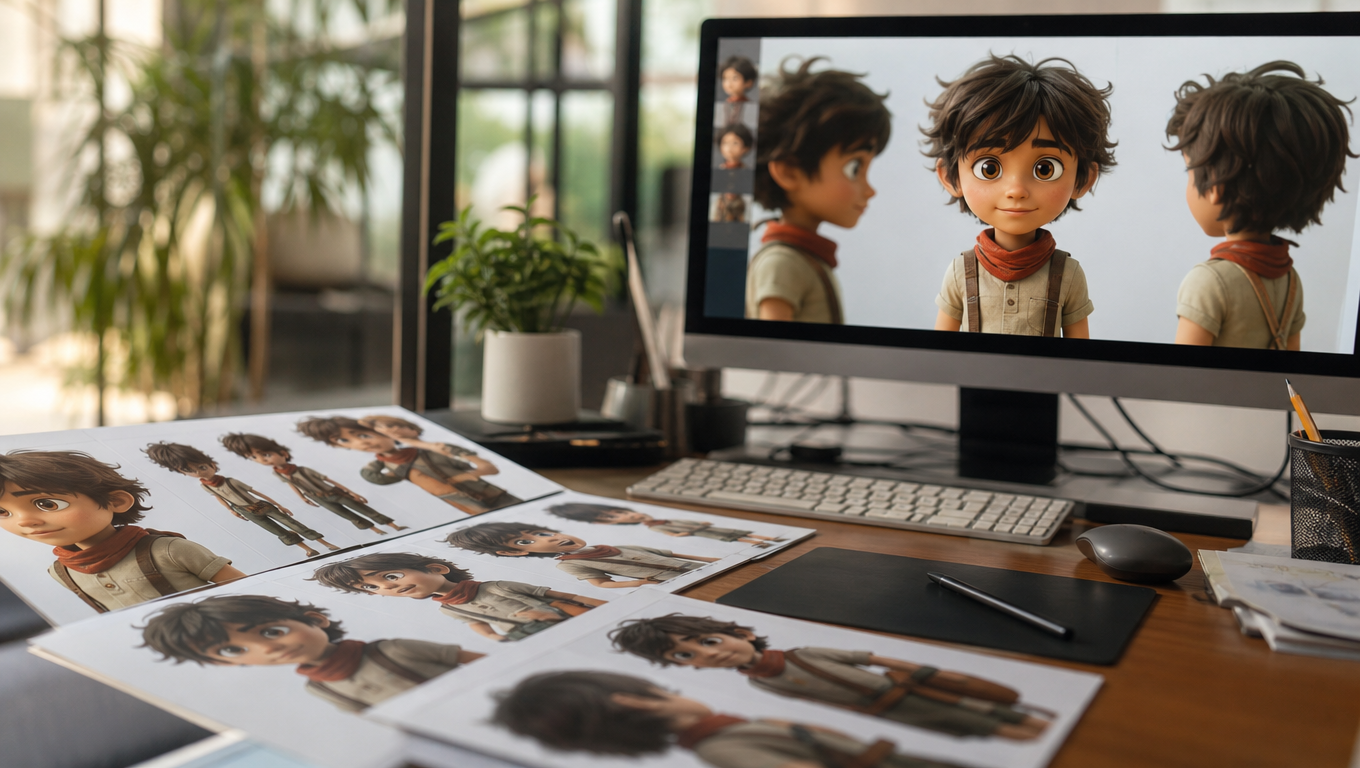
Why Choose RunningHub
Teach the models something they don't already know.
No GPU, No Install
LoRA training used to mean a gaming PC and a CUDA tutorial. Here it's an upload and a click — training lora is a background job in the cloud, not a night babysitting your fans.
Faces That Survive Angles
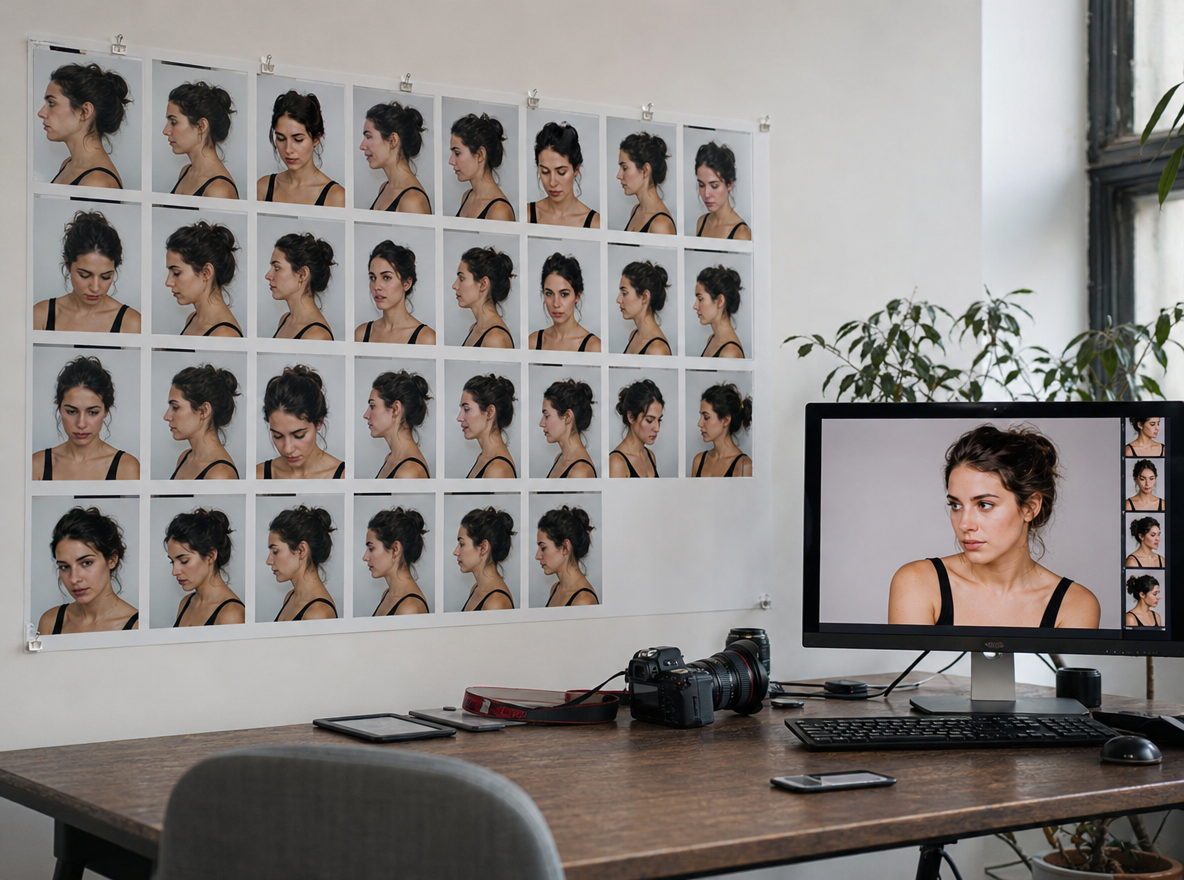
How to train a lora mostly comes down to the dataset: 15-25 varied photos beat 100 near-duplicates. A good face LoRA recognizes you at angles you never trained it on.
Styles That Repeat
Your hand, made reproducible. Training a lora on your own artwork carries your line quality across every new subject you generate.
Files You Actually Own
Train lora jobs finish as standard files — download them, run them on compatible models here, or use the same settings in your own tool later. Any run can fully replicate lora training elsewhere.
How to Train a LoRA
Your Face, As a Model
Upload portraits from different days, lights, and angles. A few hours later you have a face LoRA that handles expressions and unexpected angles — it learned you, not one photo of you.
- 15-25 photos is the sweet spot
- Handles angles it never saw
- One file, runs anywhere compatible
- Trigger word included

Training LoRA
Teach It Your Art Style
Feed it your own pieces — 15-20 works with a recurring style. Training lora on your portfolio means new scenes come out in your hand, at 2 a.m., without you.
- Works with illustration, painting, and mixed media
- Style carries to brand-new subjects
- Great for keeping a house style across a team
- Retrain anytime the style evolves
Anima LoRA Training
Products, Pets, and Special Subjects
Anima lora training gets the same easy path as the big image models, and specialty subjects — a product from all angles, one very specific cat — follow the identical upload-and-train flow.
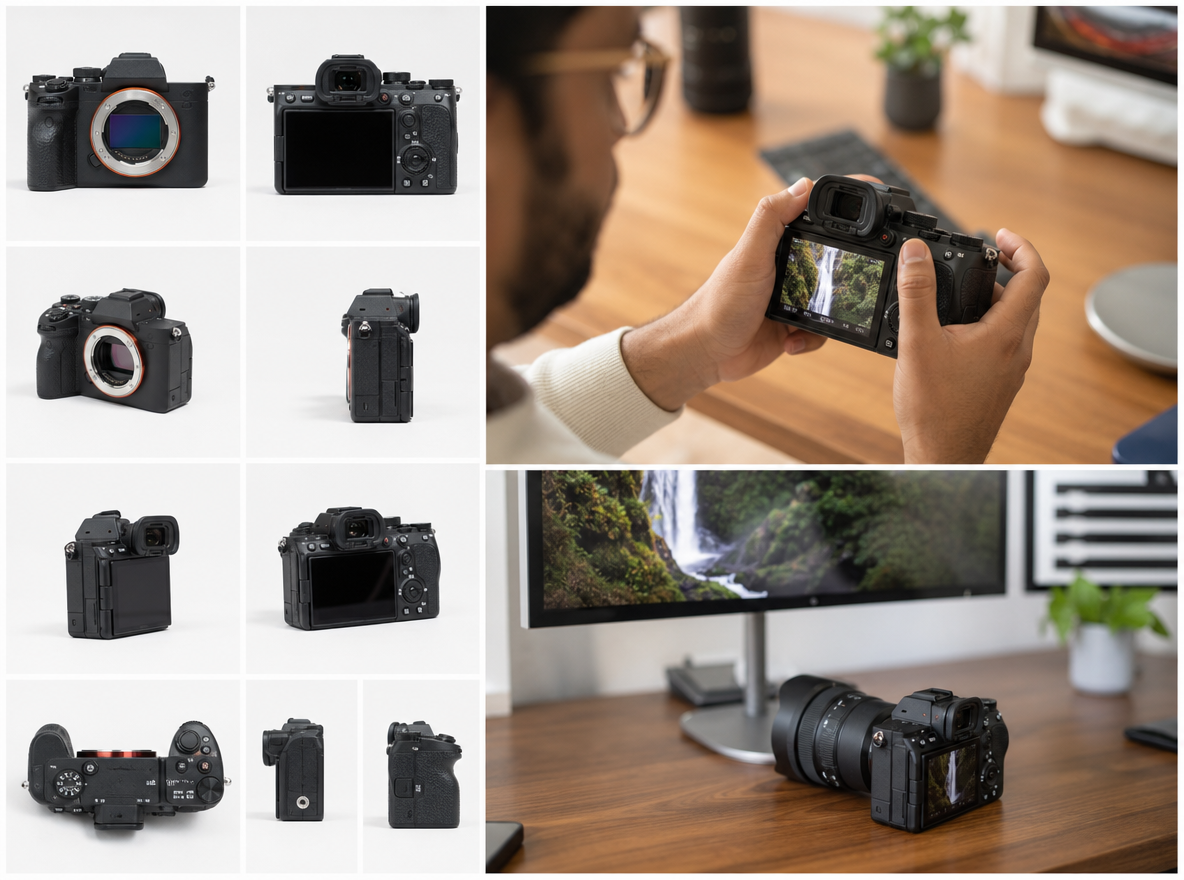
- Product sets turn into lifestyle scenes
- Yes, your actual cat
- Consistent characters across a whole series
- Same interface for every base model
How to Train a LoRA — From Photo Set to File
- 01
Upload a Photo Set
15-25 clear images of the face, style, or product. Vary angles and lighting — the variety is what makes it generalize.
- 02
Name It and Start
Pick the base model and click train. The job runs in the cloud; you can close the tab.
- 03
Test the Trigger Word
Your LoRA gets a trigger phrase. Run a few test prompts and check the likeness up close.
- 04
Download and Use It Anywhere
It's a standard file: run it here on compatible models or bring the settings into your own tool later.
What Are Our Users Saying
Creators with a face, a style, or a product to teach.
I generate myself as my own cosplay now — posters in an hour. It gets my face at angles I never trained.
One LoRA per pet from the customer's photo set. Portrait orders that took a week now finish overnight.
We run LoRA batches for character consistency overnight, and the files drop straight into our engine.
Frequently Asked Questions
How to train lora models without a gaming PC?
That's exactly the point — the training runs on RunningHub's hardware. You upload photos, click train, and come back for the file. No GPU, no Python, no CUDA.
How long does training a lora take?
Usually around an hour for image LoRAs, depending on the queue and dataset size. Progress is visible in your account, and you can close the tab.
How to create a lora model end to end?
Upload 15-25 images, name it, start training, then download the finished file and use it with any compatible model. The whole path lives on this one page.
Is 'train lora' the same thing as 'train a lora'?
Yes — same task, two ways of typing it. Whichever you searched, it's the button on this page.
What's a 'lort trainer'?
It's a misspelling of 'LoRA trainer.' Yes, that's this page. No new invention, just LoRAs.
Can I replicate lora training settings from other platforms?
Mostly yes. Jobs use standard file formats and you can see the parameters used, so you can match a recipe from another trainer — or bring a file from there to run here.
Is anima lora training different from SD LoRA training?
Different base model, same steps: upload, train, download, run. Pick the base model at the start and the flow is identical.
How many photos do I need for a face LoRA?
15-25 varied photos beat 100 near-identical ones. Different days, lighting, and angles — the variety is what makes the model actually know you.
Explore More
Keep going with these tools.
Train Your First LoRA Tonight
Photo set in, small model out — ready for every image you make next. Starting is free.
Try it Now