


Free Image-to-Prompt Tool
Image to Prompt Generator
Have an image you love but can't describe? Upload it. RunningHub looks at the subject, style, lighting, and colors, then writes a clear AI prompt you can copy and paste into Midjourney, Stable Diffusion, FLUX, and other image models. Free to try with your starter credits.
Try it Now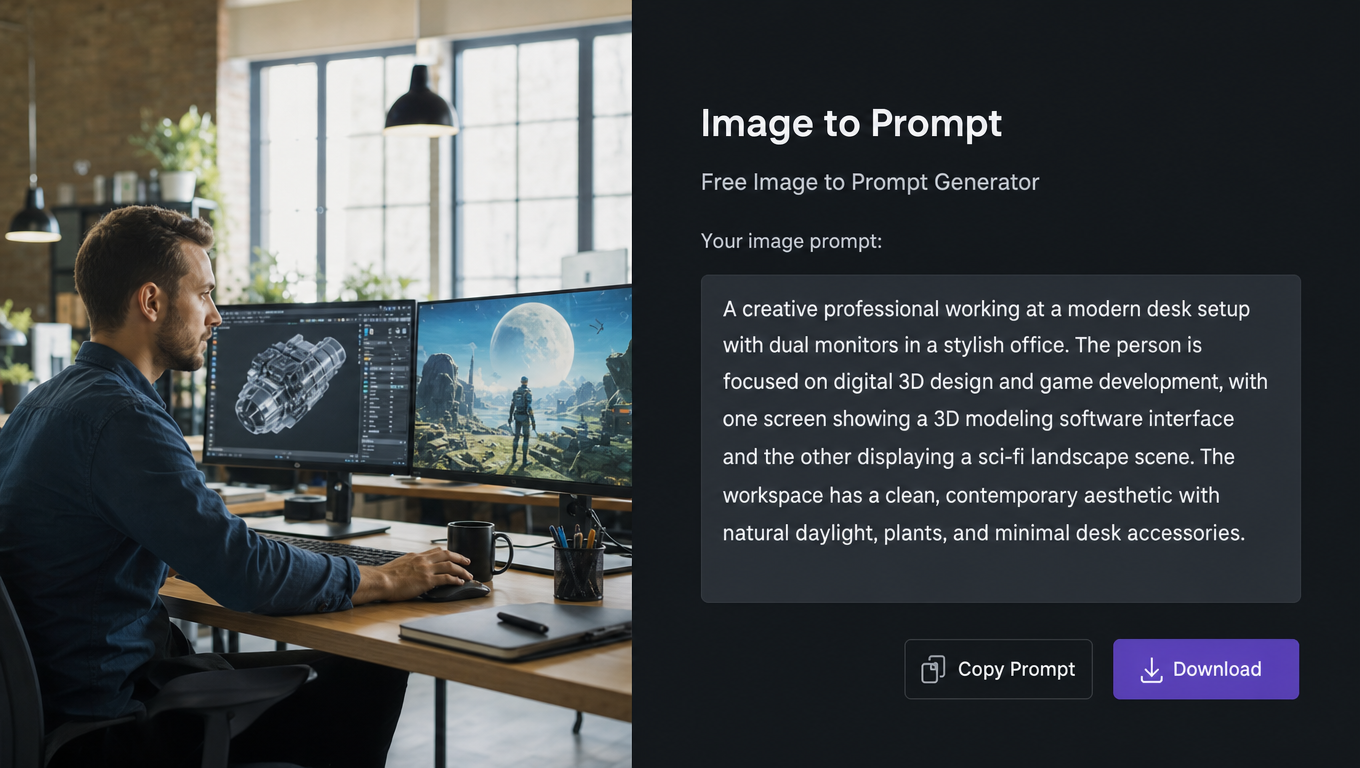
Why Choose RunningHub
One upload, a prompt you can actually use.
Detailed, Accurate Prompts
A prompt that works names the subject, the lighting, the colors, and the style. This image to prompt generator writes all of them, so your next image comes out close to the reference.
Prompts for Every AI Model
Each run gives you two versions: a keyword list for Midjourney and a full-sentence description for Stable Diffusion, FLUX, and DALL-E.
Any Image Works
Photos, paintings, screenshots, scans, and AI art. This image to AI prompt generator handles JPG, PNG, and WebP files at any size.
Edit and Retry Until It's Right
Not quite the look you wanted? Change a word, run it again, and compare the results. Free reruns make it easy to get it right.
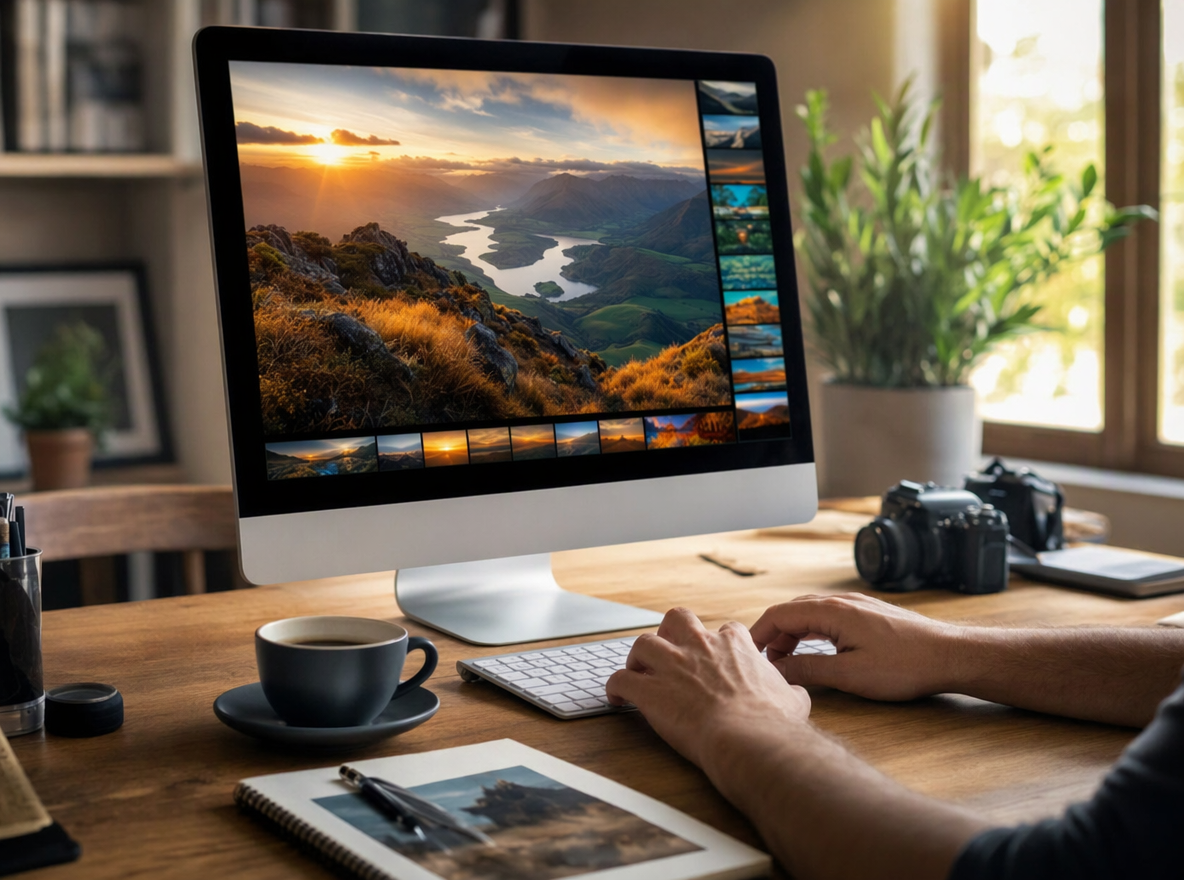
Image to Prompt
Generate a Prompt from an Image in Seconds
Upload an image and the tool reads it like a person would: what is in the picture, the art style, the lighting, and the color palette. It writes those details into a ready-to-use prompt you can copy with one click and paste into any AI image generator.
- Accepts JPG, PNG, and WebP images
- Describes subject, style, lighting, and colors
- Keyword prompt for Midjourney
- Sentence prompt for Stable Diffusion and FLUX

Picture to Prompt Generator
Every Prompt Is Yours to Edit
The picture to prompt generator writes the description in plain words, so you can change any of them. Swap the subject, keep the style, add a detail of your own, then run it again. Reading these prompts is also a fast way to learn how good prompts are built.
- Edit every word before you use the prompt
- Keep the style and change the subject
- Save prompts you like into your own library
- A quick way to study styles you admire
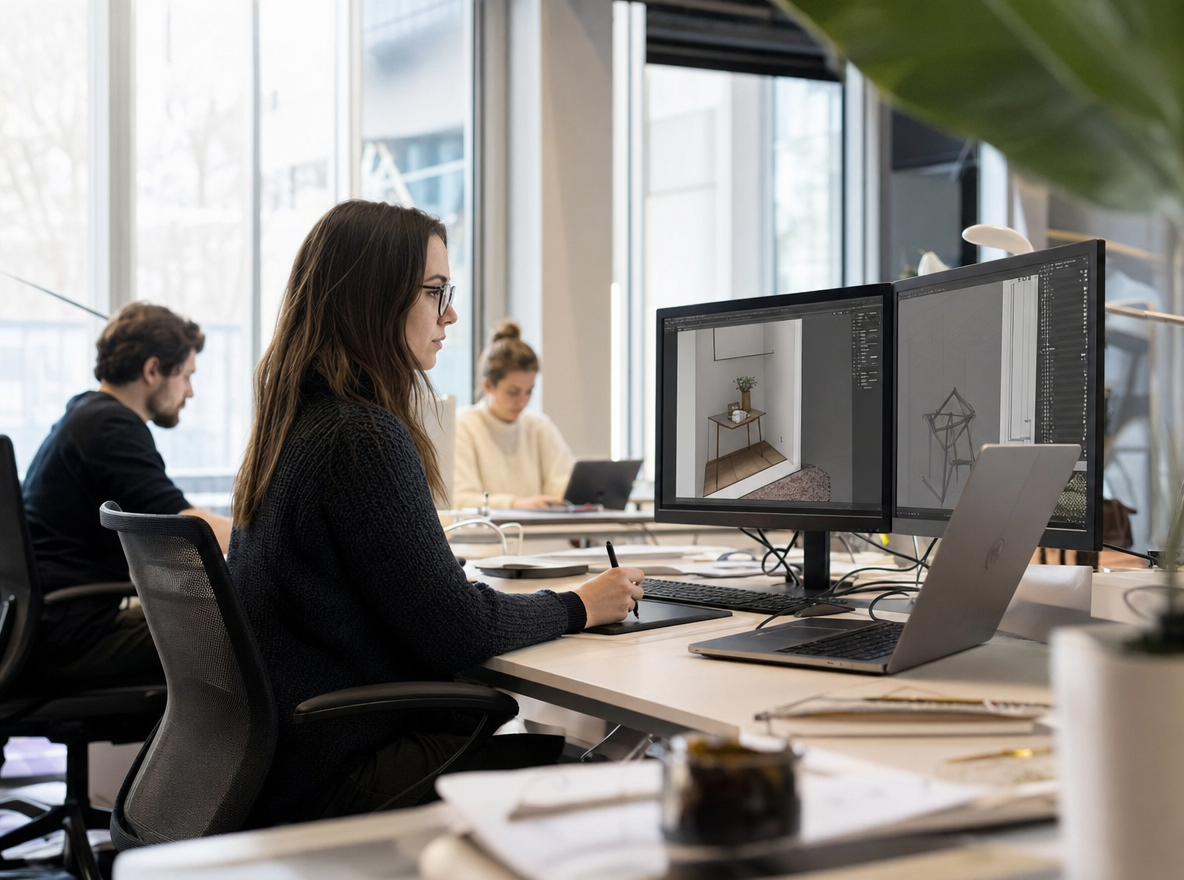
Image to AI Prompt Generator
Use the Same Prompt on Any Model
Prompts from this ai prompt generator from image are plain English, so they work everywhere. Paste them into Midjourney, Stable Diffusion, FLUX, or DALL-E — or run them right here, because RunningHub gives you dozens of image models on one page. One upload, then test the same prompt across models until you get the result you want.
- Copy one prompt, test it on many models
- Run it here without leaving the page
- Regenerate variants with one click
- Start from one image, end with a whole series
How to Generate a Prompt from an Image
- 01
Upload an Image
Drag in a photo, artwork, or screenshot. JPG, PNG, and WebP are all supported. Clear, sharp images give the best results.
- 02
Click Generate
In a few seconds you get two versions of the prompt: a keyword list and a full-sentence description. Both cover the subject, style, lighting, and colors.
- 03
Edit and Copy
Change any word until the description matches what you want, then copy it with one click.
- 04
Use It Anywhere
Paste the prompt into Midjourney, Stable Diffusion, FLUX, or DALL-E — or pick one of the image models on RunningHub and generate right here.
What Are Our Users Saying
Real feedback from people who use it every week.
I use it to study other artists' work. It explains what makes an image work in words I can actually reuse.
I upload screenshots of styles I like and get a working prompt back in seconds. Much faster than guessing.
It described a painting better than I could. Now I run every reference photo through it before I start.
Frequently Asked Questions
What is an image to prompt generator?
It works in the opposite direction of tools like Midjourney. Instead of typing words to get an image, you upload an image and the tool writes the words — a detailed prompt that describes the subject, style, lighting, and colors, ready to paste into any AI image model.
Is this image to prompt generator free to try?
Yes. Every new account gets starter credits, so your first runs are free. After that each run uses a small number of credits, the same as every other tool on RunningHub.
Can I use it as a picture to prompt generator for Midjourney and Stable Diffusion?
Yes. Every run gives you two formats: a comma-separated keyword prompt that Midjourney reads well, and a full-sentence prompt that works best with Stable Diffusion, FLUX, and DALL-E.
What kinds of images work best?
Clear, sharp images give the most accurate prompts. Photos, digital art, illustrations, paintings, screenshots, and AI-generated images all work. Very busy or blurry images may come back with a more general description.
What happens to the image I upload?
Your image is used only to write the prompt. It is not published or shared with anyone — the description is the only thing the tool produces.
How accurate are the prompts?
Most runs capture the subject and style correctly the first time, especially from clear images. When something is off, just edit the words or run it again — retrying is fast and cheap.
Can an image-to-prompt result give me back the exact original prompt?
No tool can recover the exact prompt that made an image, because that information isn't stored inside the picture. What you get instead is a new prompt with the same subject, style, and mood — ready to use as-is or edit.
Can I use the generated prompts commercially?
Yes. The prompt is a plain-language description of visual style. If you recreate a specific artist's look for paid work, it's still worth checking that artist's rights first.
Explore More
Keep going with these tools.
Try the Free Image to Prompt Generator
Upload any image and see the prompt you get back in seconds. Use it here or anywhere you make AI images.
Try it Now