


Anime to Real Life
Anime to Realistic AI
Ever wondered what your character would look like as a real person? Upload the illustration and our anime to real life ai renders them photoreal — same face, same outfit, same colors — with real skin, real fabric, and honest lighting. Try it free with your starter credits.
Try it Now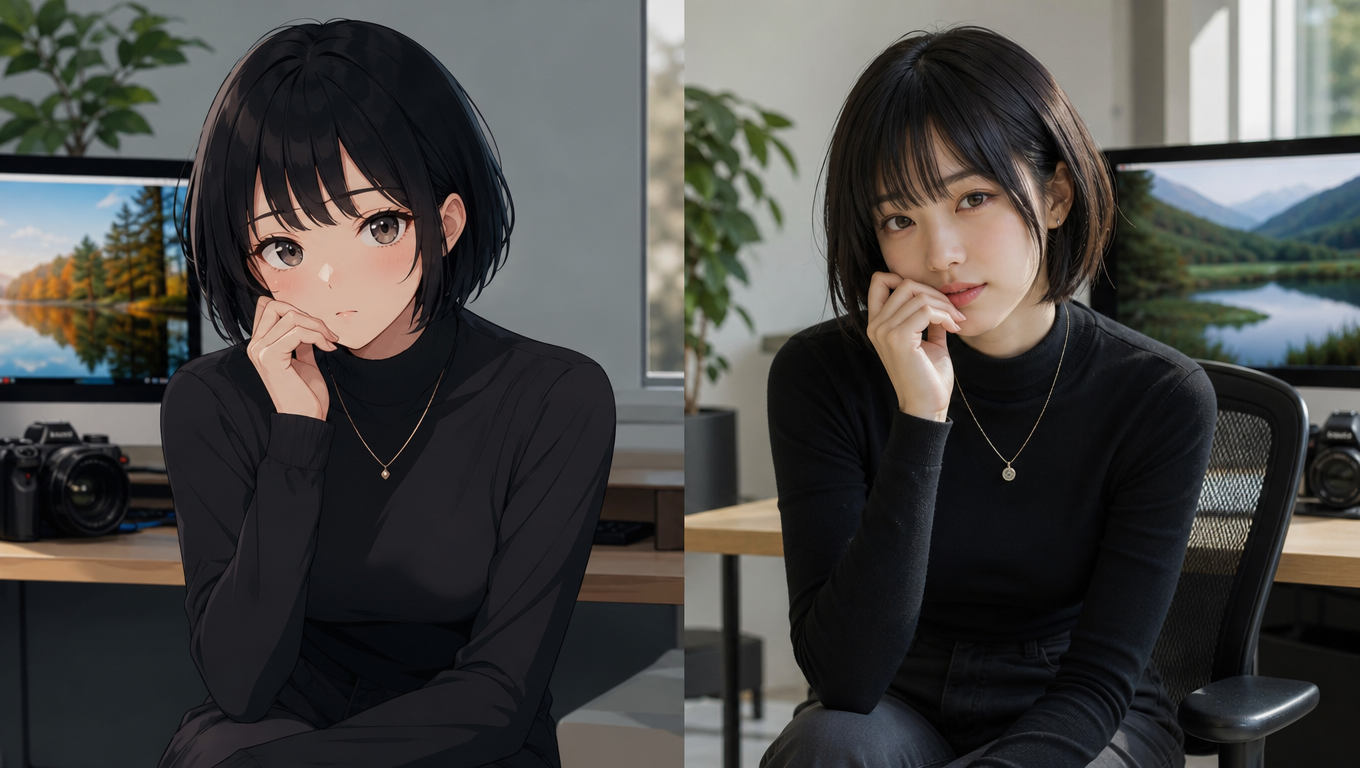
Why Choose RunningHub
Same character, real-life version. No redesign, no drift.
The Face Stays Their Face
Most cartoon to real ai tools quietly redraw your character into a generic pretty person. This one keeps the eyes, the scar, the exact hairstyle — every detail that makes them them.
Impossible Designs, Real Materials
Spiked hair, layered coats, glowing eyes — this anime into real life pass keeps every design choice and gives it real texture: fabric that creases, metal that reflects, physics you can believe.
A Whole Series, One Look
Render ten characters and they all land at the same level of real — same light, same lens, no style drift. The ai cartoon to real life generator keeps the cast looking related.
More Than Just Portraits
Full-body shots, scenes, group shots — not just faces. Whether you call it anime to real ai or anime to realistic, the whole frame survives: pose, props, and composition all carry over.
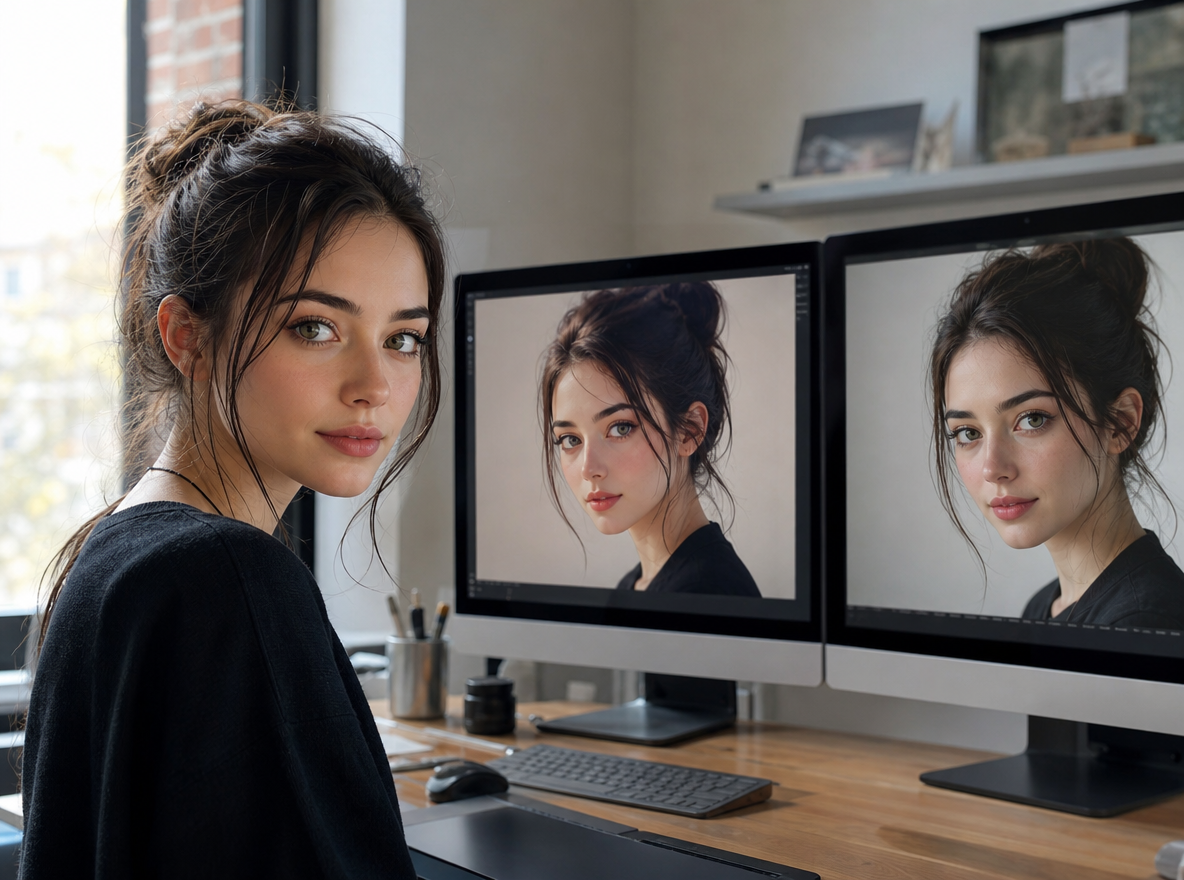
Anime to Real Life AI
The Design Survives the Photo
Upload a portrait and get back the photoreal version with every signature detail intact — mismatched eyes, scar, exact hair color. The only things that change are things flat color can't show: skin that scatters light, hair with individual strands, fabric you could touch.
- Eyes, hairstyle, and colors all preserved
- Skin, hair, and cloth rendered as real materials
- Lighting that could come from a real camera
- Same pose and composition — nothing rearranged
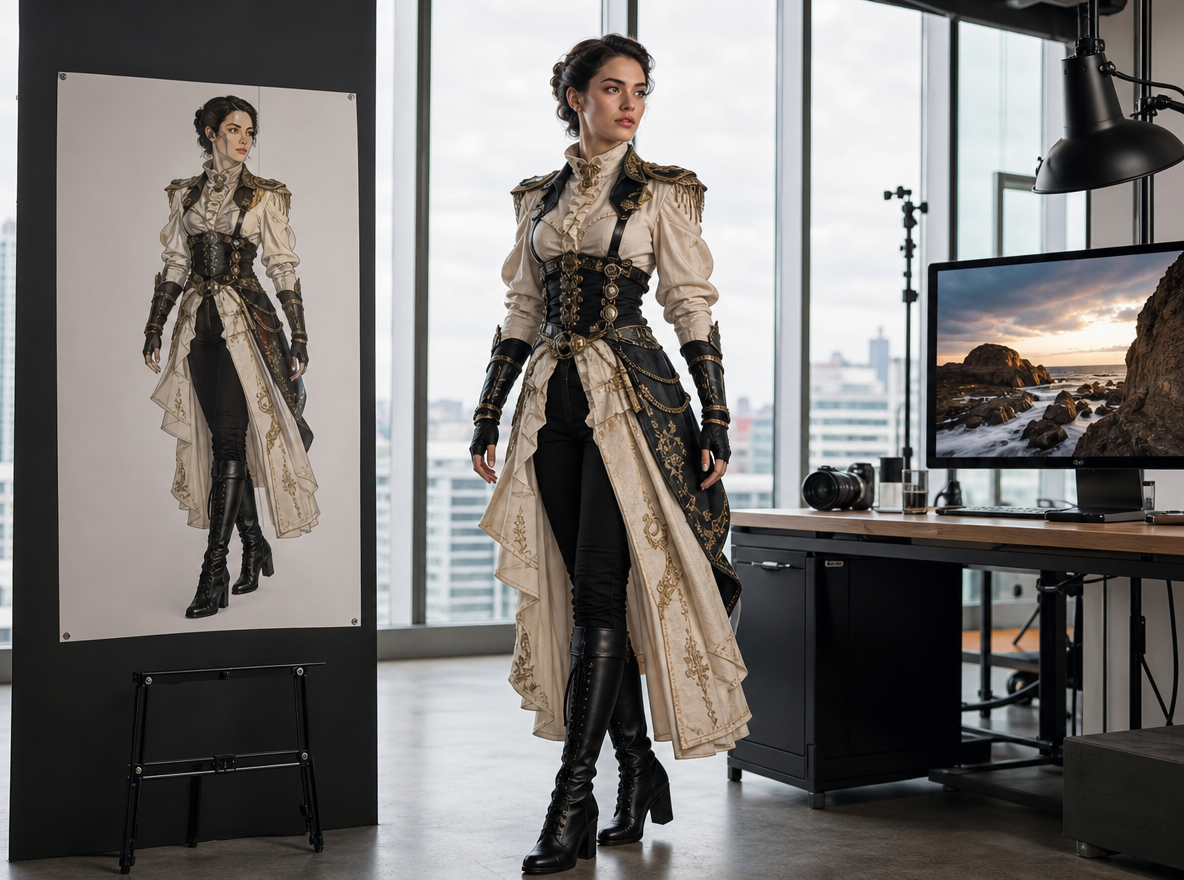
AI Anime to Realistic
Impossible Outfits, Real Fabric
The coat with seven buckles and the armor that shouldn't stand up — this ai anime to realistic pass gives them real materials: leather that creases, metal that reflects, cloth that falls with gravity. Cosplay makers use it as the reference photo that doesn't exist yet.
- Fantasy outfits rendered as wearable real clothing
- Fabric and material you can inspect close up
- The reference photo a cosplay build needs
- Prop and makeup decisions made before cutting anything
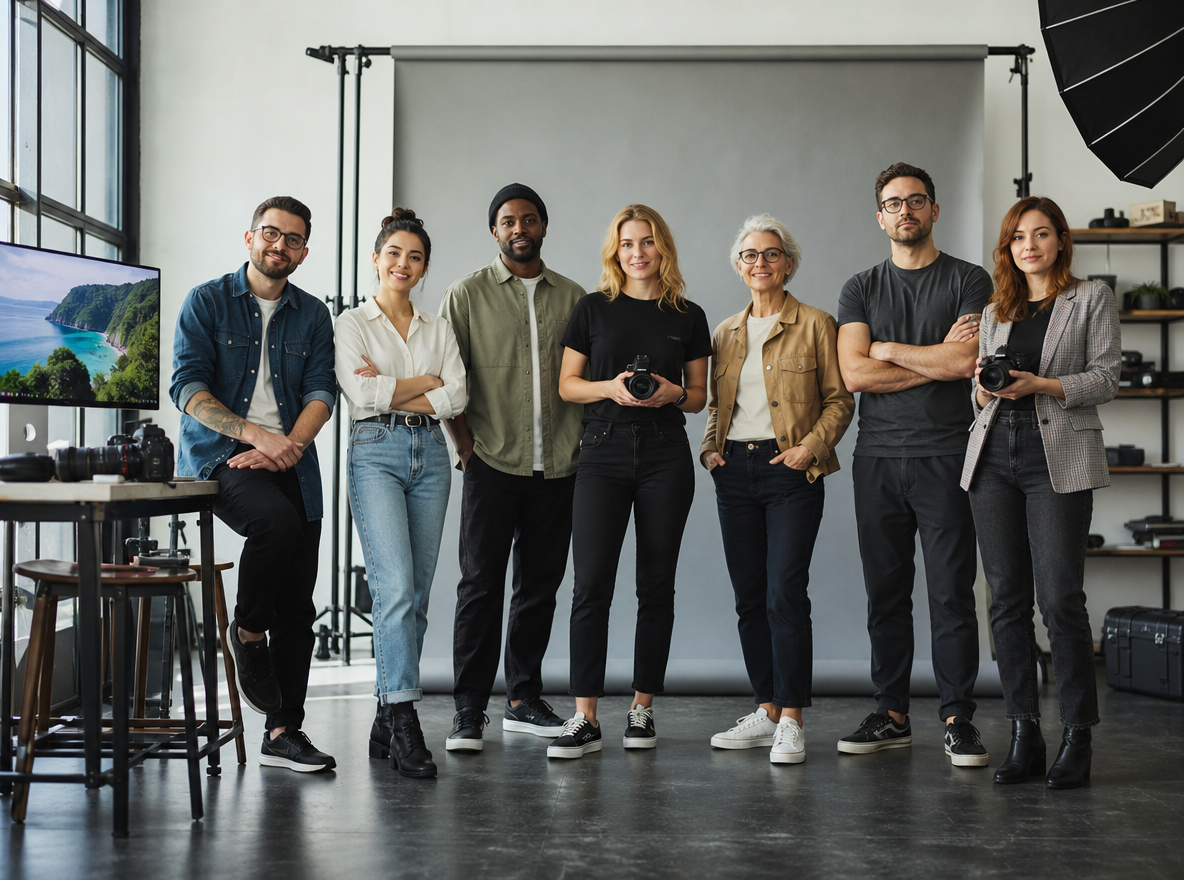
Image to Real Life AI
Your Whole Cast, One Photo Session
Run the cast through the same pipeline and they land in one world: same lens, same light, same level of real. That's what makes the image to real life ai results usable as a lineup, poster, or cast page — no character looks like it wandered in from a different show.
- Same light and realism across every character
- A group shot that actually looks related
- Perfect for cast posters and character pages
- Built for webtoons, game rosters, and OC collections
How to Turn Anime Into Real Life
- 01
Upload the Illustration
A portrait, full body, or scene — clean line art or fully colored. PNG or JPG both work.
- 02
Generate the Real Version
A few seconds later the same character exists as a person. Pick a realism style if you want to steer the look.
- 03
Compare Side by Side
Check the details that matter: eyes, hair, outfit, colors. Not happy? Generate again — it's quick.
- 04
Download and Use It
Post it, print it, or hand it to the cosplay team as the reference photo that finally exists.
What Are Our Users Saying
People who work with characters for a living.
Our characters now live in both styles — posters in anime, thumbnails in realistic. Every use gets its version.
Commissioners finally see the finished cosplay as a photo of themselves. Slots fill themselves since we switched.
Concept-to-realism boards in one day instead of a month of briefs. The team argues about the right things now.
Frequently Asked Questions
What is anime to realistic ai?
A tool that takes an anime or cartoon image and renders the same character as a photoreal person. You upload the drawing; you get back a photo-style portrait — same identity, real materials.
Does it really keep the character's design?
Yes — that's the whole point. The eyes, hairstyle, scars, outfit, and colors are kept; the rendering style changes from flat color to photoreal, nothing else gets a makeover.
Why do other cartoon to real ai tools change the face?
Many treat your image as 'inspiration' and return a generic pretty face. Our models are pointed at identity first: the distinctive features stay locked, and only the materials around them become real.
Is anime to real ai just image to anime ai in reverse?
Same spectrum, opposite direction. Image to anime ai turns a real photo into anime; this turns anime into a real person. Both live on RunningHub, so you can go either way with one account.
What can I use it for?
Fan art and profile pictures, cosplay reference shots and makeup guides, character posters, storyboard and pitch boards — or just to see your original character as a real person.
What images work best?
Clear portraits and full-body shots where the design details are visible. Busy, cluttered, or heavily filtered source images give muddier results in every tool, including this one.
What happens to colors — does the pink hair stay pink?
Signature colors stay: pink hair remains pink, now with individual real strands. If you want a more grounded palette, ask for it and the generator will give you a second take.
What happens to the image I upload?
It's used only to produce your renders. Nothing is published or shared — the results belong to you.
Explore More
Keep going with these tools.
Meet Your Character as a Real Person
Upload the drawing, meet the person. The first try is free with your starter credits.
Try it Now