


The Anti-AI Look
Realistic AI Photos
AI images have a smell: plastic skin, perfect teeth, wallpaper skies. This flow makes AI images realistic on purpose — real skin texture, honest light, and deliberate imperfections — so the output reads as ai pictures realistic enough that people ask what camera you used.
Try it Now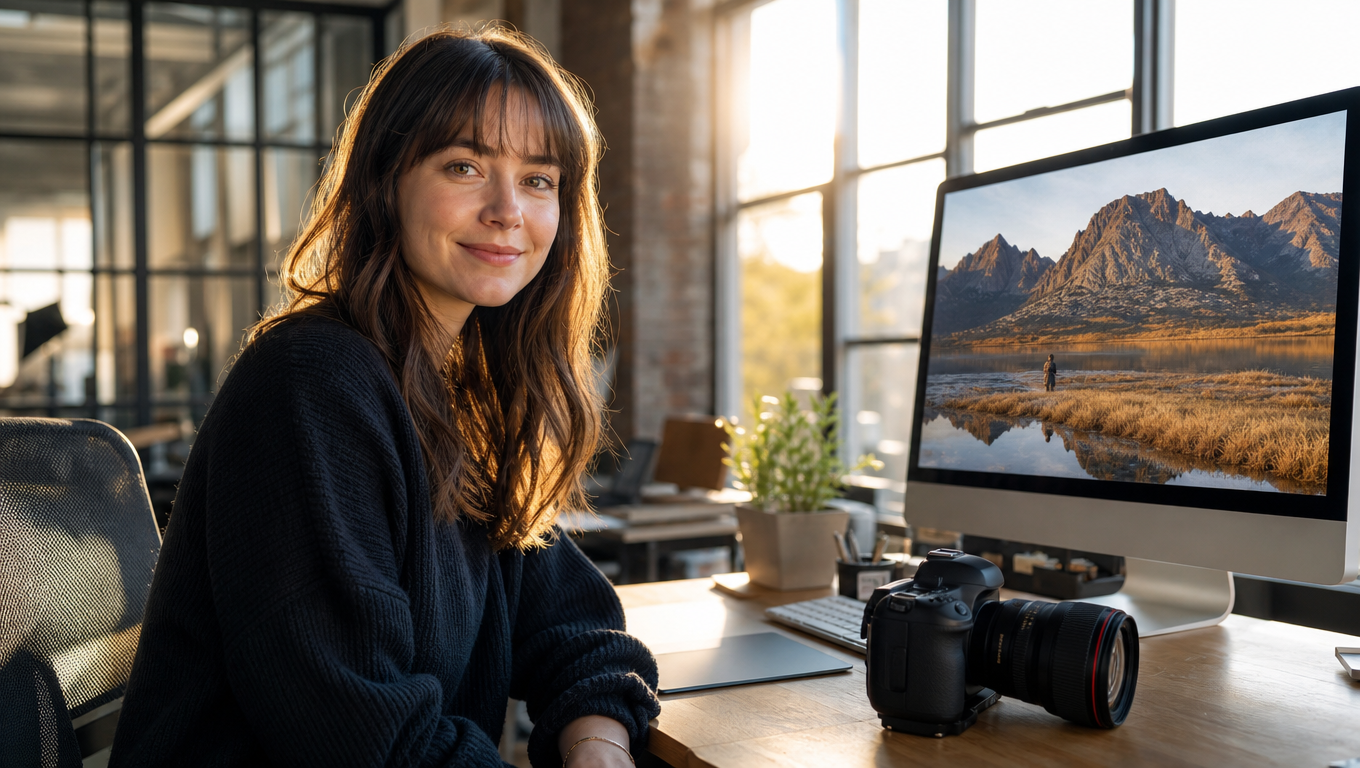
Why Choose RunningHub
Realistic ai photos, on purpose — not luck.
Real Skin Scatters Light
Real skin is semi-translucent — light bleeds through ears and the nose. This ai realistic photo workflow rebuilds pores and subsurface glow instead of wax.
Imperfections, On Purpose
Symmetry is the AI signature — flyaway hair, clutter, crooked frames are the details that make ai generated images realistic, and here they're placed on purpose, not left to luck.
One Real Light Source
One sun, one shadow, believable falloff — including hyper realistic skies with real cloud depth and horizon haze.
Realism as a Preset
Film stock, phone camera, CCTV, disposable — every preset carries the flaws of its medium, so your ai generated realistic images look shot, not generated.
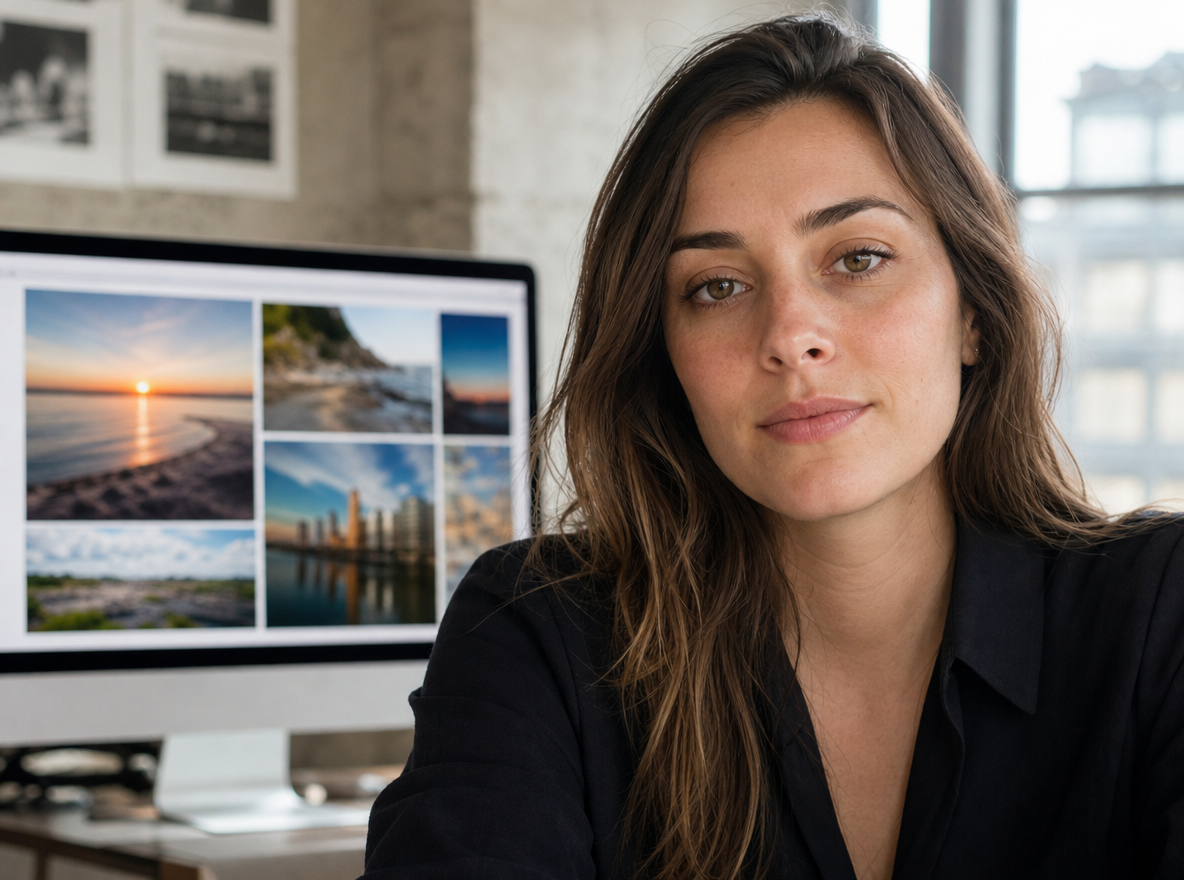
Portraits
Faces That Pass
The uncanny valley isn't the face — it's missing pores, missing shadows, and missing asymmetry. The portrait pass keeps identity and makes it ai realistic: skin that scatters light, expressions with micro-tension, and depth falloff that matches a real lens.
- Pore-level skin texture
- Asymmetry and flyaways kept
- Light that matches the virtual lens
- Identity never changes
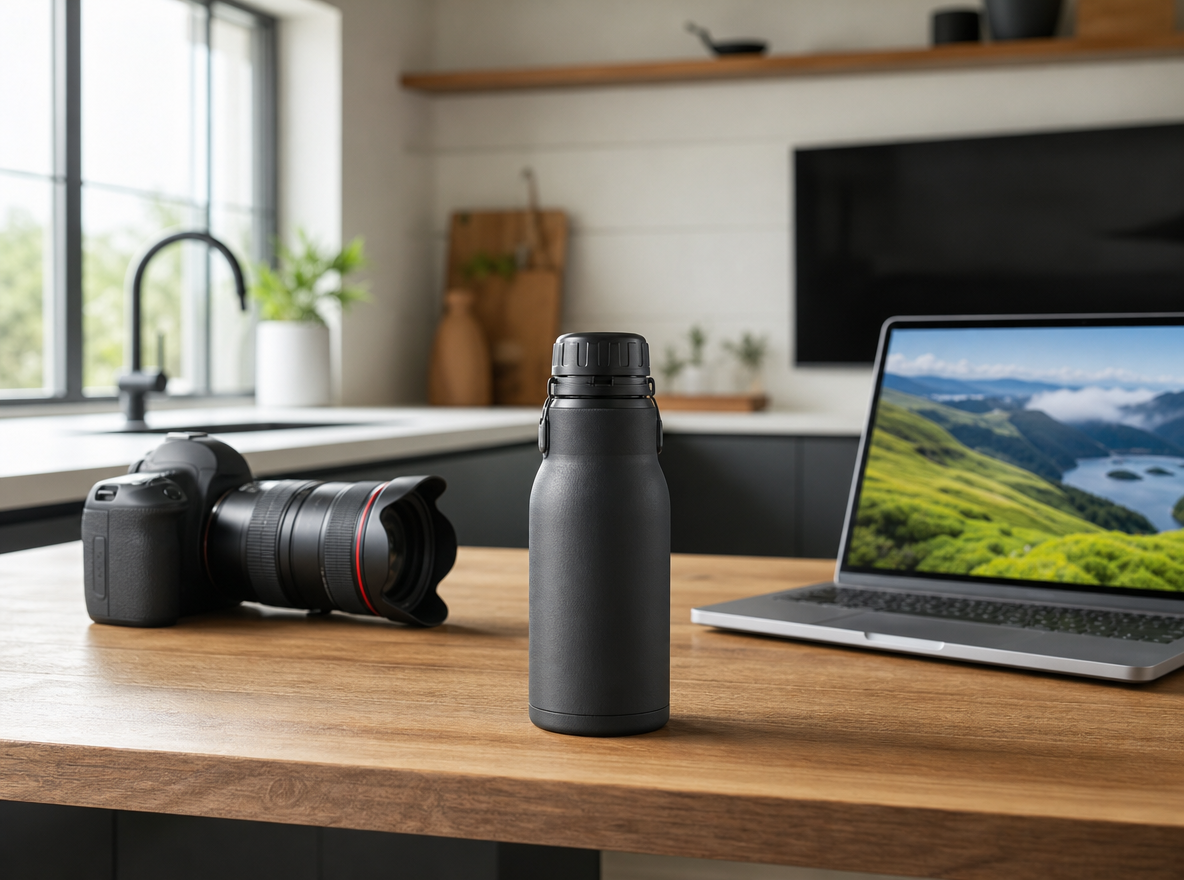
Products and Scenes
Make Any Image Realistic
This is the general make image realistic with ai pass: product bottles, rooms, streets. It fixes the tells — too-clean surfaces, floating shadows, fake depth — and leaves your composition untouched. Any image realistic without regenerating the whole picture.
- Fixes floating shadows and fake depth
- Composition never moves
- Works on photos and generations alike
- Product shots that read as studio-lit
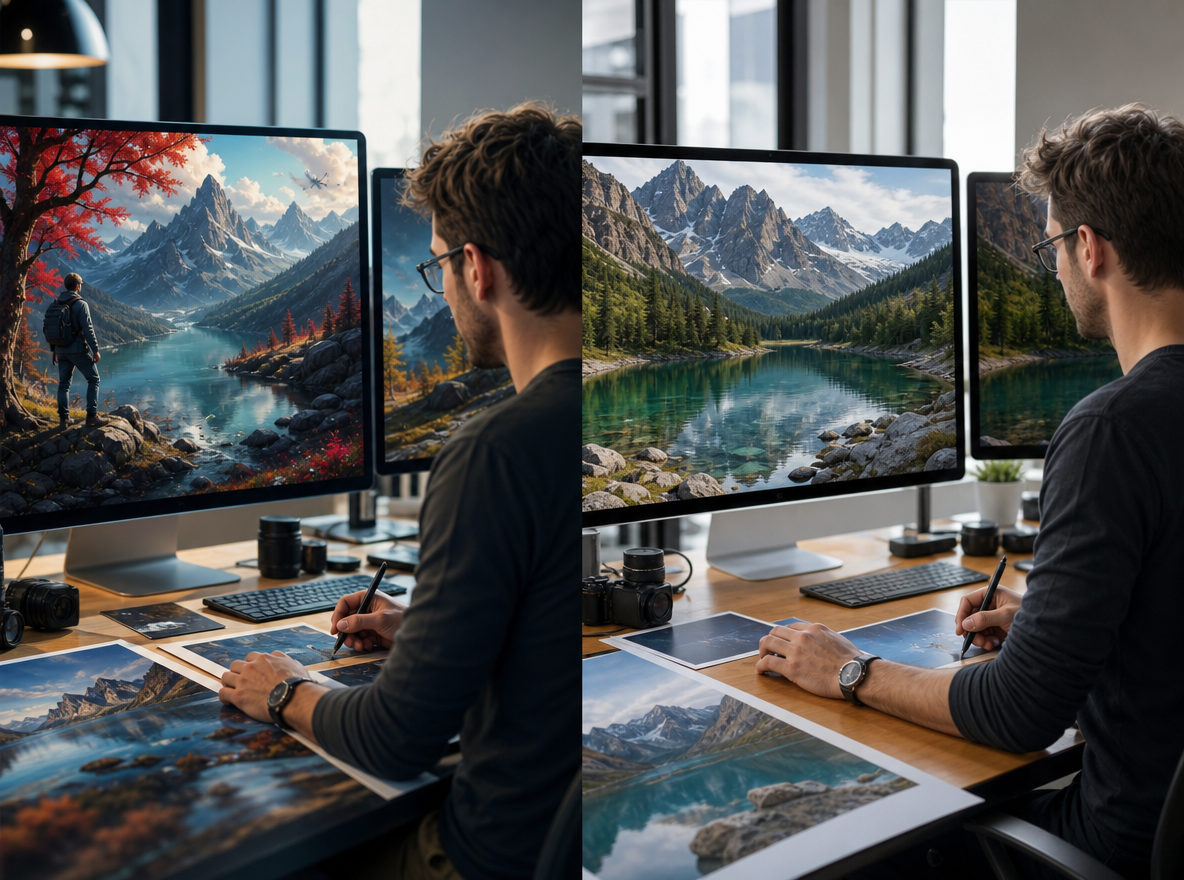
Before and After
From Tell to No Tell
Upload a render that looks generated and watch the tells disappear in one pass: skies get cloud depth, skin gets texture, edges get real lens behavior. The output is realistic ai generated images you can post without the comments section clocking them.
- Sky, skin, and edge fixes in one pass
- Side-by-side before and after
- Rerun until it passes
- Full size in, full size out
How to Make AI Look Real
- 01
Drop In the Image
A render — or any generation that still reads as generated. PNG or JPG.
- 02
Run the Realism Pass
Skin, light, edges, and sky rebuild in one go. Your composition stays exactly where you put it.
- 03
Compare Up Close
Before and after, zoomed in. Skin and sky are where the tells live — check there first.
- 04
Pick a Medium, Export
Film stock, phone camera, CCTV — or clean digital. Download at full resolution.
What Are Our Users Saying
People whose work has to pass.
The audience stopped flagging our visuals. Now the review step is: run the realism pass, post.
My stock submissions used to get rejected as AI. They aren't anymore.
Press ran our hero image as photography. Nobody guessed.
Frequently Asked Questions
How do I make AI images look real?
Fix the four tells: skin texture, one honest light source, natural imperfection, and sky depth. This flow does all four in a single pass, and your face and pose stay untouched.
Are AI photos real enough to post?
On social media, the pass holds up to casual and close inspection. Where it matters — journalism, contests, stores — most platforms require an AI label regardless of how real it looks, so disclose where required.
What makes images realistic instead of AI-looking?
Pores and subsurface light in skin, one believable shadow source, asymmetry and clutter, and skies with depth. AI defaults erase all four; this pass puts them back.
Can I make one ai picture realistic at a time, or batches?
Start with one image to lock your favorite preset, then queue several at once. Same pass, batched.
Is an ai realistic photo detectable?
Some automated detectors flag anything generated no matter how real it looks. By eye, this pass targets exactly the tells people look for: skin, light, symmetry, and sky.
Can I use it on product shots?
Yes — bottles, dishes, and gadgets in honest window light with real reflections are what the image realistic pass is made for.
What about skies? Do they stay fake?
Sky is one of the biggest tells. It comes back with cloud layers, real horizon haze, and light that matches the scene — hyper realistic sky is part of the standard pass.
Does it change my composition?
No. Framing, subject position, and pose all stay; only the realism details are rebuilt.
Explore More
Keep going with these tools.
Make Your AI Photos Real Tonight
Upload the image that looks generated, get back one that doesn't. Starter credits cover the first passes.
Try it Now