


Style Transfer AI
AI Style Transfer
Your photo, repainted in a real art style: the brushwork, palette, and texture of the school you pick — your subject, faces, and composition untouched. This ai image style transfer works from presets or your own reference artwork, and the same style can run across a whole video.
Try it Now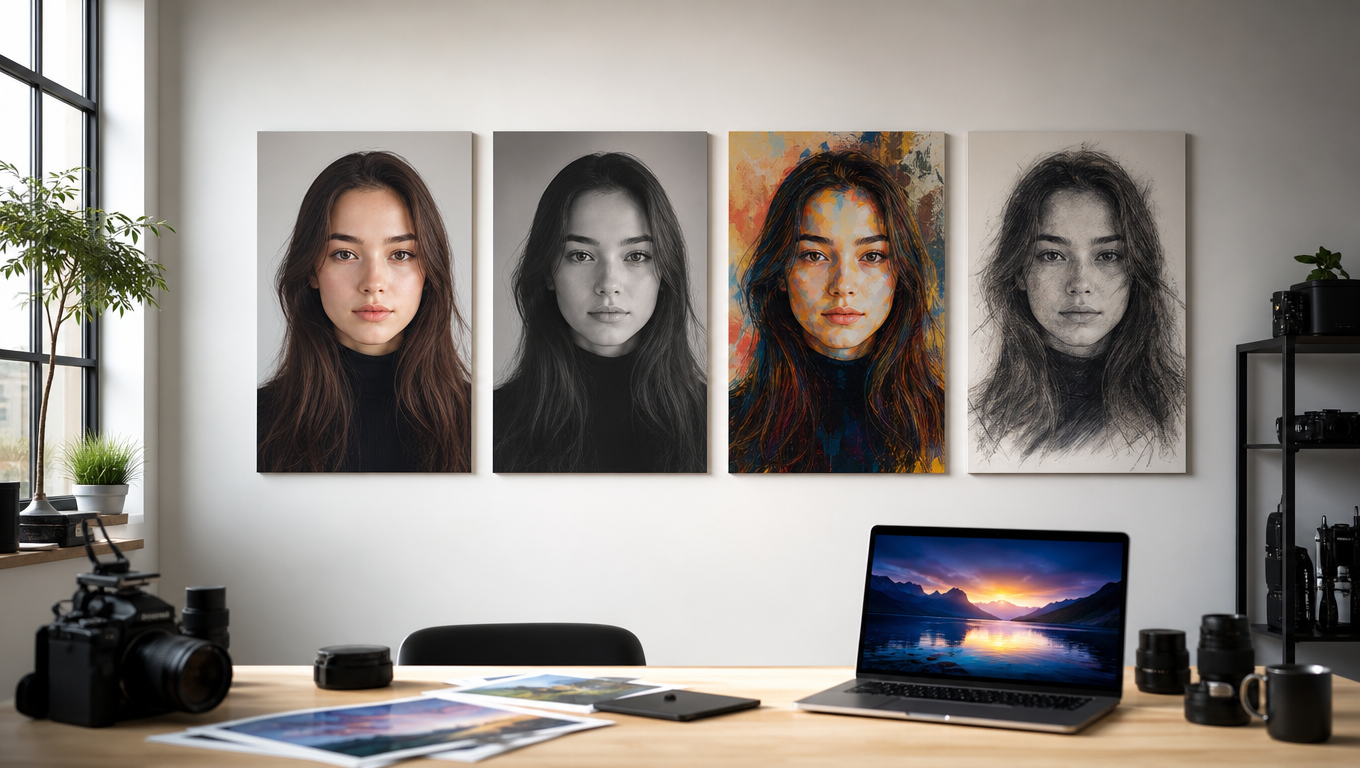
Why Choose RunningHub
Style as a working tool, not a filter gallery.
Styles, Not Filters
A filter tints; image style transfer repaints. The strokes, palette, and surface come from the style itself while your subject stays exactly recognizable.
Faces and Logos Survive
The usual failure is drift — the subject quietly becomes someone else. Our ai art style changer keeps faces recognizable and garment shapes accurate.
Same Style, Whole Video
Video is where style transfer usually breaks: frames flicker, the style wanders. The ai video style transfer holds one look from the first frame to the last.
Style in Production
Beyond art prints: run ai fashion mockup tests, pitch a game's visual direction, or repaint a whole catalog — style as a working tool, not a party trick.
AI Image Style Transfer
Painted in Any School
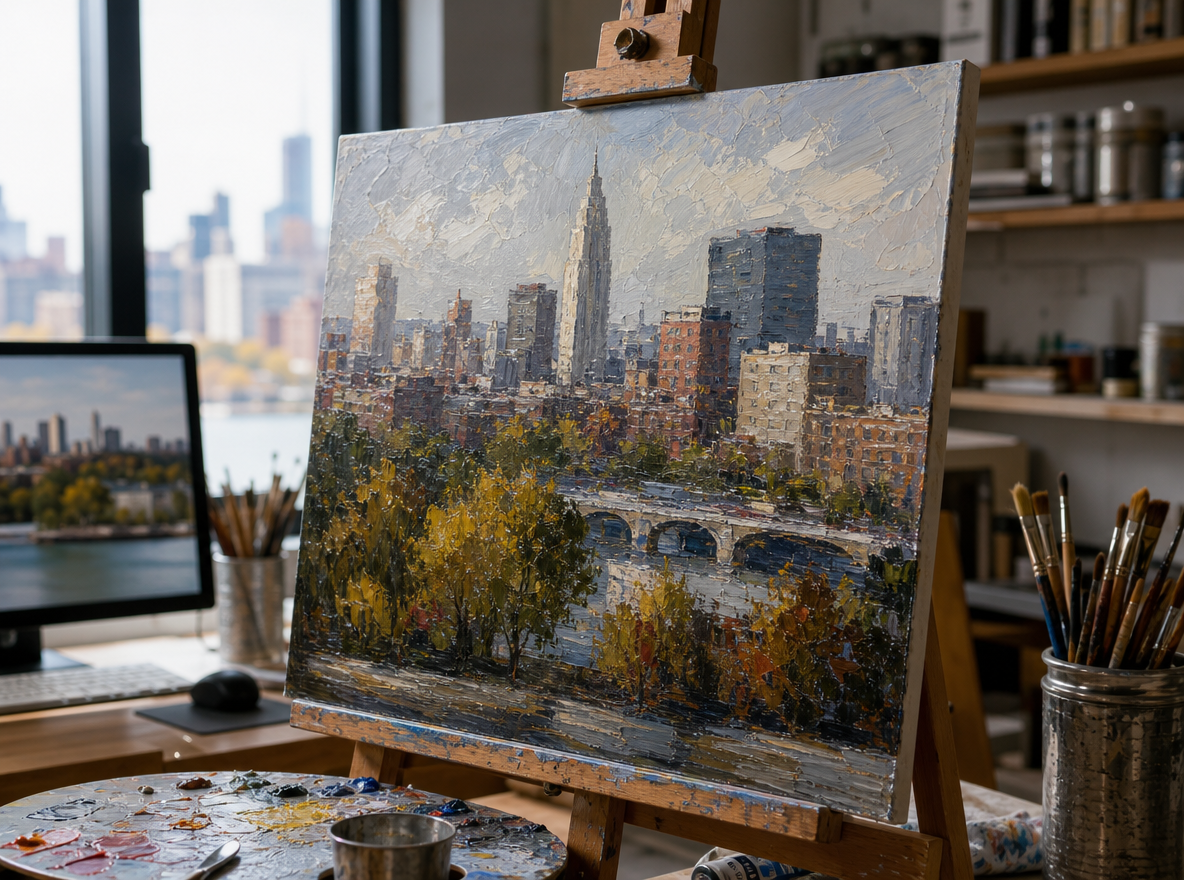
Van Gogh's stroke depth, ukiyo-e flats, pop-art color blocks, impressionist light — the ai style transfer applies the decisions that made each style work, not a preset that just tints your photo.
- Real brushwork, not a tint
- Palette pulled from the style
- Subject stays clearly yours
- Fine-art outputs that print well
Style Transfer AI
Bring Your Own Style
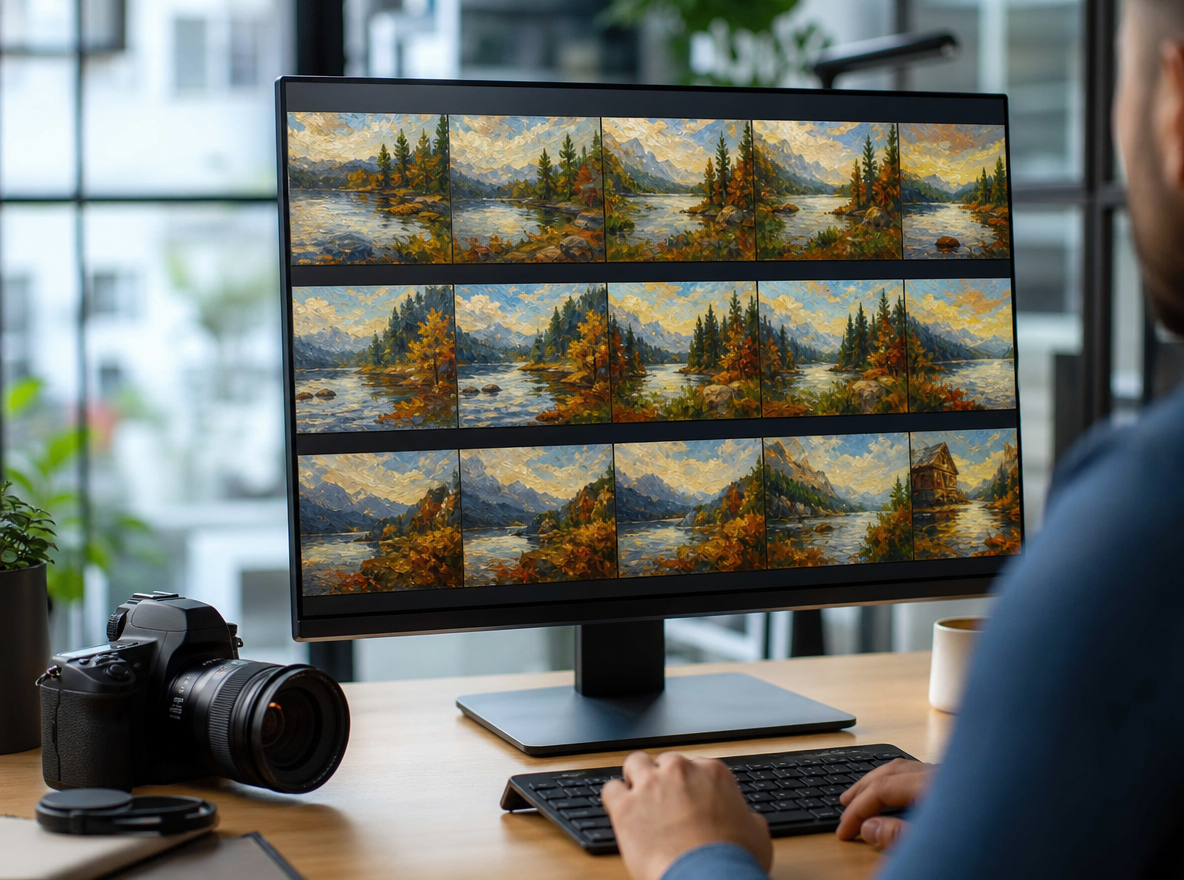
Got a reference you love — a favorite illustrator, your own old piece, a studio's house look? Upload it and the style transfer ai adopts its palette, stroke, and texture onto your subject.
- Any reference image becomes the style
- Palette and texture transferred, not copied
- Great for series that need one look
- Keep several house styles on file
AI Video Style Transfer
Video, Clips, and Fashion
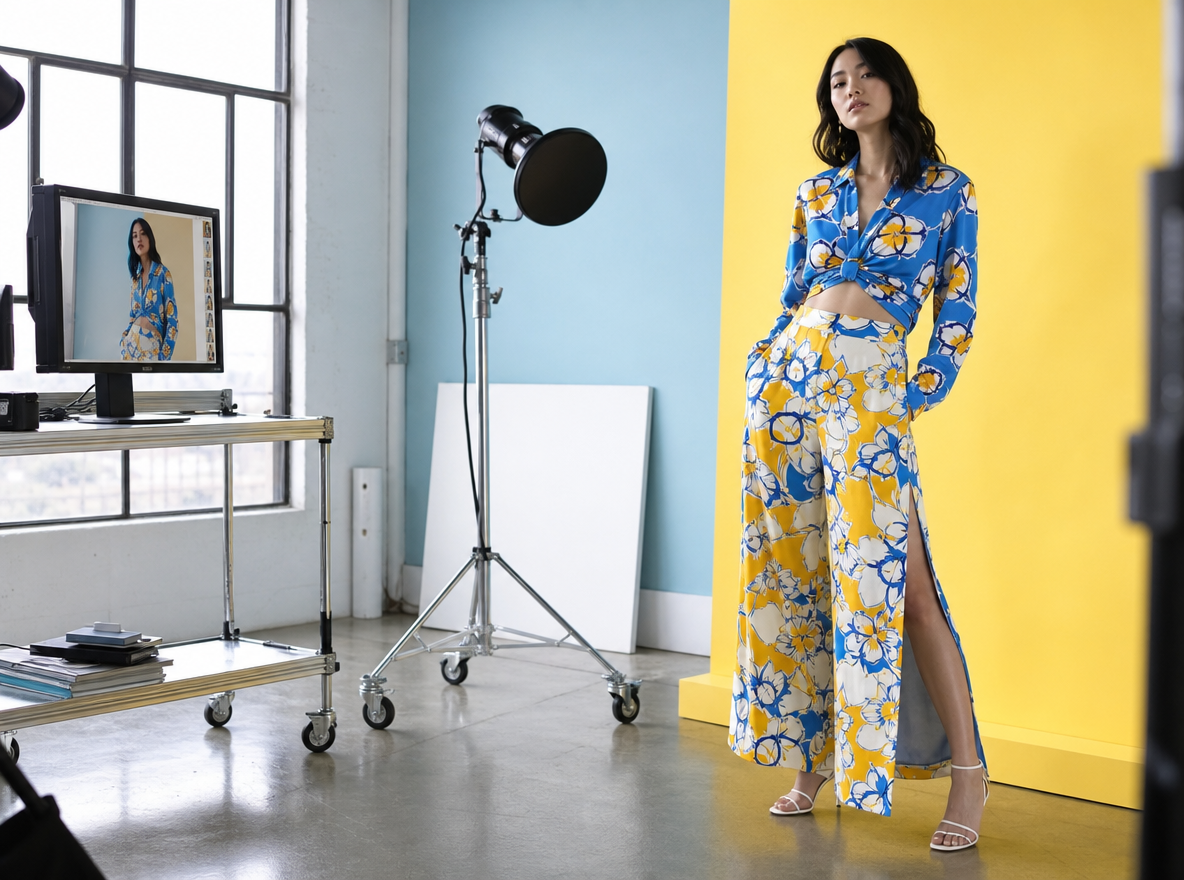
The ai video style transfer repaints a clip frame after frame with one locked style — no flicker, no drift. The ai fashion mockup path does the same for garment previews and visual direction tests.
- One style locked across every frame
- Works on clips and full sequences
- Garment and direction mockups
- Flicker-free by design
How Image Style Transfer Works
- 01
Upload Your Photo
One clear subject works best — portraits, cityscapes, products. JPG or PNG.
- 02
Pick or Upload the Style
Choose from the presets or bring your own reference artwork.
- 03
Generate the Transfer
Seconds later your subject wears the new style — check the face and edges first.
- 04
Download, or Run a Video
Export the still — or send a clip through the same locked style.
What Are Our Users Saying
People who use style to make decisions.
Album covers used to start with a week of style exploration. Now the direction is on the table on day one.
We pitch a game's whole visual look as three transferred clips. Clients pick from real options now.
Garment previews in our house style, before a single sample is sewn. My buyers decide faster.
Frequently Asked Questions
What is ai style transfer?
It separates your photo's content from its look, then repaints that content in a new style — real brushwork, palette, and texture. The subject stays yours; only the surface changes.
Is this different from a filter?
A filter applies one formula to every photo. Ai style transfer analyzes the style you chose — strokes, palette, surface — and repaints your image with those decisions, which is why results differ per subject.
Can it handle video as well as stills?
Yes — the ai video style transfer locks one style across the whole clip so frames don't flicker or drift. Still and video use the same workflow.
Can I use my own reference artwork?
Yes, that's the strength. Upload any image you love and its look — not a preset — becomes the transfer style for your subject.
Will faces and logos stay recognizable?
Faces, garment shapes, and logos are held through the transfer. Very heavy styles can soften small text; if that matters, pick a lighter transfer strength.
What's the fashion mockup path?
It's the same ai style transfer aimed at garments: a quick way to preview a style direction on clothes and scenes before committing production time.
What input works best?
Clean photos with a clear subject and normal lighting. Busy, dark, or blurry inputs give the style more room to wander.
Can I sell what I make?
Yes. Just keep the usual caution with styles: a living artist's exact look has rights attached — repaint your own interpretations for commercial work.
Explore More
Keep going with these tools.
Paint One Photo in a New Century
Upload a photo, pick a style, watch what your street looks like in 1889. Starter credits cover the first runs.
Try it Now