


Sketch to Rendering AI
Sketch to Render AI
You can draw the idea but not finish it. The ai sketch to render pass takes your linework — the interior rough, the character croquis, the product on a napkin — and returns the finished render: same perspective, same proportions, photoreal materials. Your drawing stays yours.
Try it Now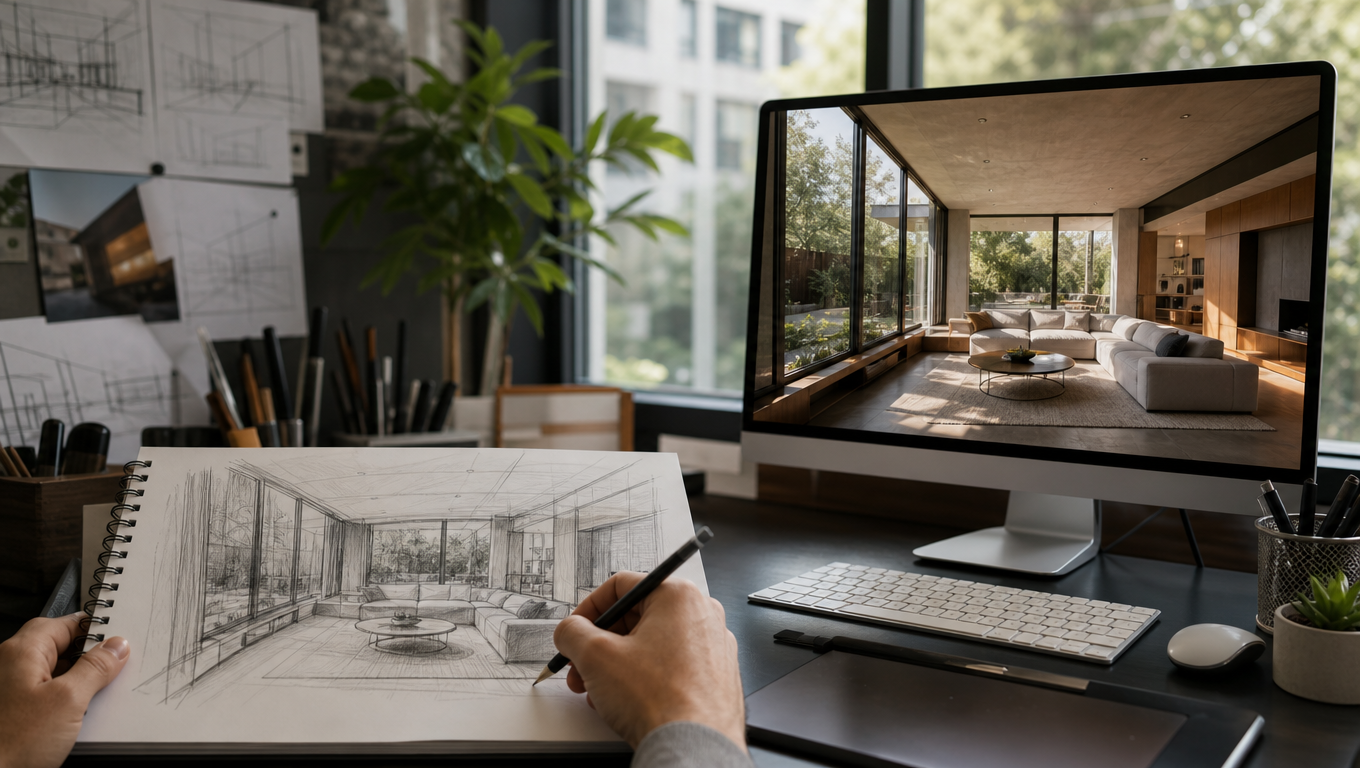
Why Choose RunningHub
Same lines, same camera, finished look.
The Sketch Stays Yours
Geometry is locked — perspective, proportions, and layout carry straight through. This sketch to ai pass paints, it never redesigns.
Any Sketch Counts
Pencil, marker, tablet lines, CAD exports, even the napkin. The cleaner the line, the closer the render follows it.
Materials, Not Guesses
Wood, glass, fabric, brushed metal — every surface rendered as the real thing under the light you choose. The ai image render output survives a zoom-in.
Try It for Free
Sketch to render ai free with your starter credits — render the same room at golden hour and at dusk, keep the one that sells the idea.
Architecture and Interiors
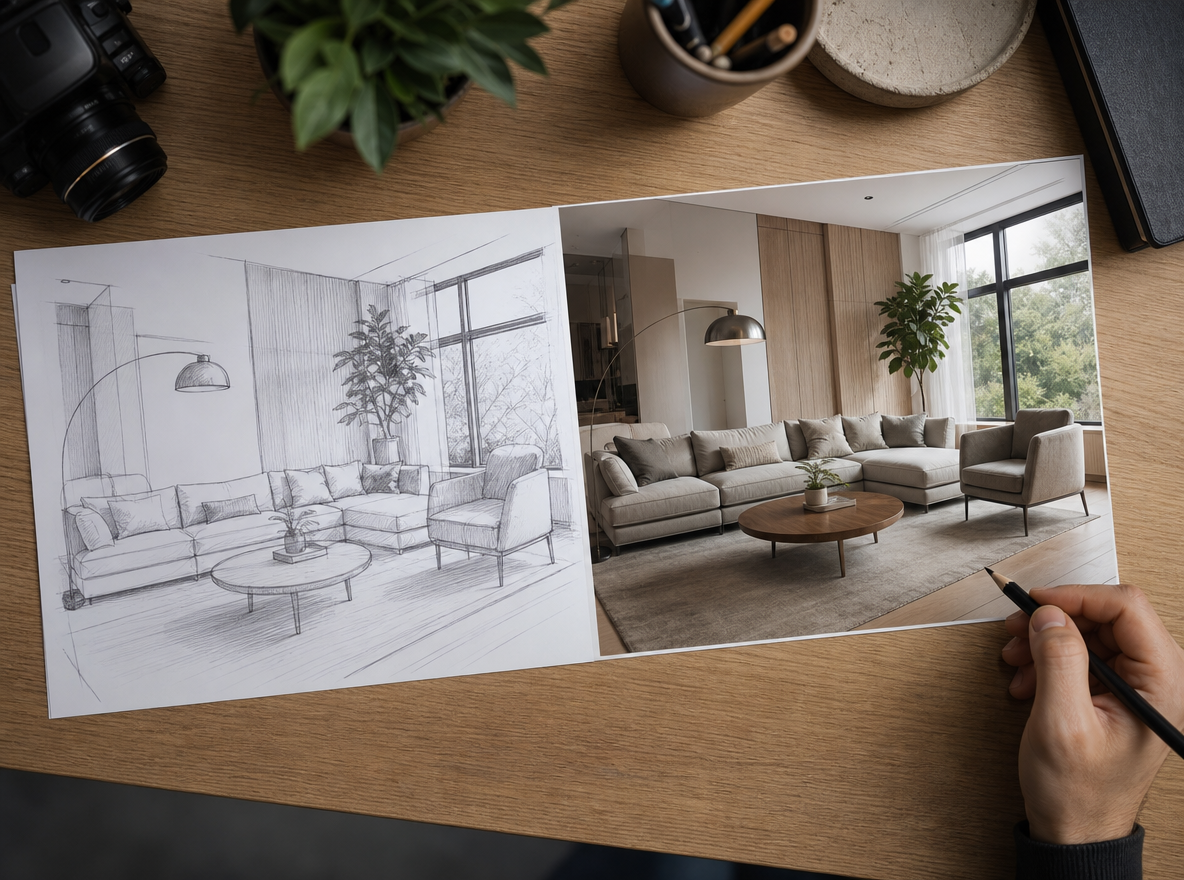
Rough Plan, Real Room
Upload the interior sketch and get back the photoreal room: same furniture layout, same window placement, light you can feel. Client meetings turn from imagining into deciding.
- Layout and perspective locked to your lines
- Morning, overcast, or dusk — your call
- Good enough to present, not to iterate on
- Same plan, new materials in one rerun
Sketch to AI
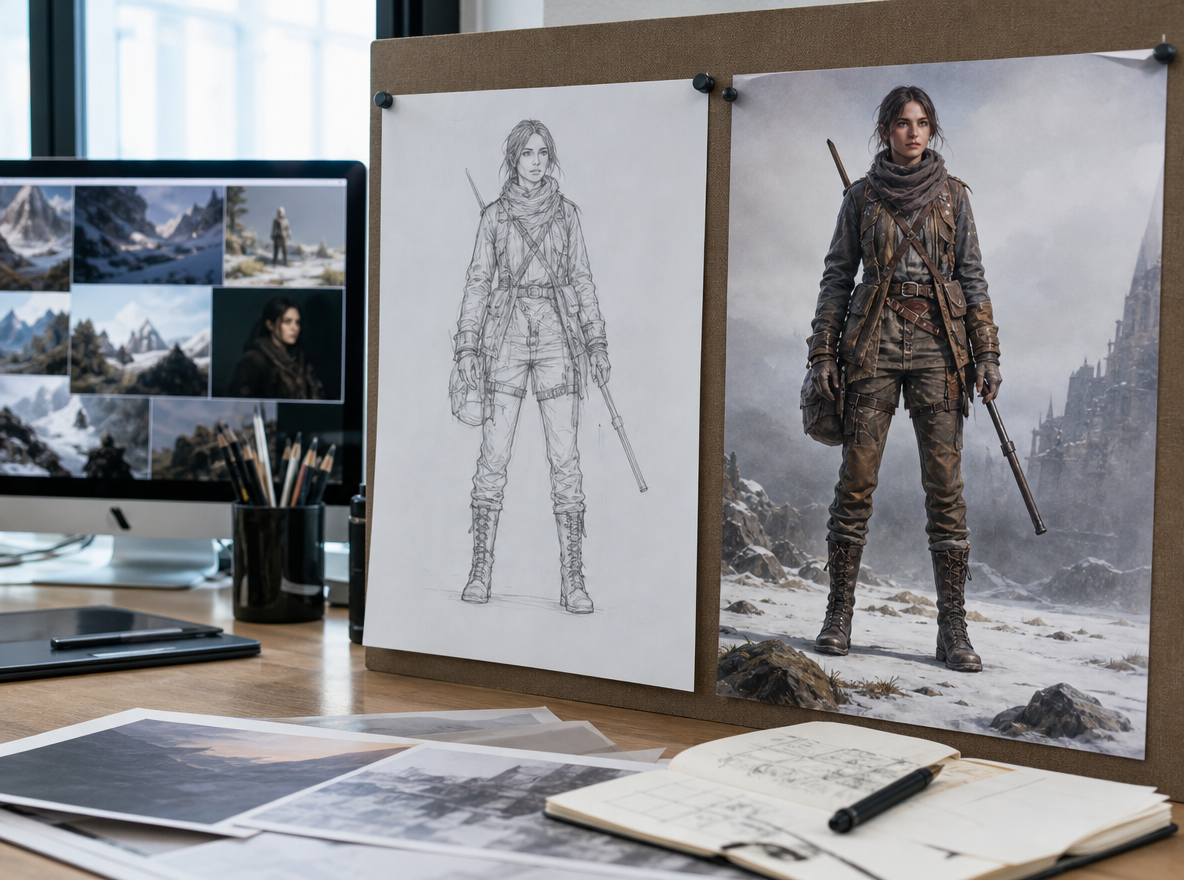
Characters and Products, Not Just Rooms
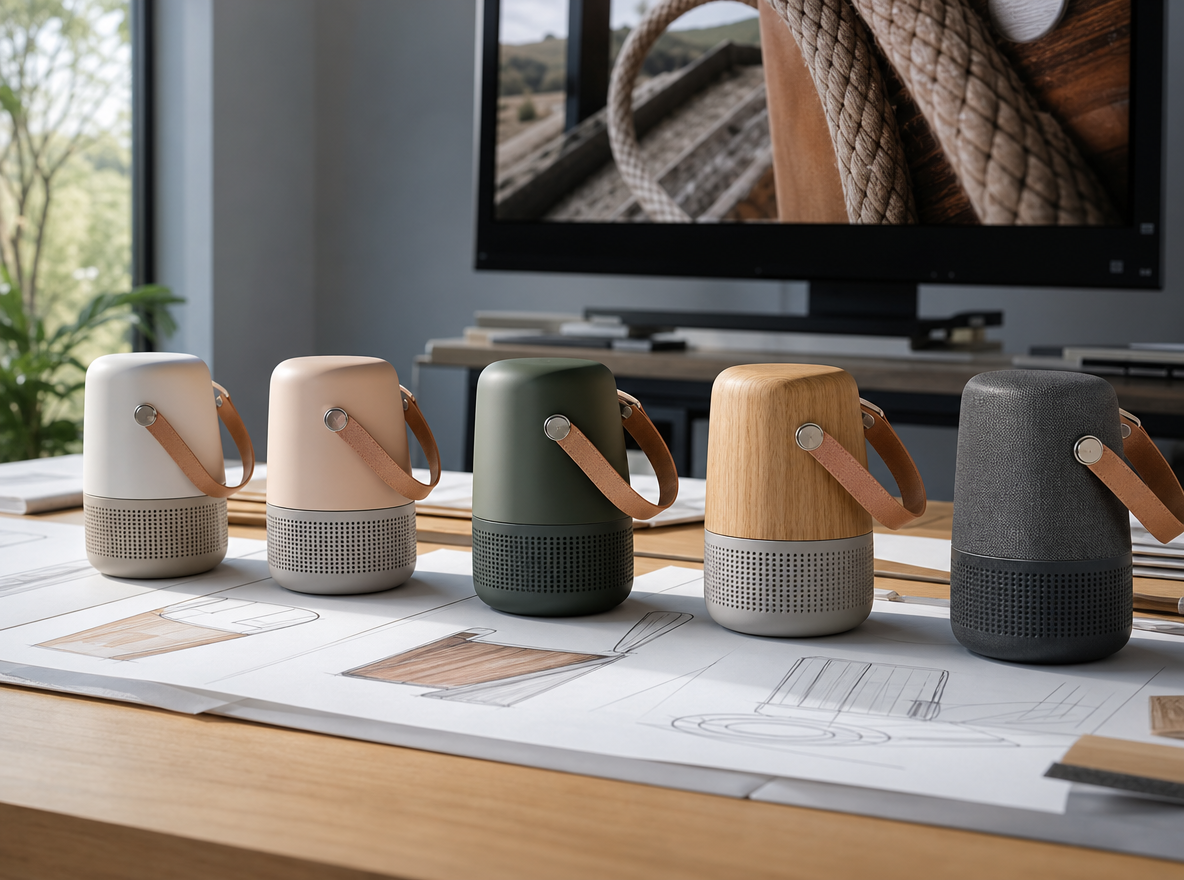
The same flow handles a character croquis or a product outline: pinned concept art, a bottle in real materials. The drawing defines the shape; the render only finishes it.
- Croquis to pitch-ready concept art
- Product line drawings to material studies
- Style steered by a one-line description
- Five material variants of one sketch
Drawing to Realistic AI
Photoreal Only If You Want It
Not everything wants to be a photo. This drawing to realistic ai path goes full photoreal — or stops at painterly, clay render, or blueprint. Same linework, different finish.
- Photoreal, painterly, clay, or blueprint
- Same lines, any finish
- Match a client's house style
- Compare finishes side by side
Sketch Rendering, From Rough to Final
- 01
Upload the Sketch
A photo of a pencil drawing, a tablet export, or a CAD line drawing. Clean lines beat heavy shading.
- 02
Describe the Direction
One line is enough: 'warm oak, morning light' or 'matte black, studio gray.'
- 03
Pick the Finish
Photoreal, painterly, clay — same linework, different look.
- 04
Compare and Export
Rerun the good ones with new materials, then download at full size.
What Are Our Users Saying
Designers who draw faster than they render.
Client meetings used to be about imagination. Now they're about decisions — same sketch, two finishes, pick one.
Five material studies of one product outline before lunch. And the sketch still looks like my sketch.
I rough out ideas on paper and let the render prove them in photoreal. Pitches approve faster now.
Frequently Asked Questions
What is ai sketch to render?
A workflow that paints your line drawing into a finished image. Upload the sketch, describe the direction, and the render comes back with your perspective and proportions intact — the drawing does the design, the AI does the rendering.
Is sketch to render ai free to try?
Yes — new accounts get starter credits, enough to render a couple of sketches and judge the result before paying.
Will it respect my perspective?
Yes. Perspective, proportions, and layout are locked from your sketch. If a render drifts, regenerate — the geometry constraint doesn't bend.
What sketch types work?
Pencil and marker drawings, ink concepts, tablet line art, CAD exports, and napkin sketches. Clear lines with visible structure work best; heavy shading can fight the line.
How is this different from Rendair AI?
Rendair AI is a dedicated architectural renderer. RunningHub is a platform: sketch rendering for architecture plus characters and products, with dozens of models to switch between — and the rest of your pipeline (upscale, extend, style) lives in the same account.
Can it turn a drawing to realistic photo quality?
Yes — pick the photoreal finish and materials render as real surfaces: wood grain, glass reflections, fabric weave. Want a looser look? The painterly and clay finishes are there too.
Can I control materials and lighting?
Type them. 'Warm oak floor, morning light' is a complete instruction, and reruns keep the same geometry while you swap materials and time of day.
Is it only for interiors?
No — character croquis, product designs, game props, and full exteriors all go through the same pass.
Explore More
Keep going with these tools.
Turn Tonight's Sketch Into Tomorrow's Render
Upload the rough, pick the light, present the room. Your starter credits cover the first renders.
Try it Now